Workflow Templates
54 ready-to-use templates for common automation tasks. Pick a template, configure your folders, and you're done.
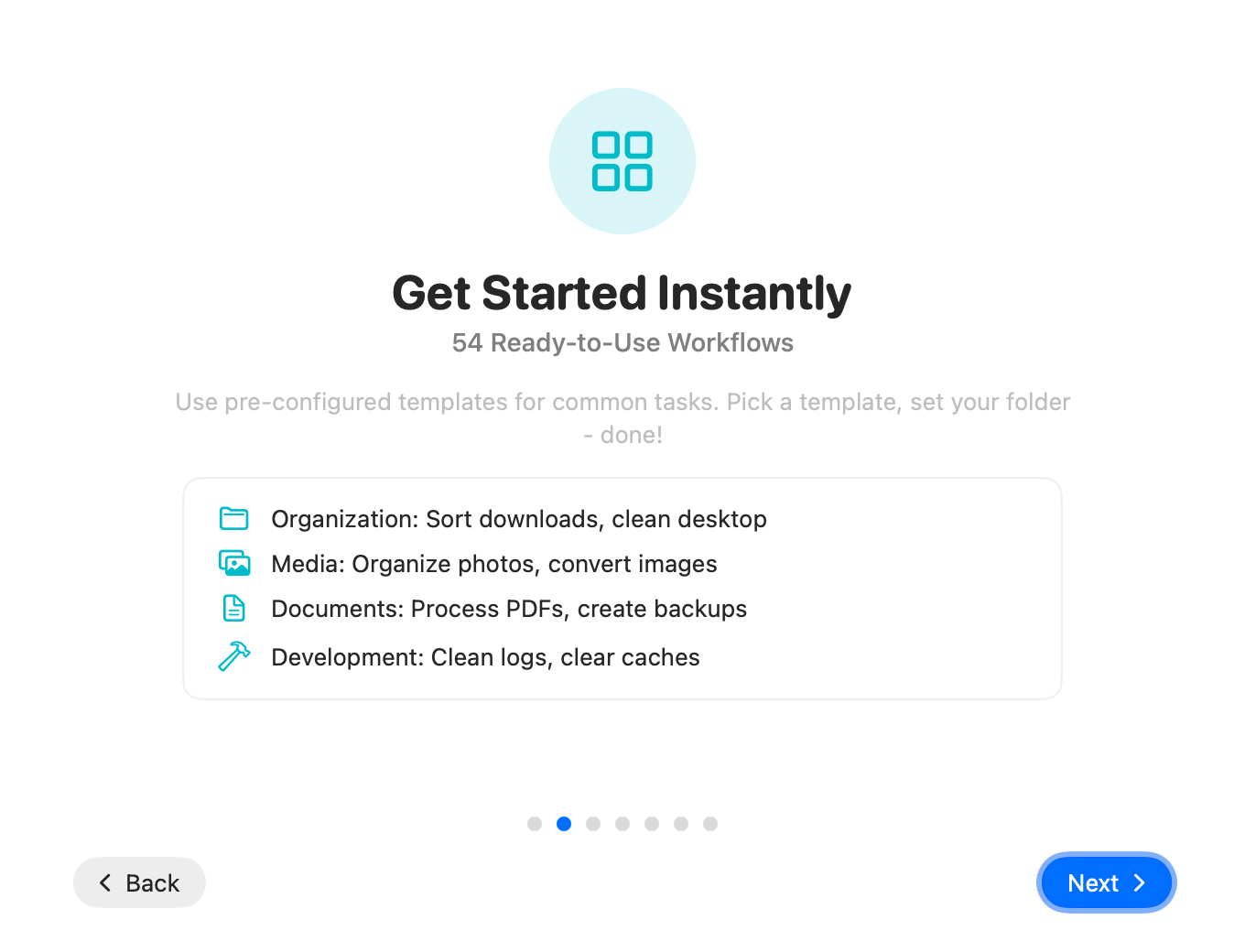
Get Started Instantly
Use pre-configured templates for common tasks. Pick a template, set your folder - done!
Template Categories
Templates are organized into categories based on their purpose.
Organization
Sort downloads, clean desktop, organize screenshots, manage email attachments.
Media
Organize photos, convert images between formats, process screenshots.
PDF Processing
Convert and optimize PDF documents, extract text, merge files.
Documents
Convert and manage documents, create backups, archive old files.
Backup
Automatic backups, archive creation, secure file synchronization.
Development
Clean logs, clear caches, manage build artifacts, organize source files.
Advanced
Shortcut integration, webhooks, email notifications, SFTP uploads, pattern scanning.
Browse Templates
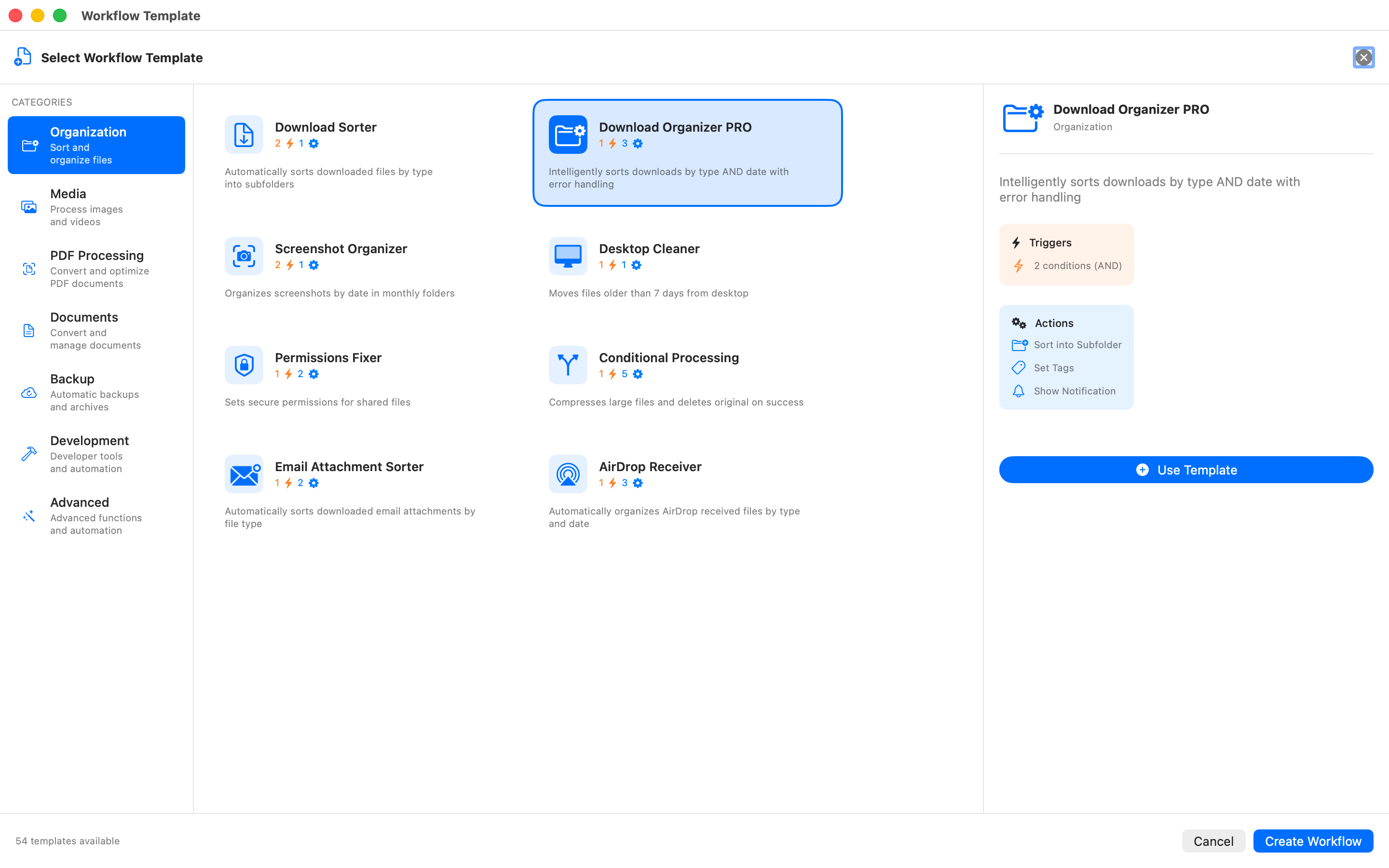
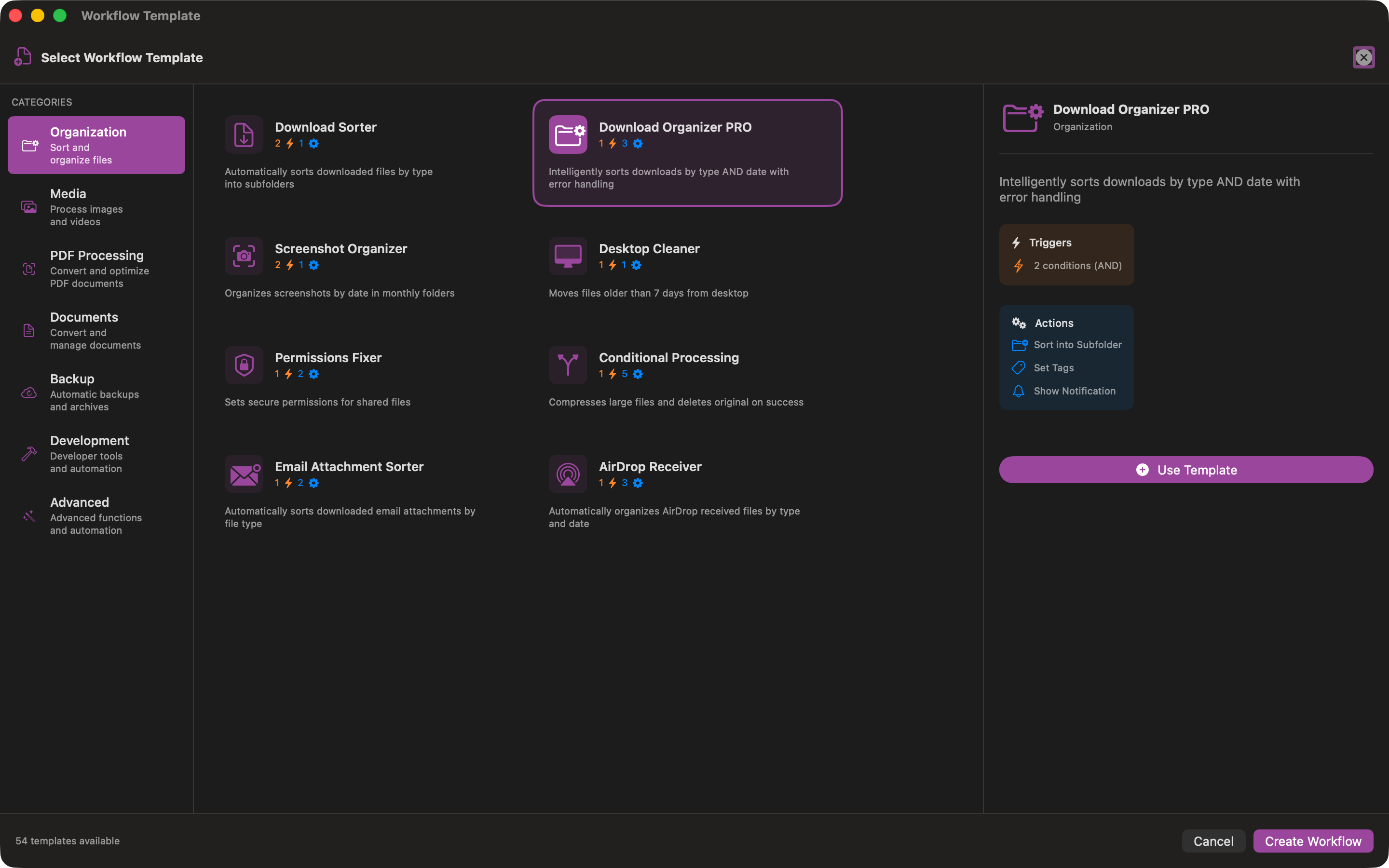
The template browser shows all available templates with descriptions and previews.
Organization
Download sorter, desktop cleaner, permissions fixer, and more
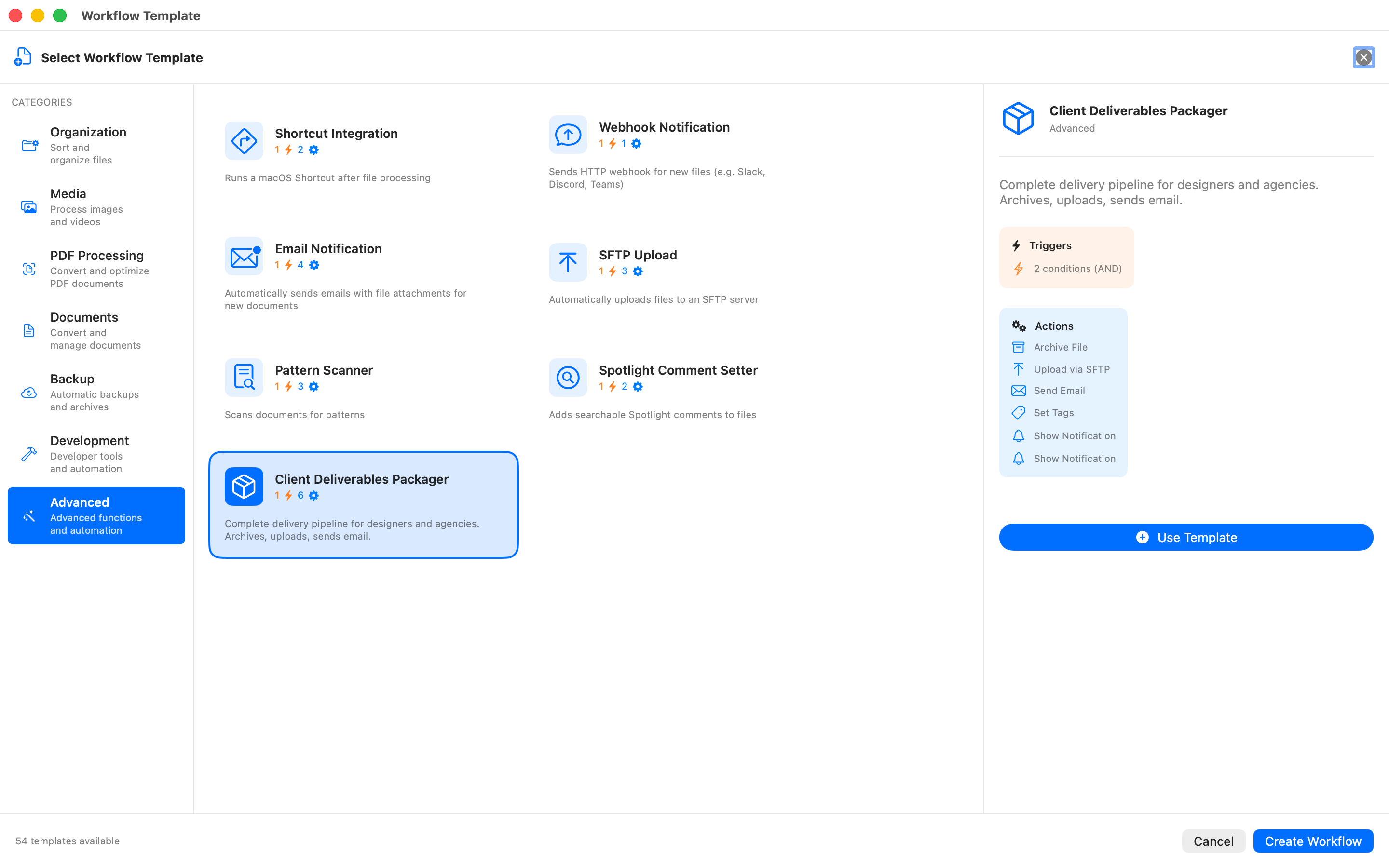
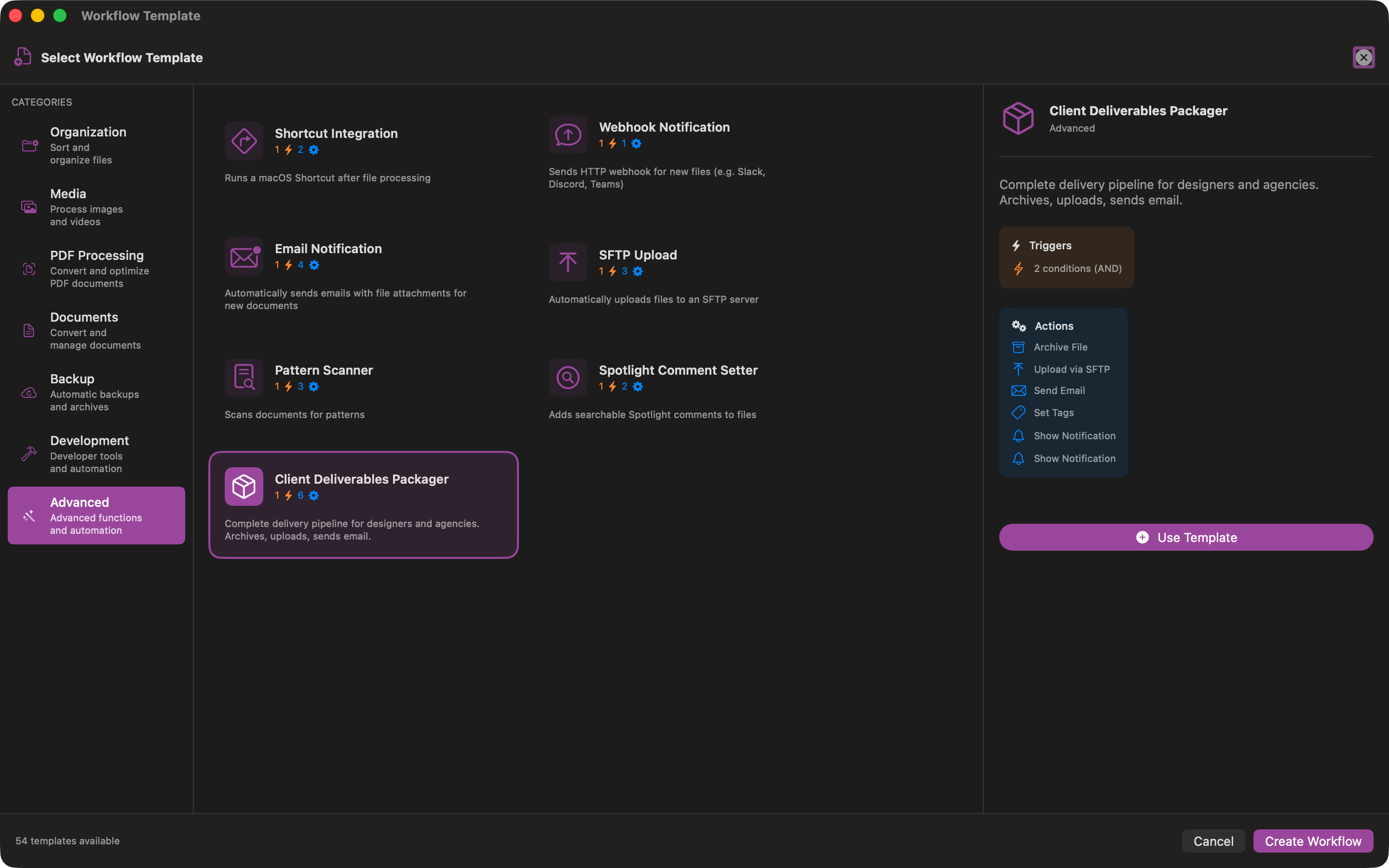
Advanced
SFTP upload, webhooks, email notifications, client deliverables
Using a Template
Select a template to see its triggers and actions. Click "Use Template" to create a workflow.
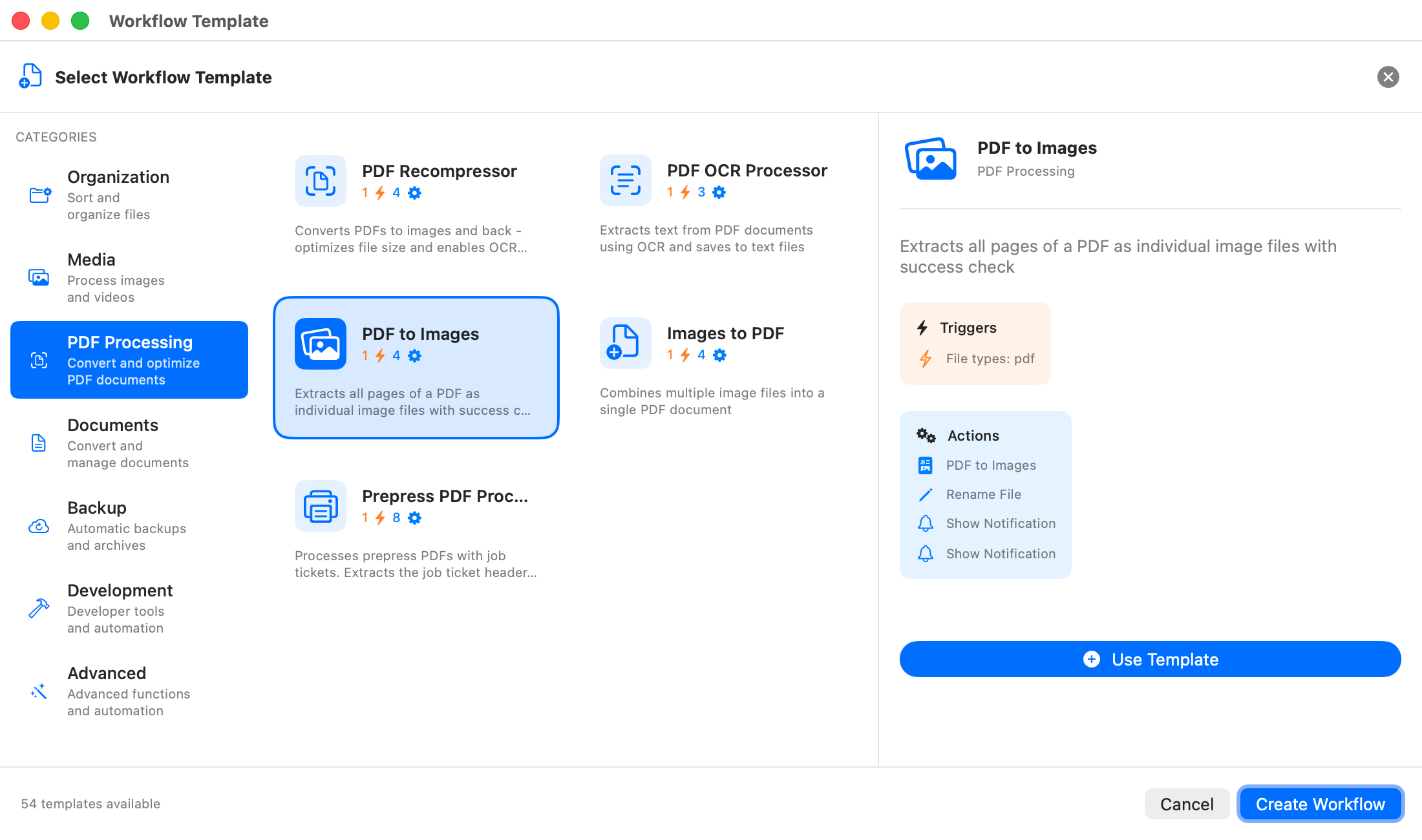
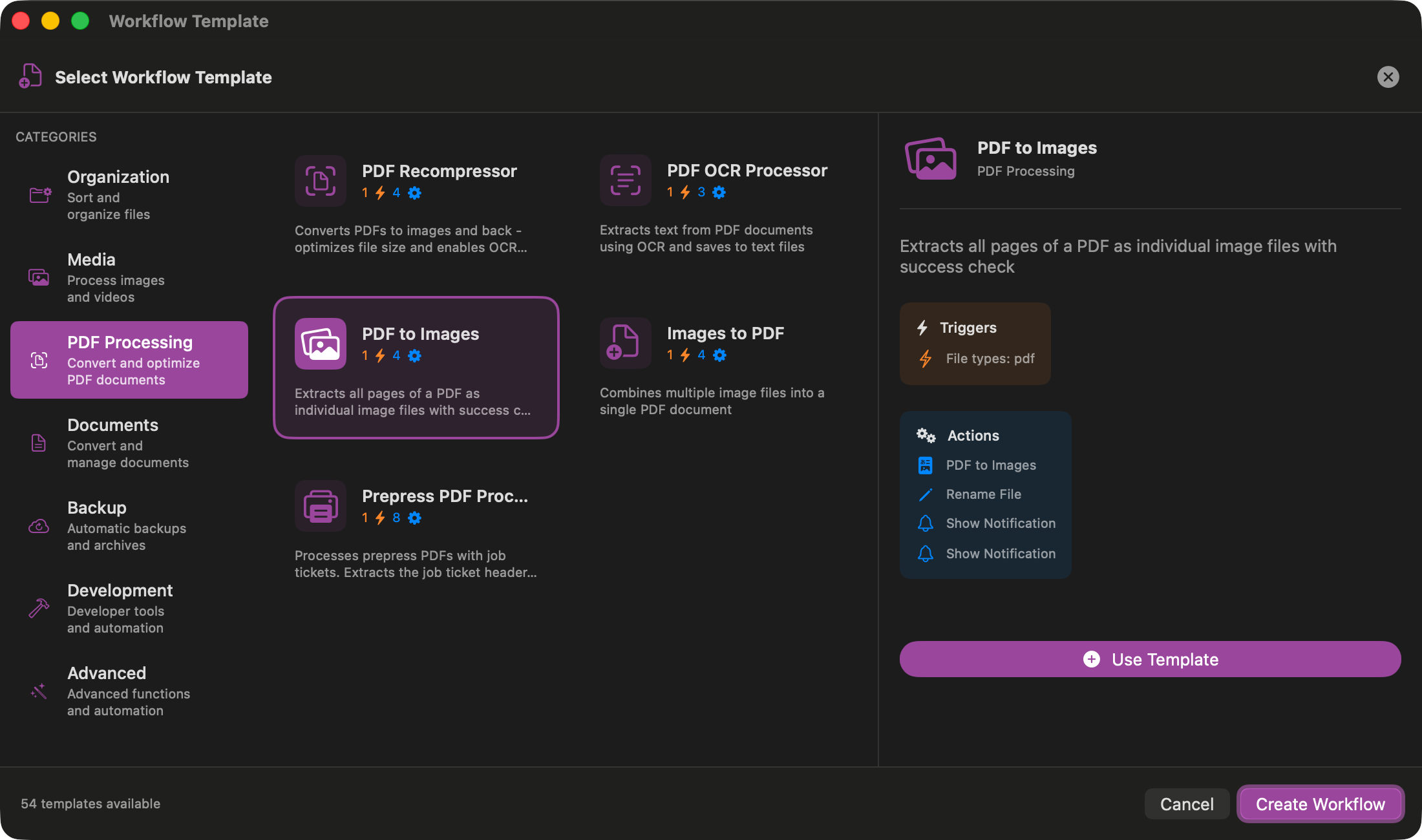
Preview Template
See triggers, conditions, and actions before using
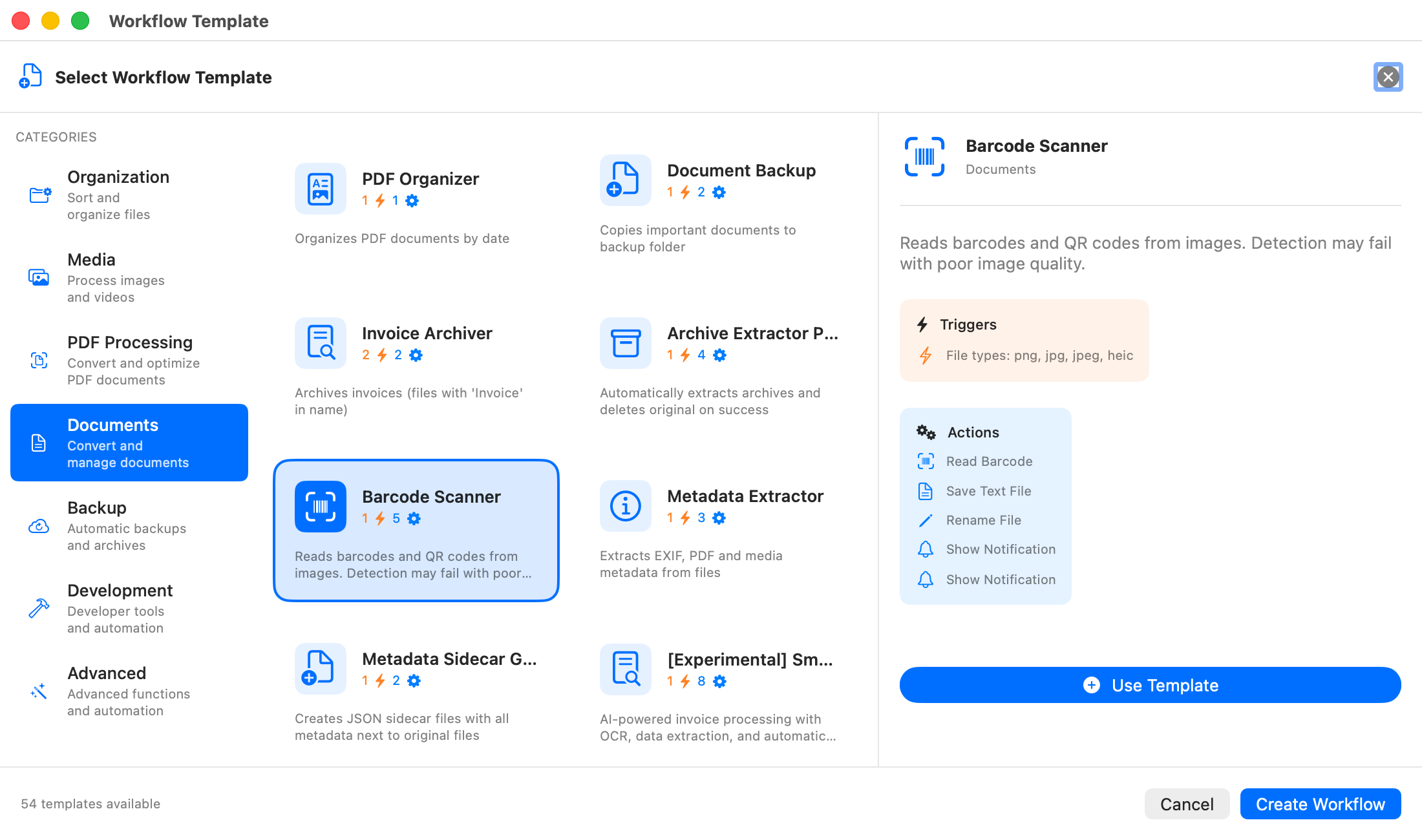
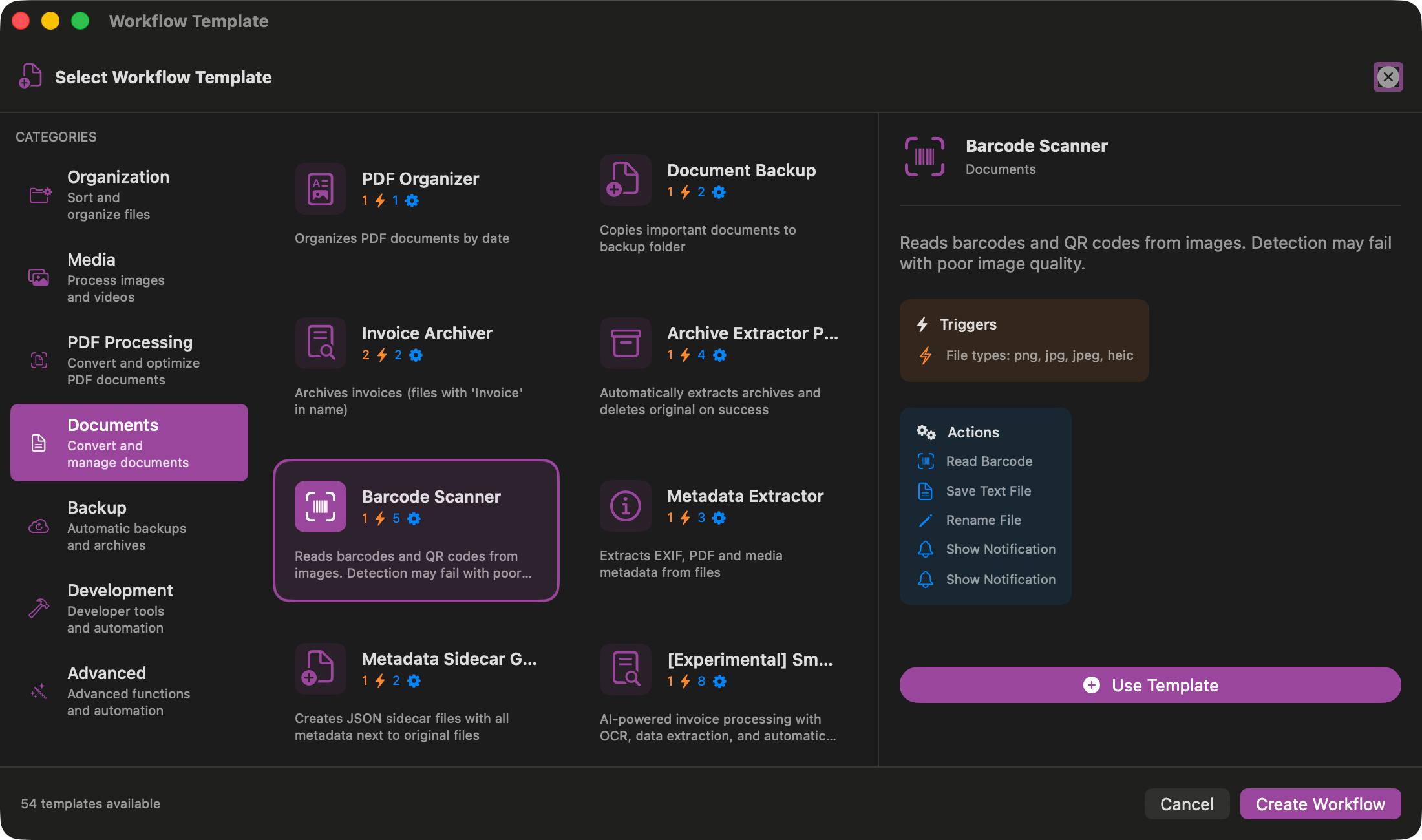
Detailed View
Full description with all configuration options
Organization Templates
Keep your files organized automatically.
Download Sorter
Automatically sorts downloaded files by type into subfolders (Documents, Images, Archives, etc.).
File Type TriggerDownload Organizer PRO
Sorts downloads by type AND date with error handling. Creates monthly folders.
Compound TriggerDesktop Cleaner
Moves files older than 7 days from Desktop to an archive folder.
File Age TriggerScreenshot Organizer
Organizes screenshots by date into monthly folders automatically.
Filename TriggerPermissions Fixer
Sets secure permissions for shared files automatically.
Set PermissionsEmail Attachment Sorter
Automatically sorts downloaded email attachments by file type.
File Type TriggerAdvanced Templates
Powerful automation with network integration.
SFTP Upload
Automatically uploads files to an SFTP server when they appear in a folder.
NetworkEmail Notification
Sends emails with file attachments for new documents.
SMTPWebhook Notification
Sends HTTP webhook for new files (e.g., Slack, Discord, Teams).
HTTPPattern Scanner
Scans documents for patterns and extracts matching content.
RegexShortcut Integration
Runs a macOS Shortcut after file processing.
Shortcuts.appClient Deliverables Packager
Complete delivery pipeline: archives, uploads to SFTP, sends email notification.
EnterpriseCreate Your Own Workflows
Templates are just the beginning. Create custom workflows with the visual designer or the step-by-step assistant.