Triggers & Actions
30+ triggers for detecting files and 40+ actions for processing them. Build powerful automations with these building blocks.
Triggers
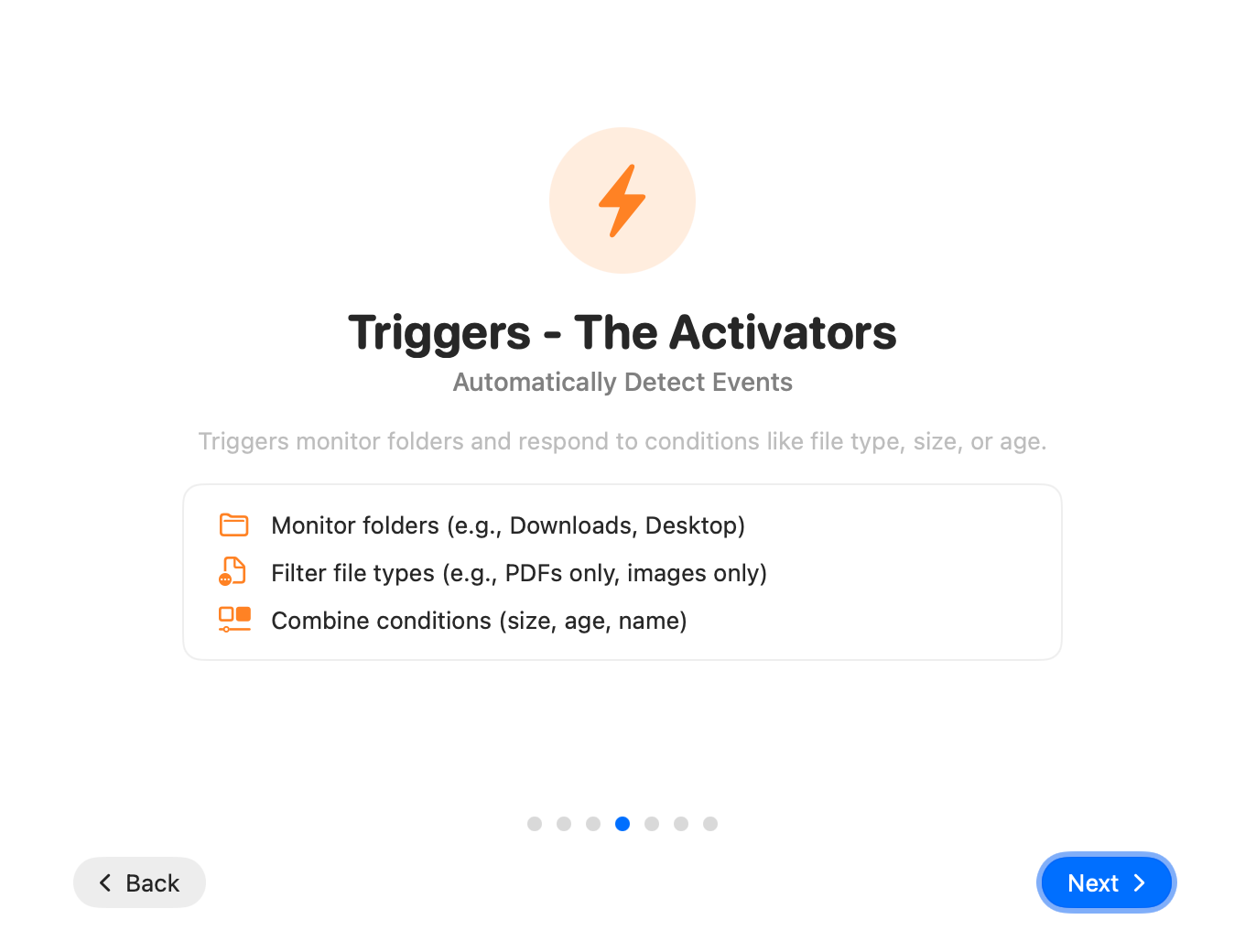
Triggers define when your workflow runs. They match files based on various criteria.
Filename
Match files by name patterns: exact match, contains, starts with, ends with, wildcard, or regex.
File Size
Match files by size: larger than, smaller than, between, or exact size.
File Type
Match by file extension: images, documents, archives, videos, audio, etc.
File Age
Match files by age: older than, newer than, between dates, or specific time ranges.
Tags
Match files by macOS Finder tags: has tag, doesn't have tag, specific colors.
MIME Type
Match by MIME type for precise content detection (e.g., application/pdf).
File Content
Match files by content using regex patterns. Search inside text files.
EXIF Data
Match images by EXIF metadata: camera model, date taken, GPS location, etc.
OCR Text Contains
Use OCR to extract text from images and match based on content.
Compound Triggers
Combine multiple triggers with AND/OR/NOT logic for complex matching.
Example: Match PDF invoices older than 30 days
File Type = PDF AND
Filename contains "invoice" AND
File Age > 30 days
Actions
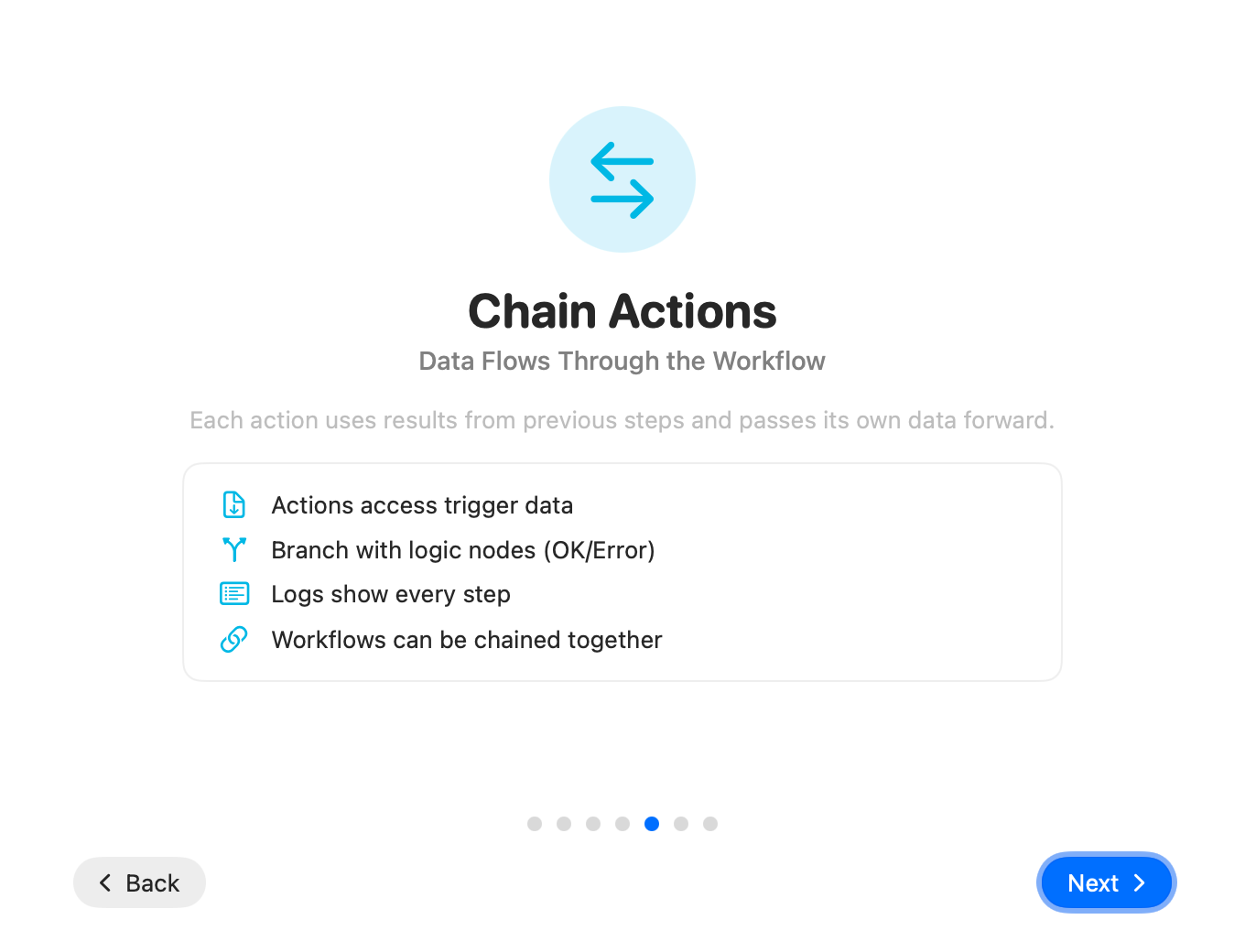
Actions define what happens to files that match your triggers.
File Operations
Move File
Move files to a different folder. Supports variable paths and automatic folder creation.
Copy File
Create a copy in another location while keeping the original.
Rename File
Rename files with patterns. Use variables like date, counter, original name.
Delete File
Move to Trash or permanently delete. Configurable safety options.
Archive (ZIP)
Create ZIP or TAR archives from files or folders.
Unarchive
Extract ZIP, TAR, and other archive formats.
File Attributes
Set Tags
Add or remove Finder tags (colors and custom tags).
Set Color Label
Apply Finder color labels to files.
Set Spotlight Comment
Add searchable comments to files.
Set Permissions
Change file permissions (read/write/execute).
Conversion
Convert Image
Convert between JPEG, PNG, HEIC, WebP, TIFF. Resize and compress.
PDF to Text
Extract text content from PDF documents.
Text to PDF
Create PDF documents from text files.
Read QR/Barcode
Extract QR codes and barcodes from images.
Network
SFTP Upload
Upload files to SFTP servers automatically.
SecureFTP Upload
Upload files to FTP servers.
Send Email
Send files as email attachments via SMTP.
SMTPWebhook
Send HTTP requests to external services (Slack, Discord, etc.).
HTTPNotifications & Control
Show Notification
Display macOS notifications when workflows complete.
Play Sound
Play a sound effect on completion.
Text to Speech
Speak a message using macOS text-to-speech.
Run Shortcut
Execute a macOS Shortcut as part of your workflow.
Delay
Wait a specified time before continuing.
Stop Workflow
Stop execution based on conditions.
Ready to Build?
Combine triggers and actions to create powerful automations.