Automate Your Files.
Visually.
Flowistry is the modern macOS app for rule-based file automation with a visual workflow designer. Create powerful automations without writing a single line of code.
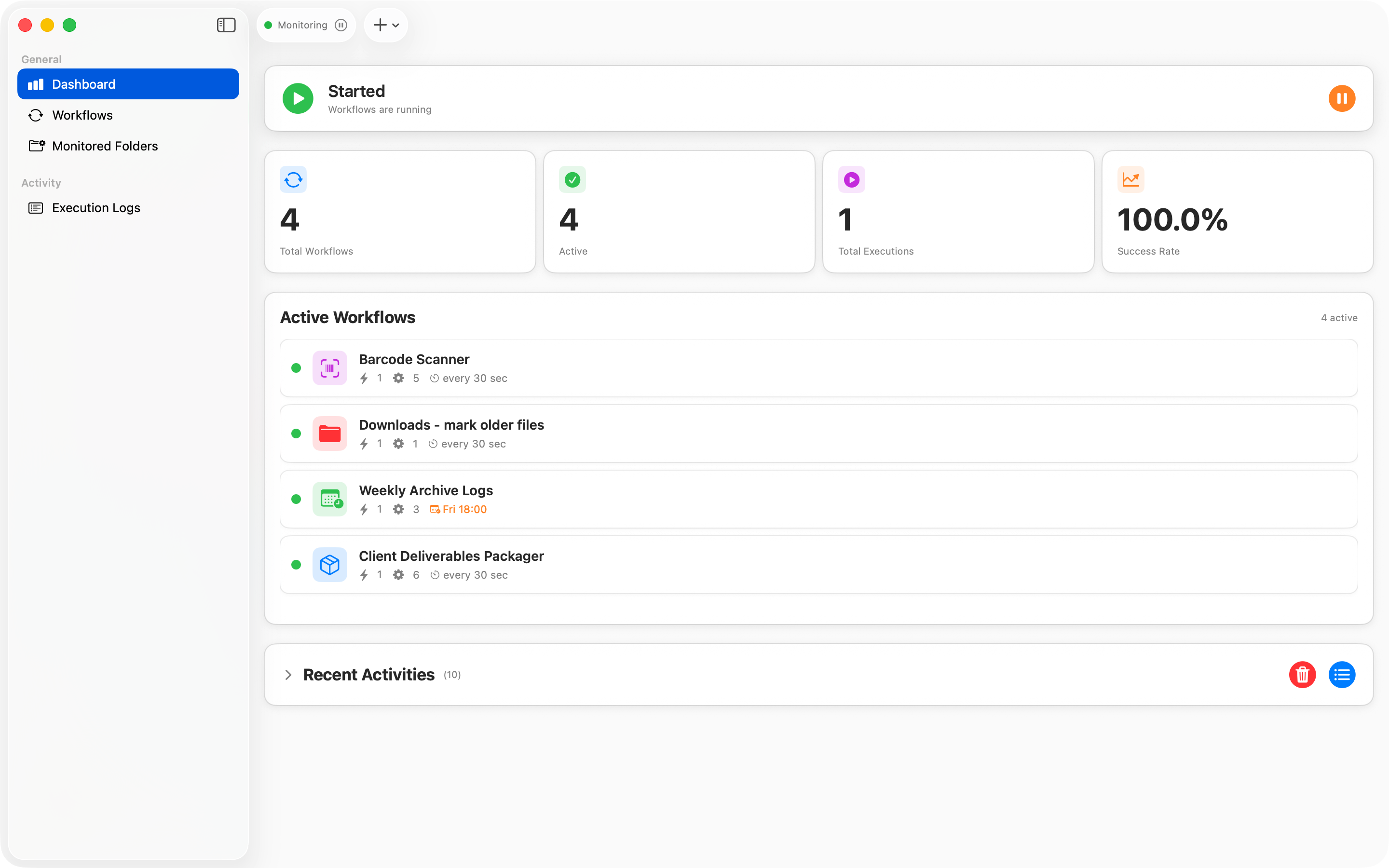
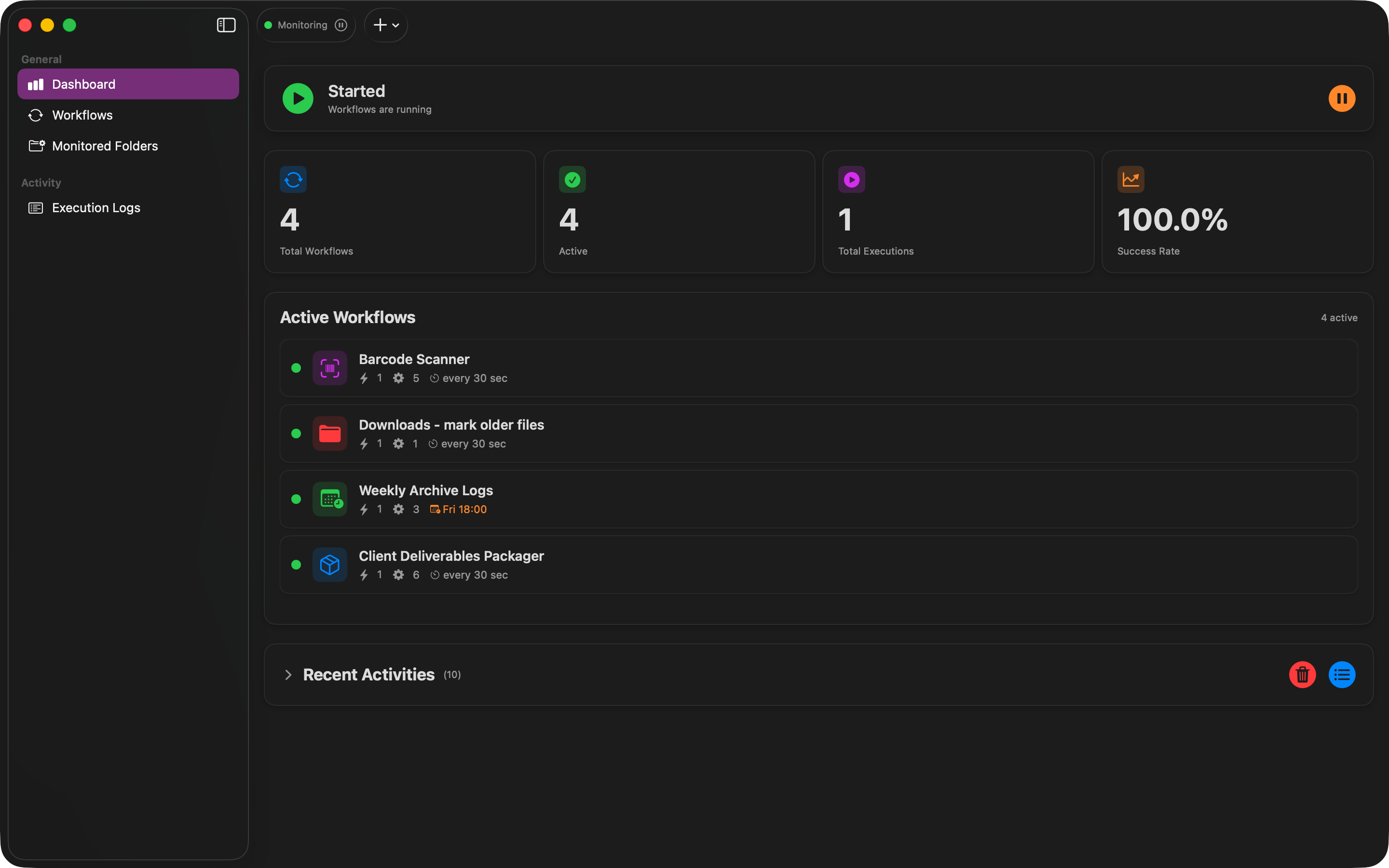
Your Automation Dashboard
Monitor all your workflows, see recent activity, and track success rates at a glance.
Explore Flowistry
Discover how Flowistry can transform your file management workflow.
How Workflows Work
A workflow consists of triggers that detect events and actions that process files.
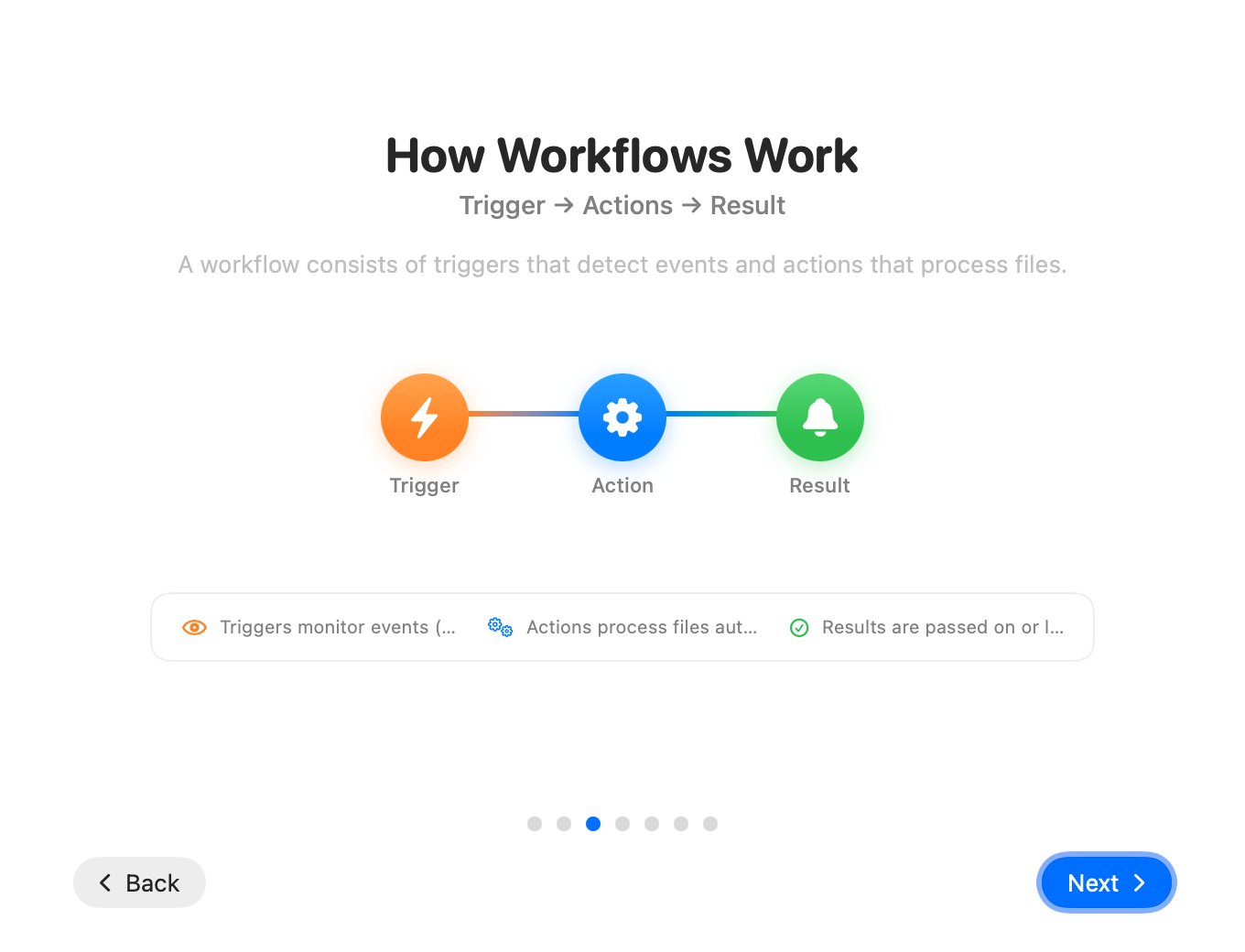
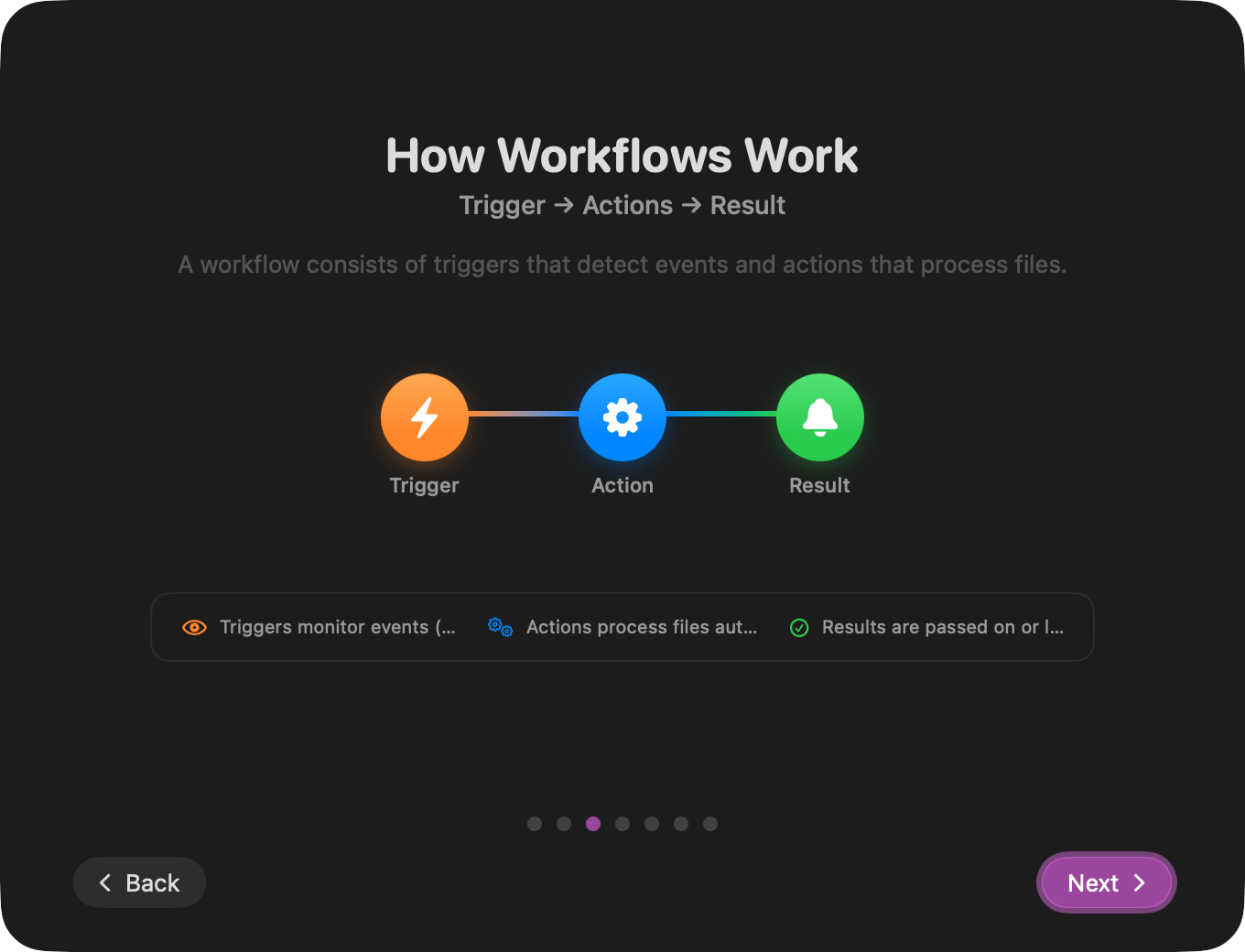
Triggers
Define conditions that start your workflow. React to file names, sizes, types, ages, tags, and more.
Actions
Process files automatically. Move, copy, rename, convert, archive, tag, and much more.
Results
Track every execution with detailed logs. See what happened and when.
Why Flowistry?
Everything you need to automate your file management.
Visual Workflow Designer
Create complex automations with an intuitive drag & drop interface. No coding required.
50+ Templates
Start immediately with ready-made workflows for common tasks. Just pick, configure, and run.
Real-time Monitoring
Watch folders in real-time. React automatically when new files appear or existing files change.
Compound Triggers
Combine multiple conditions with AND/OR/NOT logic for precise file matching.
Network Integration
Upload files via SFTP/FTP, send emails via SMTP, or trigger webhooks automatically.
Privacy First
All data stays on your Mac. No cloud, no tracking, no data collection. Your files, your privacy.
The Visual Designer
Build workflows visually by connecting triggers and actions.
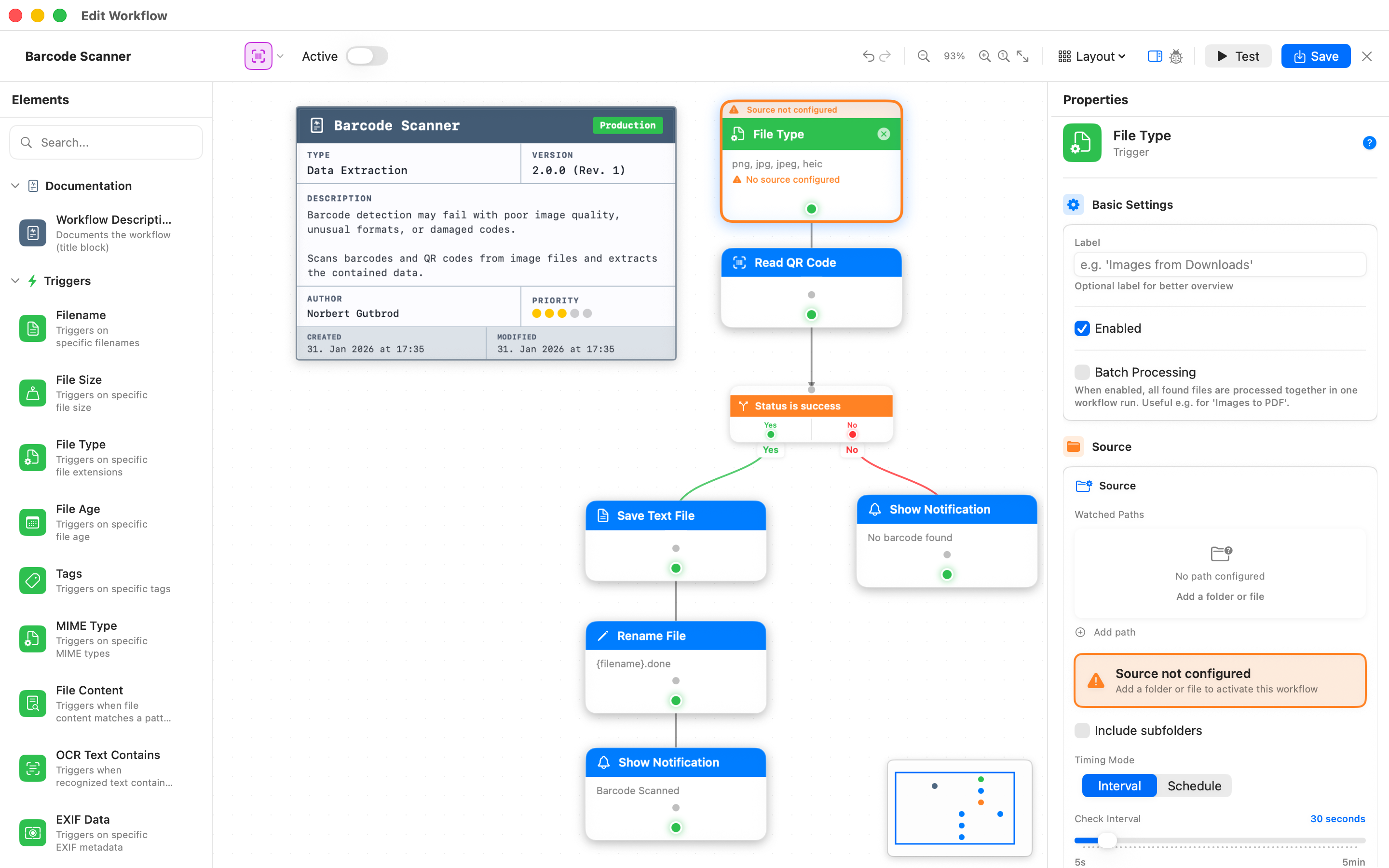
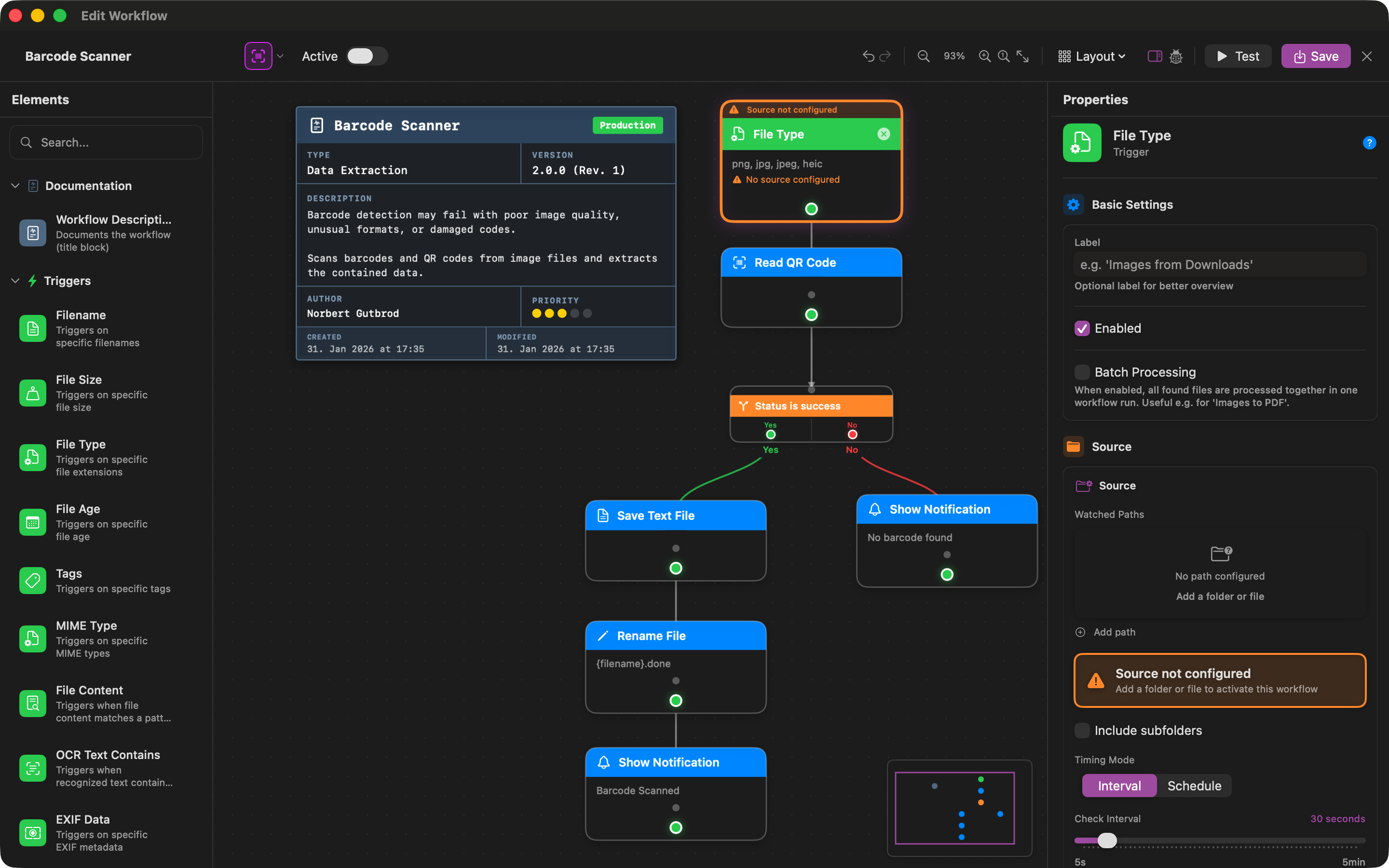
Design Complex Workflows
Connect nodes to create powerful processing pipelines
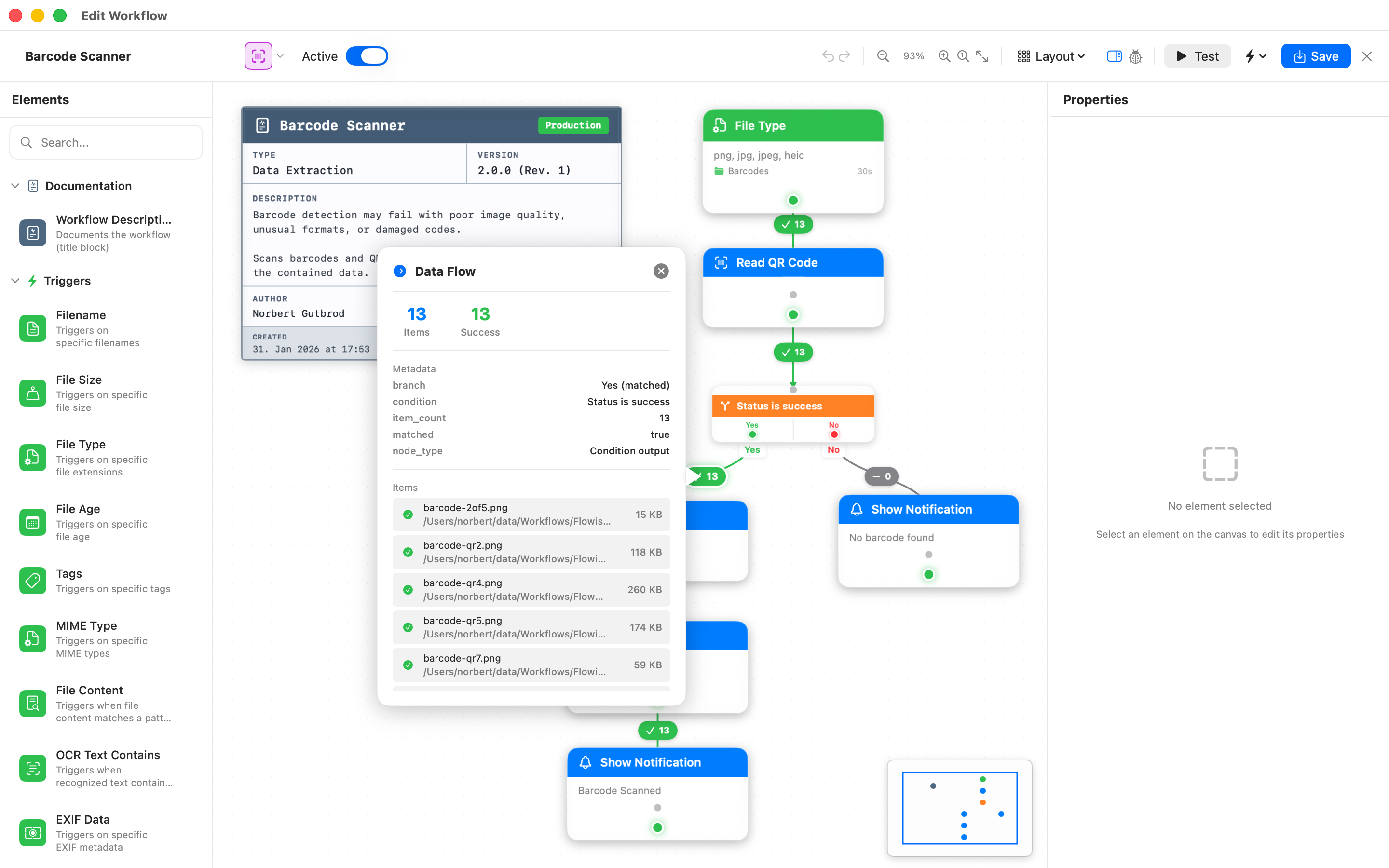
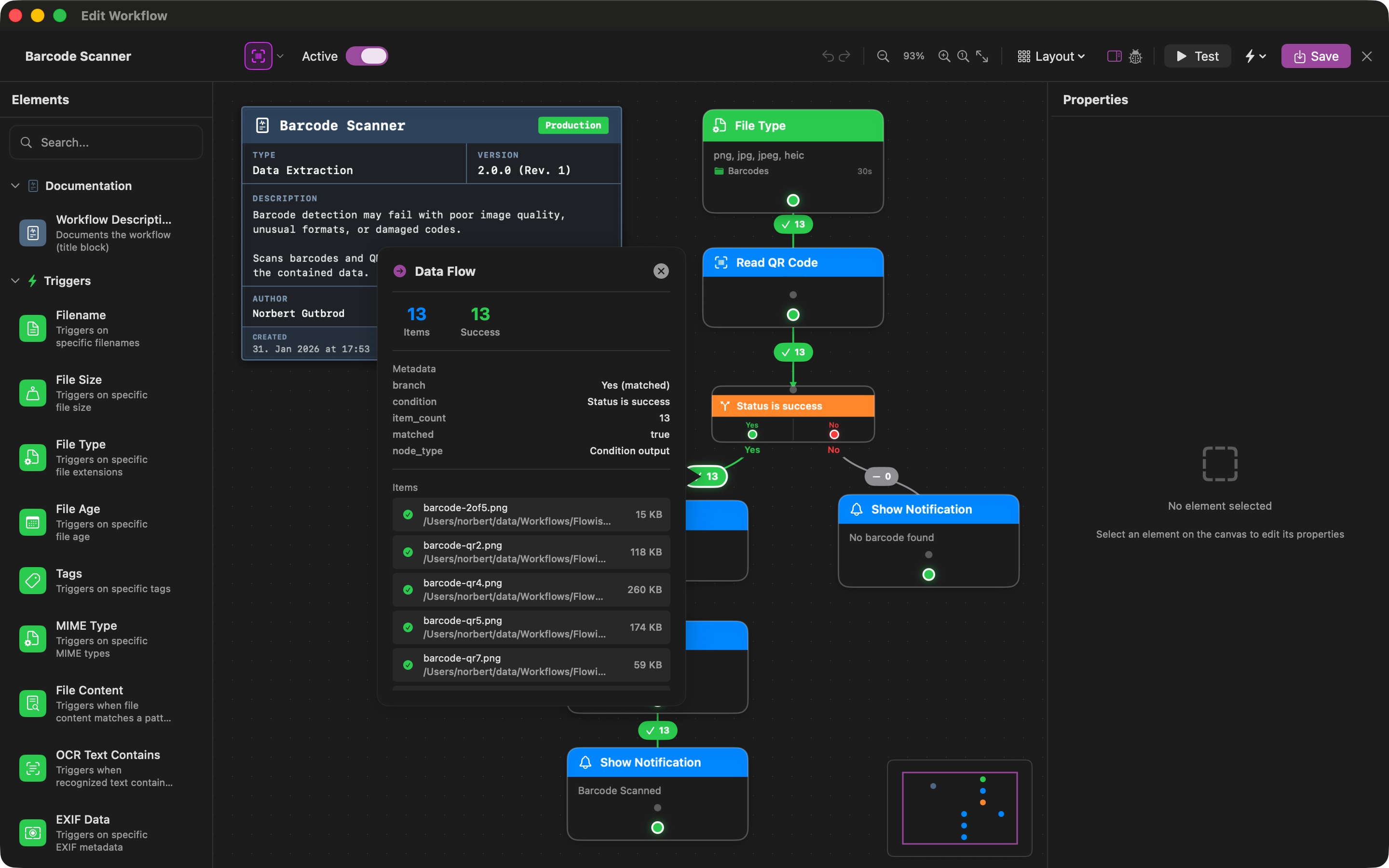
Test Before You Run
Preview data flow and results in test mode
Ready-to-Use Templates
Get started in seconds with pre-configured workflows for common tasks.
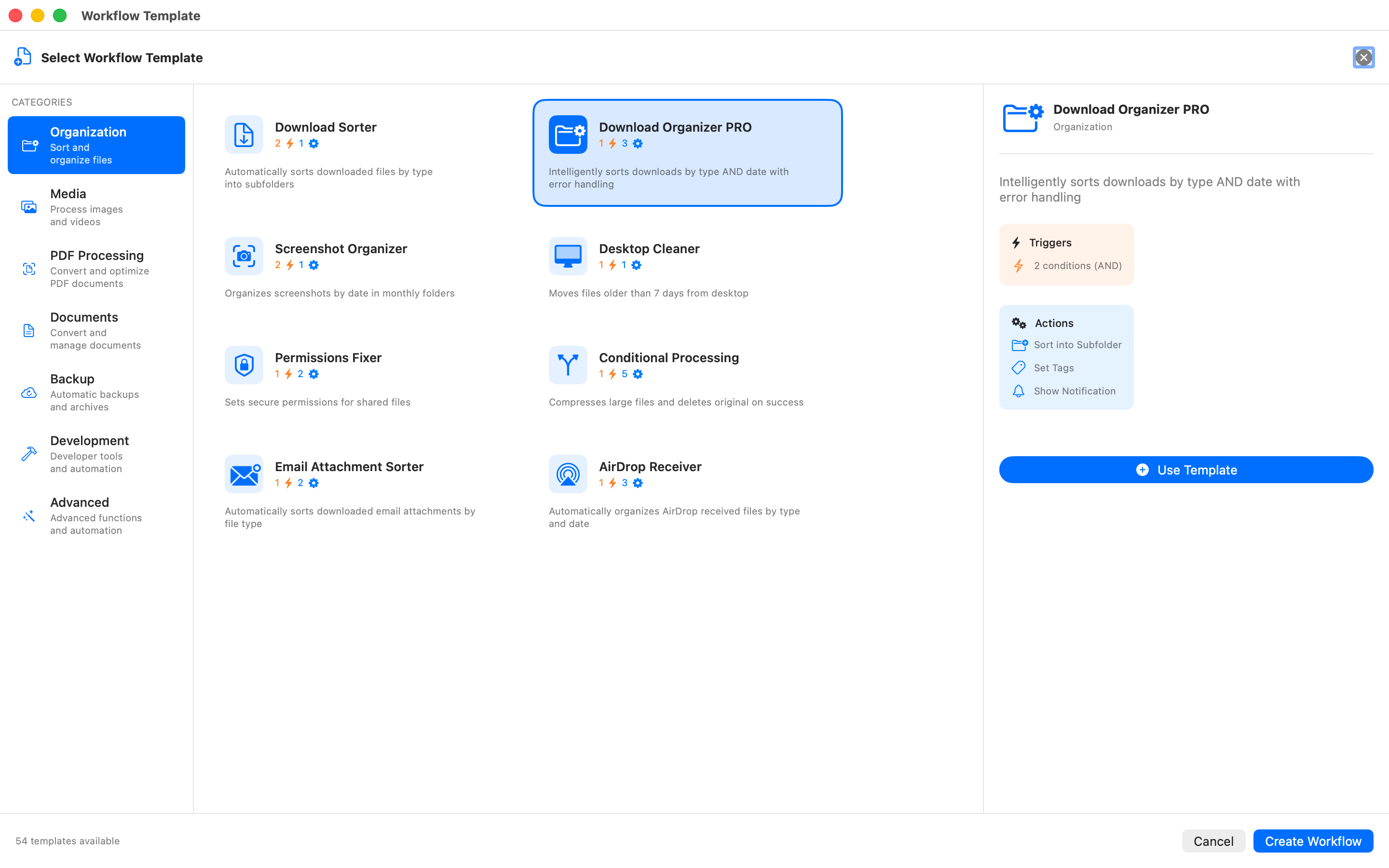
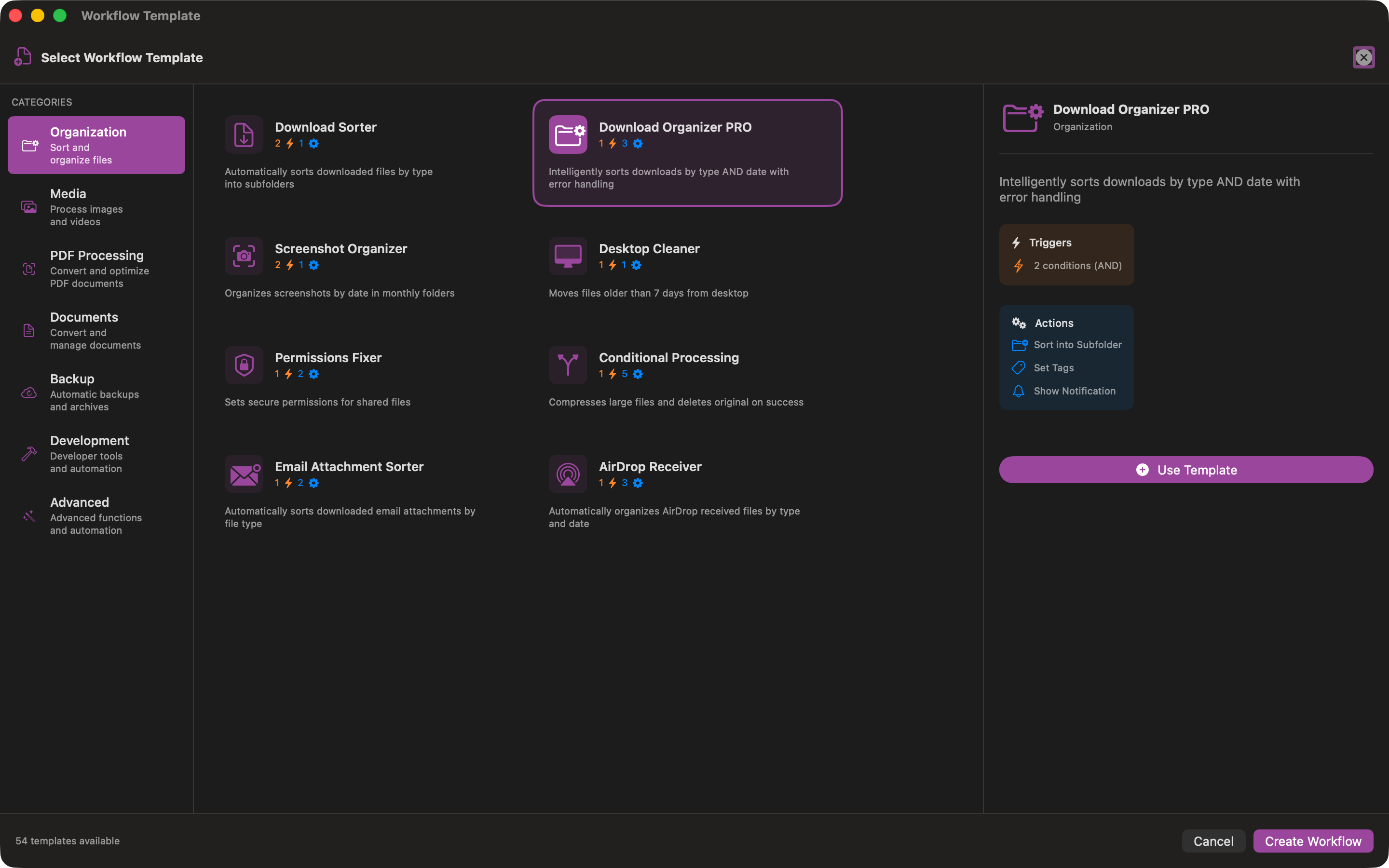
Organization Templates
Sort downloads, clean desktop, organize screenshots
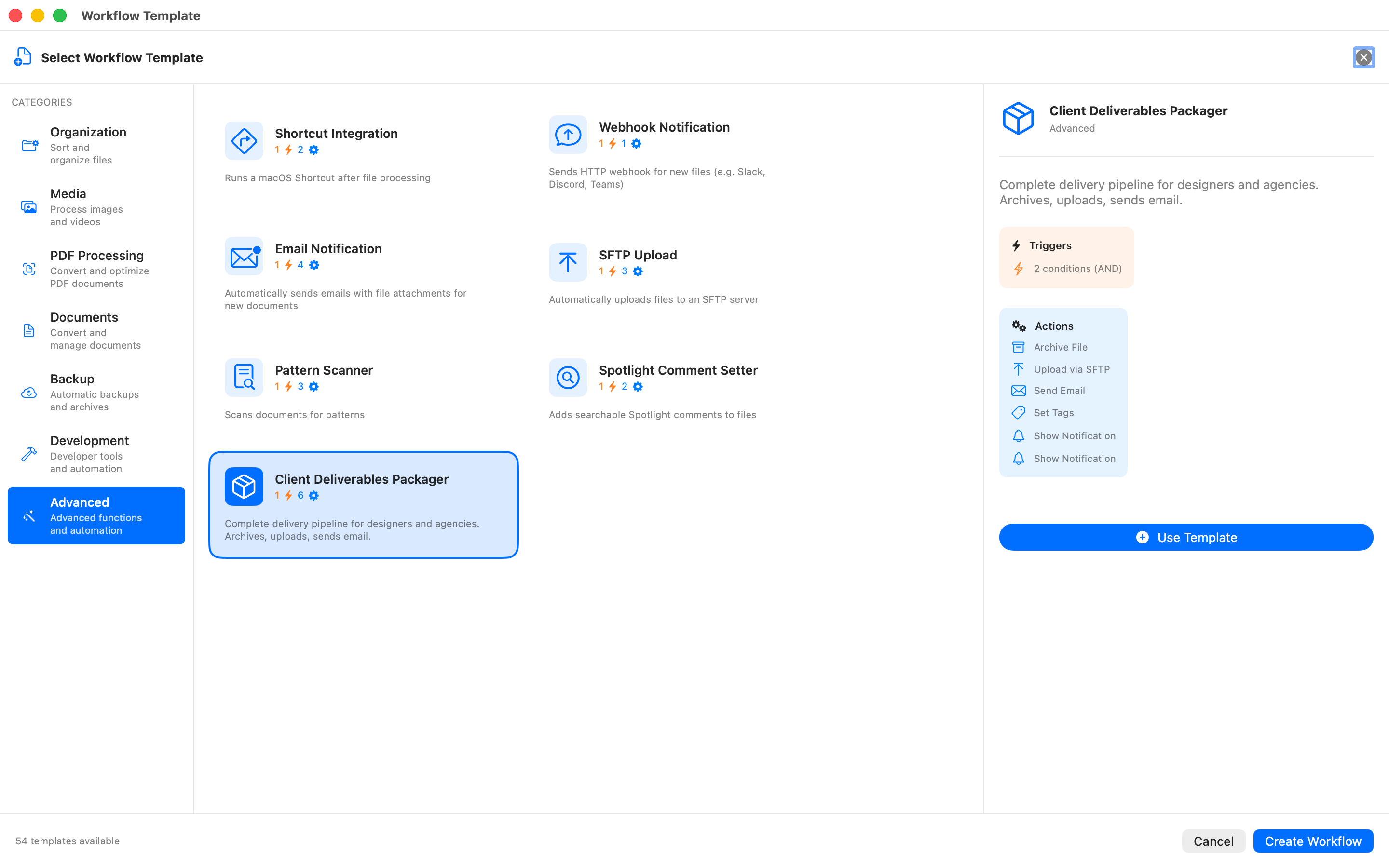
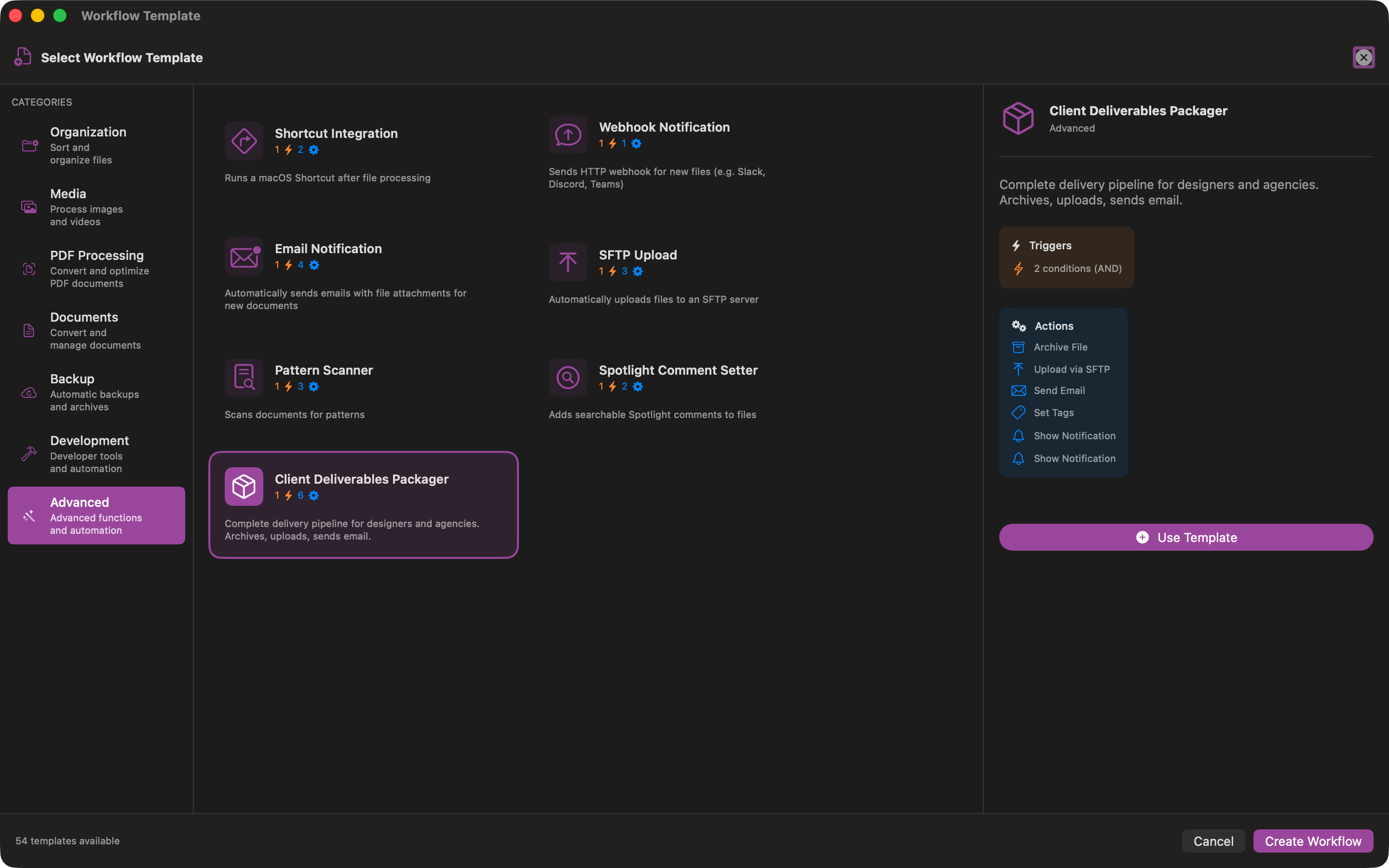
Advanced Templates
SFTP upload, email notifications, webhooks
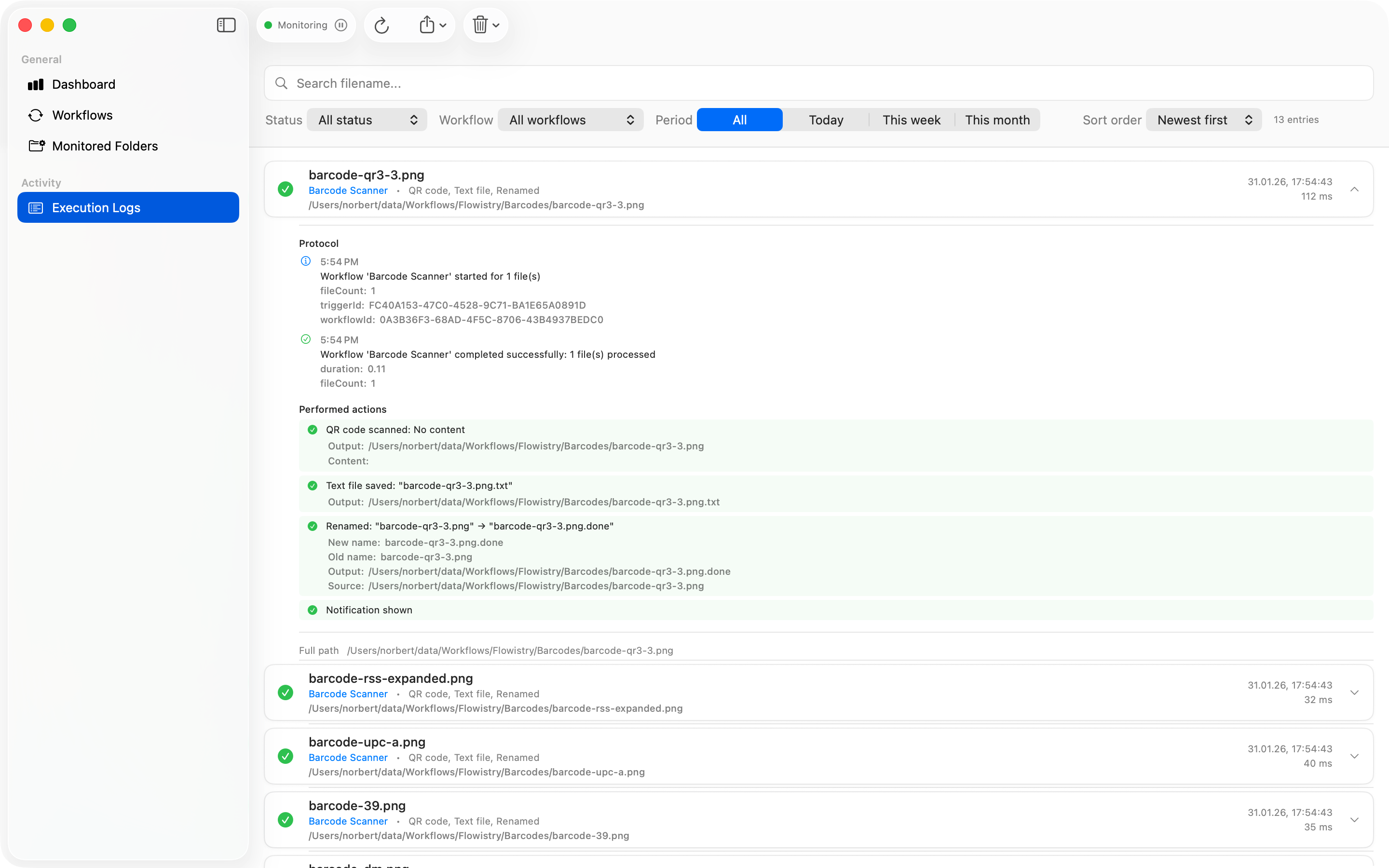
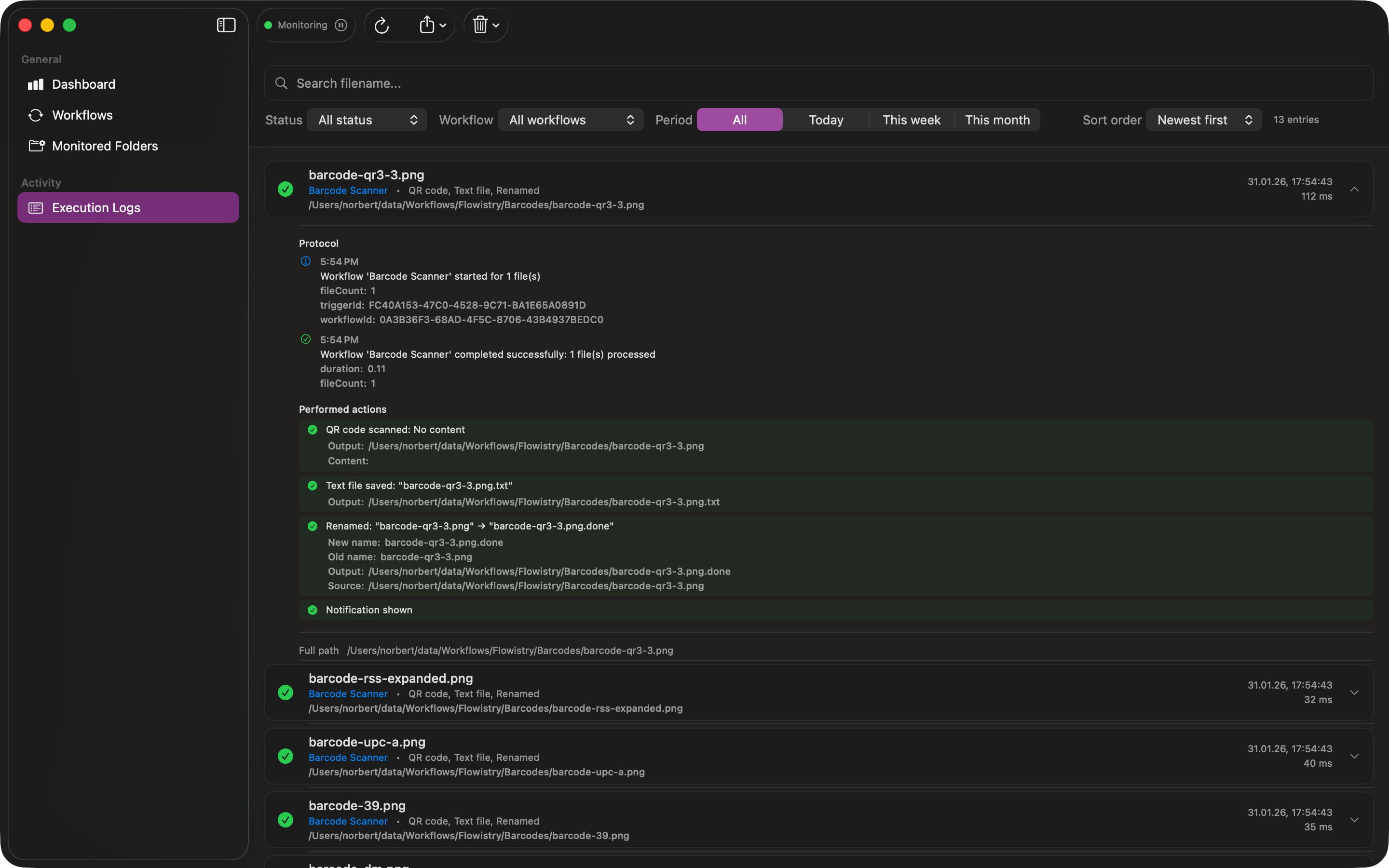
Track Every Execution
Detailed logs show you exactly what happened, when, and why.
Perfect For
Sorting Downloads
Automatically organize your Downloads folder by file type, date, or custom rules.
Image Conversion
Convert images between JPEG, PNG, HEIC, and WebP formats automatically.
Desktop Cleanup
Move old files from your Desktop to organized archive folders.
Document Backup
Archive important documents and create automatic backups.
Screenshot Organization
Sort screenshots by date into monthly folders automatically.
QR Code Processing
Extract QR codes and barcodes from images automatically.
Ready to Automate?
Download Flowistry and start automating your file management today.