Version 1.4.0
Neu
- Unterstützer-Zertifikat: Als Dankeschön für eine Spende gibt es jetzt ein persönliches Unterstützer-Zertifikat. Wer spendet, bekommt von mir per E-Mail einen Unterstützer-Schlüssel. Unter „WindowDeck unterstützen…“ (Menü, Einstellungen › Allgemein oder „Über WindowDeck“) eingelöst, zeigt WindowDeck das Zertifikat mit Siegel, Name und E-Mail-Adresse; „Zertifikat sichern…“ erzeugt ein PDF zum Ausdrucken, und im Über-Fenster steht „Unterstützer-Version“. Der Schlüssel gilt für die E-Mail-Adresse, nicht für einen Mac, und wandert mit der Einstellungsdatei mit. Geprüft wird er vollständig offline anhand seiner Signatur. WindowDeck bleibt für alle kostenlos und im Funktionsumfang gleich.
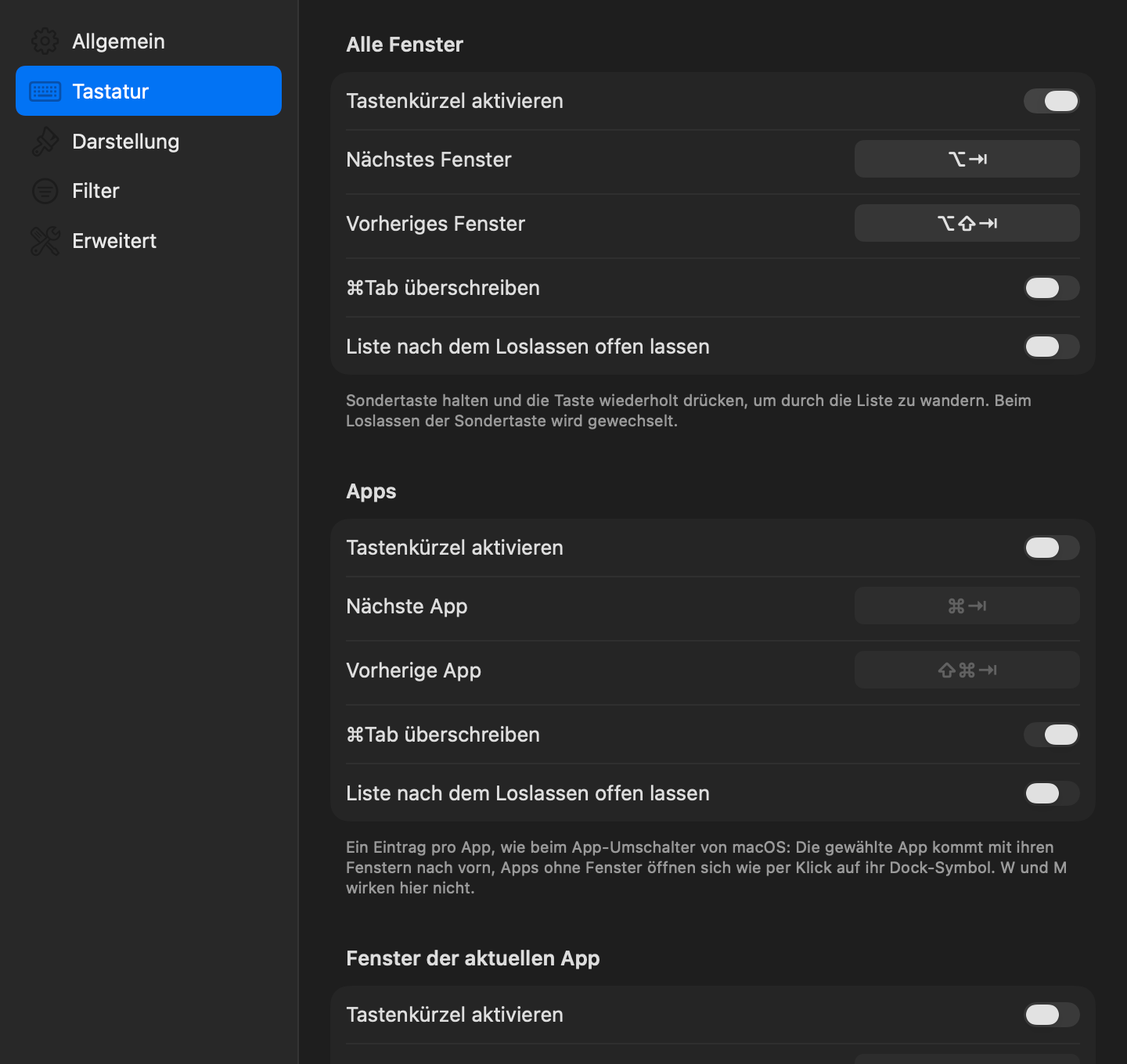
- Pausieren und Kürzel-Ausnahmen: „WindowDeck pausieren“ im Menü überlässt alle Tastenkürzel vorübergehend dem System; das Menüleistensymbol zeigt die Pause. Unter Einstellungen › Tastatur › Kürzel-Ausnahmen lassen sich Apps eintragen, in denen WindowDeck seine Kürzel nicht abfängt, z. B. virtuelle Maschinen oder Remote-Desktop-Apps, in denen ⌥Tab oder ⌘Tab das andere System erreichen soll.
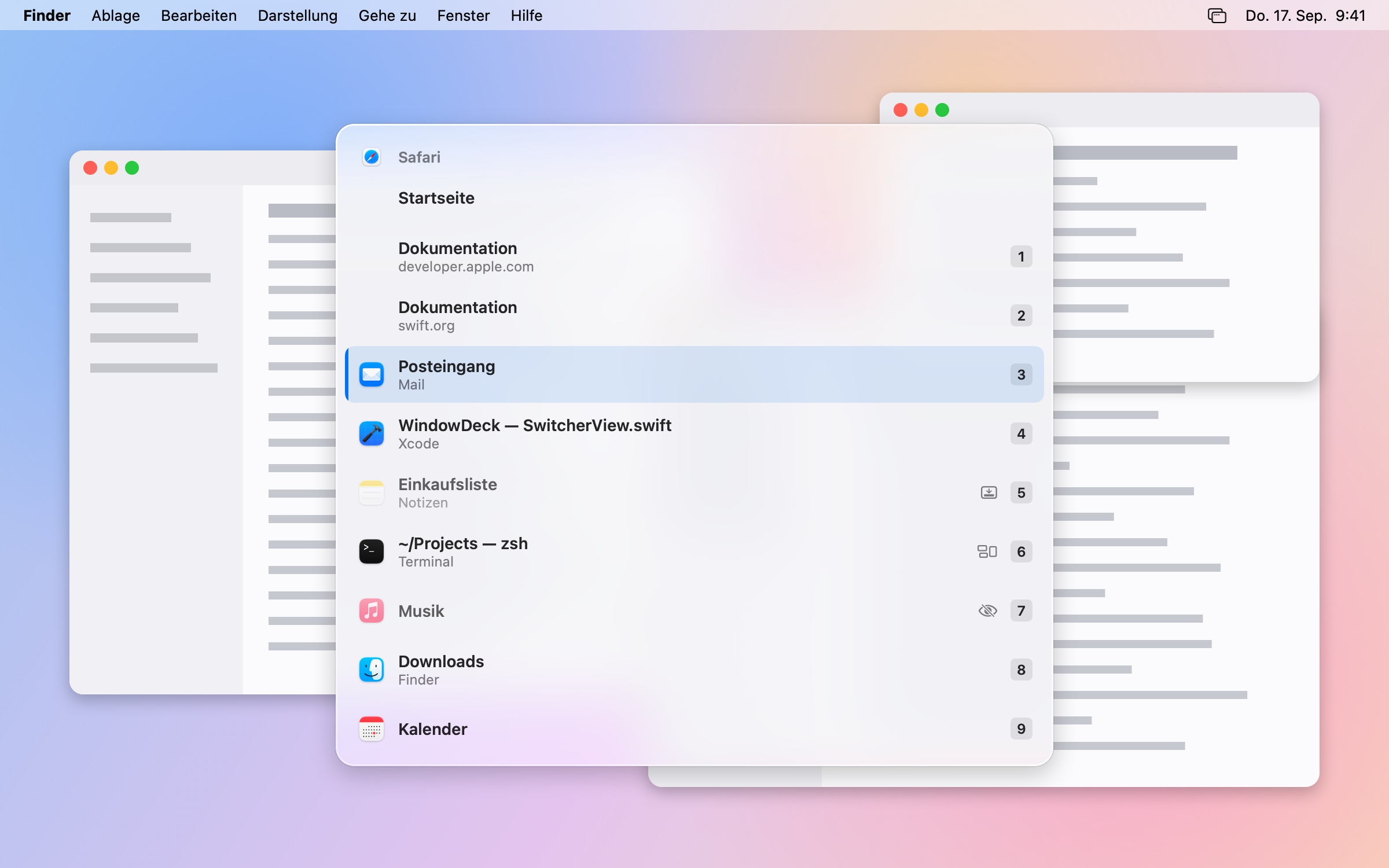
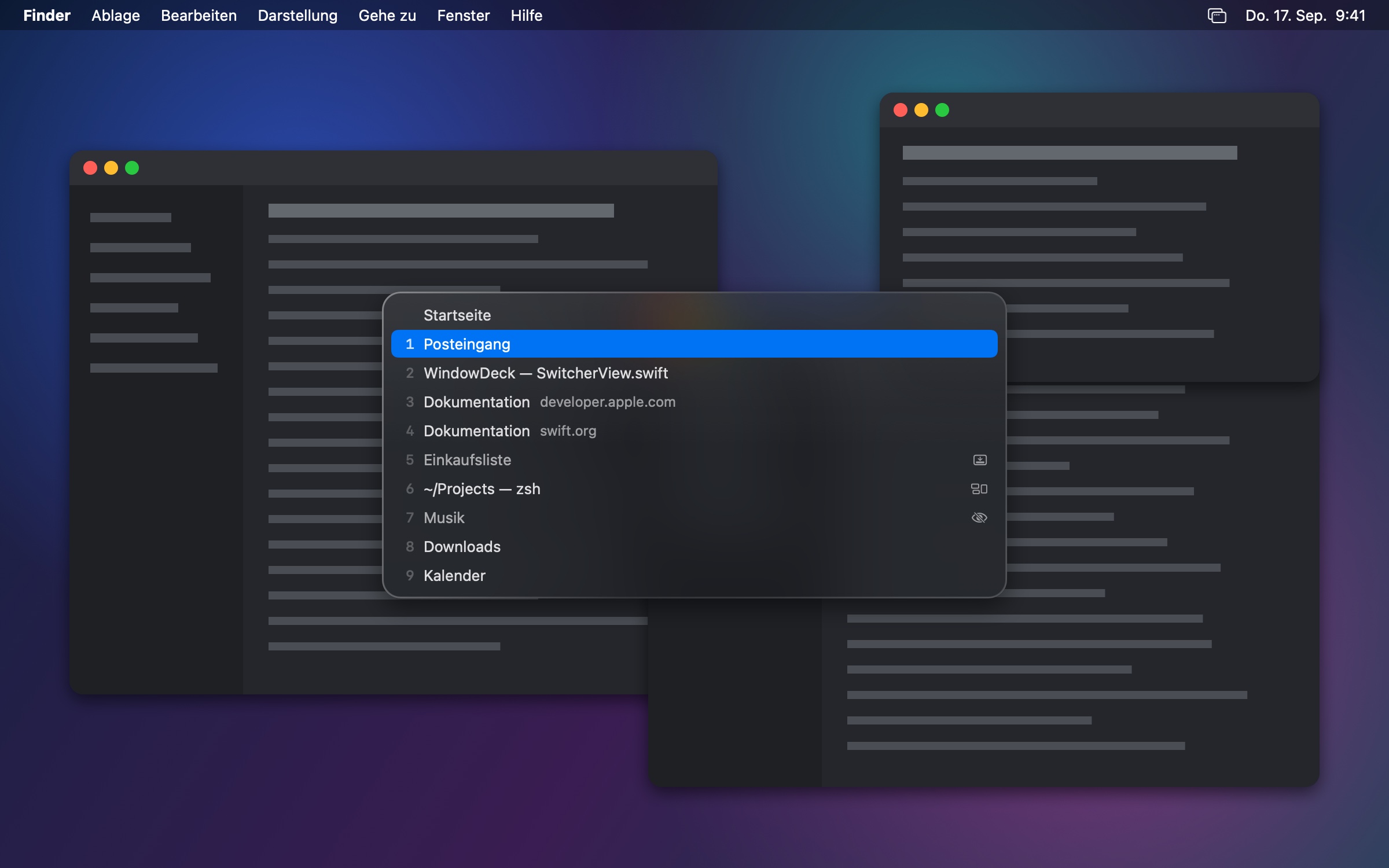
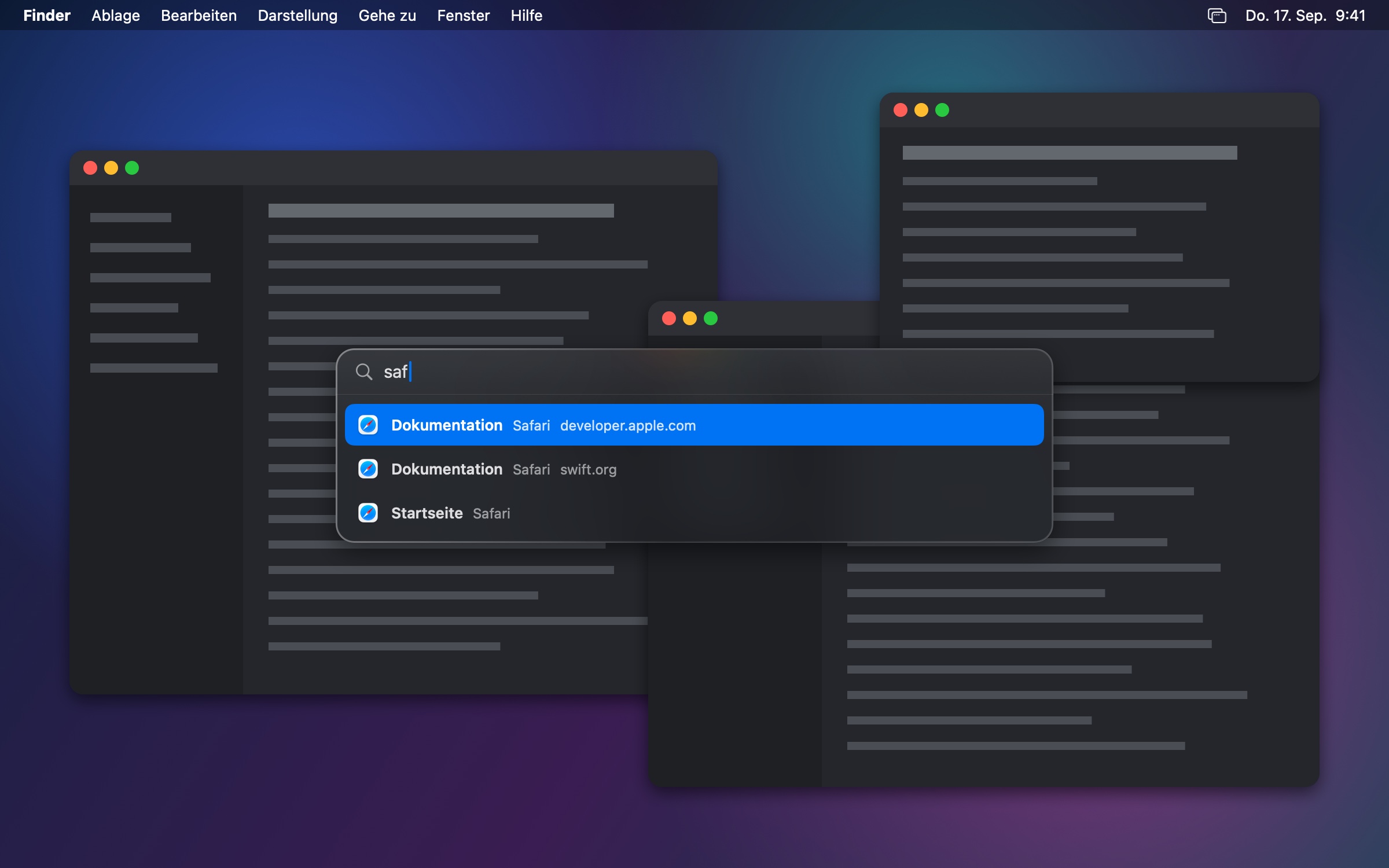
- Tastenhilfe: Unter der Liste steht jetzt, welche Tasten in ihr wirken (W, M, H, Q, F und die Leertaste für die Suche). Abschaltbar unter Einstellungen › Darstellung › „Tasten unter der Liste zeigen“.
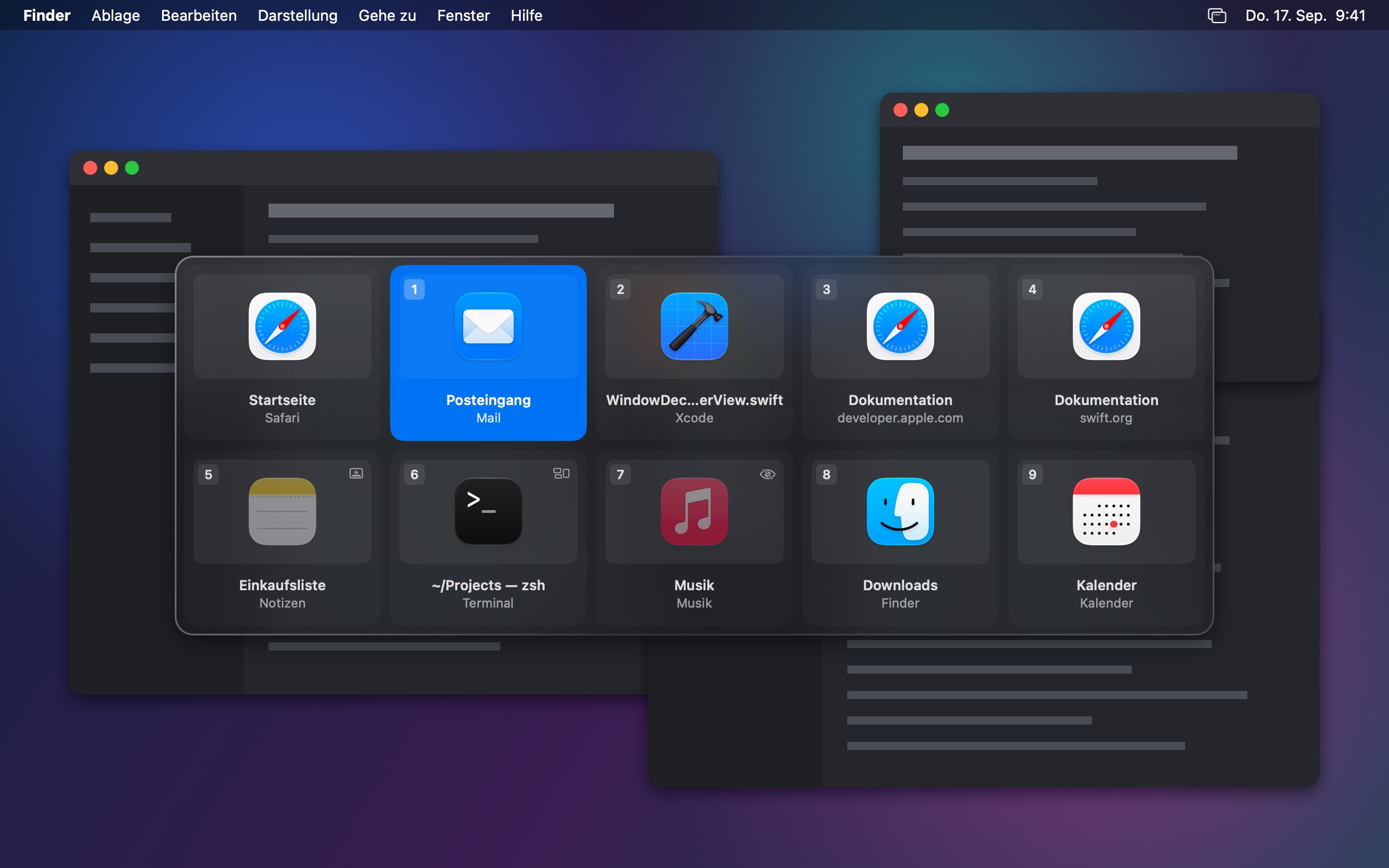
- Vollbild: F schaltet das markierte Fenster in den Vollbildmodus oder zurück (abschaltbar unter Einstellungen › Tastatur). Fenster im Vollbildmodus tragen ein eigenes Statussymbol, und VoiceOver sagt sie an.
Verbessert
- „Über WindowDeck“ lässt sich jetzt auch aus Einstellungen › Allgemein öffnen, also auch bei ausgeblendetem Menüleistensymbol.
New
- Supporter certificate: as a thank-you for a donation there is now a personal supporter certificate. If you donate, you receive a supporter key from me by e-mail. Redeemed under “Support WindowDeck…” (menu, Settings › General or About WindowDeck), WindowDeck shows the certificate with seal, name and e-mail address; “Save Certificate…” creates a PDF to print, and the About window says “Supporter Edition”. The key is tied to the e-mail address, not to a Mac, and travels with the settings file. It is verified completely offline by its signature. WindowDeck stays free and functionally the same for everyone.
- Pause and shortcut exceptions: “Pause WindowDeck” in the menu leaves all shortcuts to the system for a while; the menu bar icon shows the pause. Settings › Keyboard › Shortcut Exceptions lists apps in which WindowDeck does not intercept its shortcuts, e.g. virtual machines or remote desktop apps, where ⌥Tab or ⌘Tab should reach the other system.
- Key hints: a line below the list now names the keys that work in it (W, M, H, Q, F and Space for the search). Switch it off under Settings › Appearance › “Show the keys below the list”.
- Full screen: F switches the selected window to full screen or back (can be switched off under Settings › Keyboard). Full screen windows carry a status symbol of their own, and VoiceOver announces them.
Improved
- About WindowDeck can now be opened from Settings › General as well, i.e. also while the menu bar icon is hidden.