
Version 0.9.4
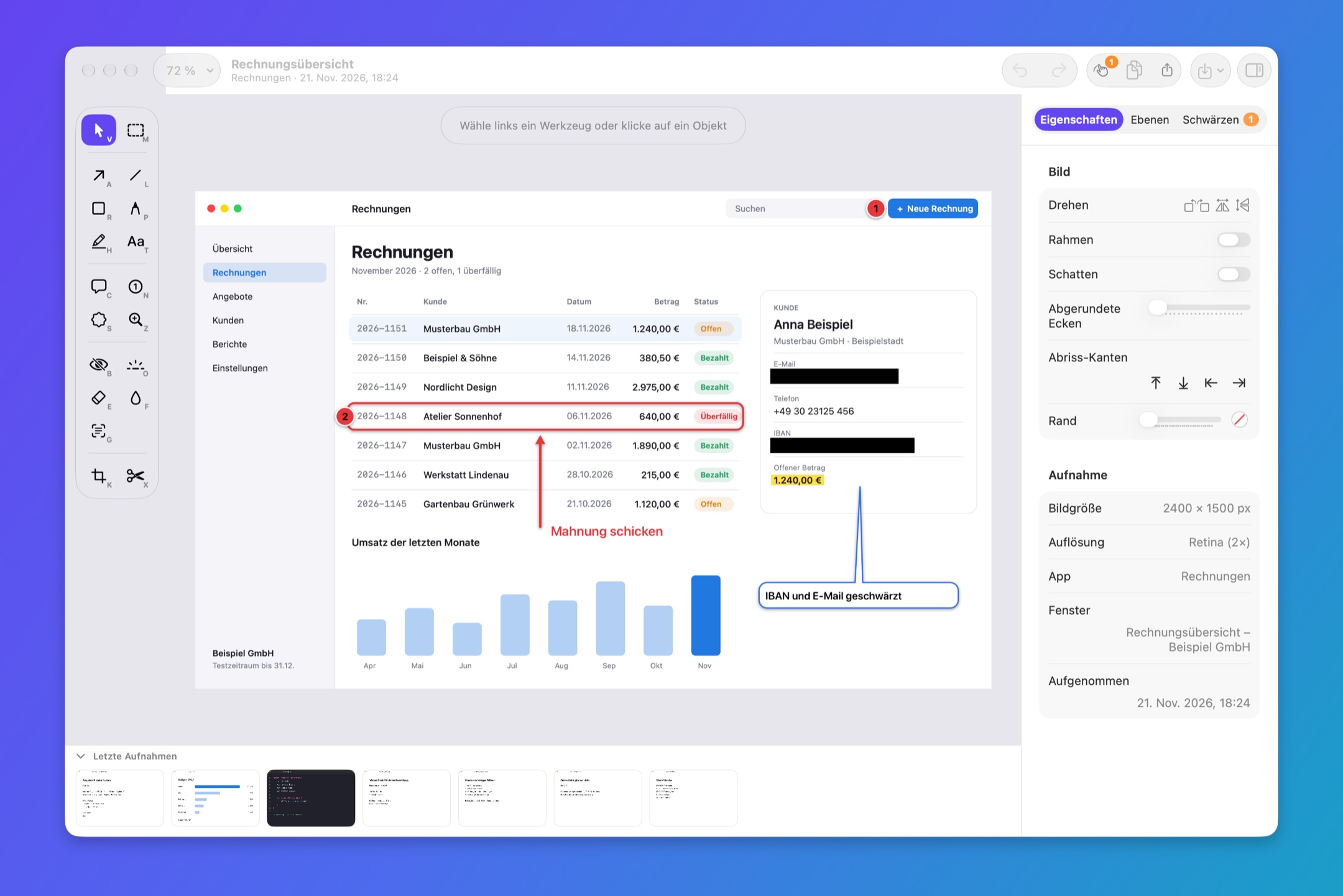
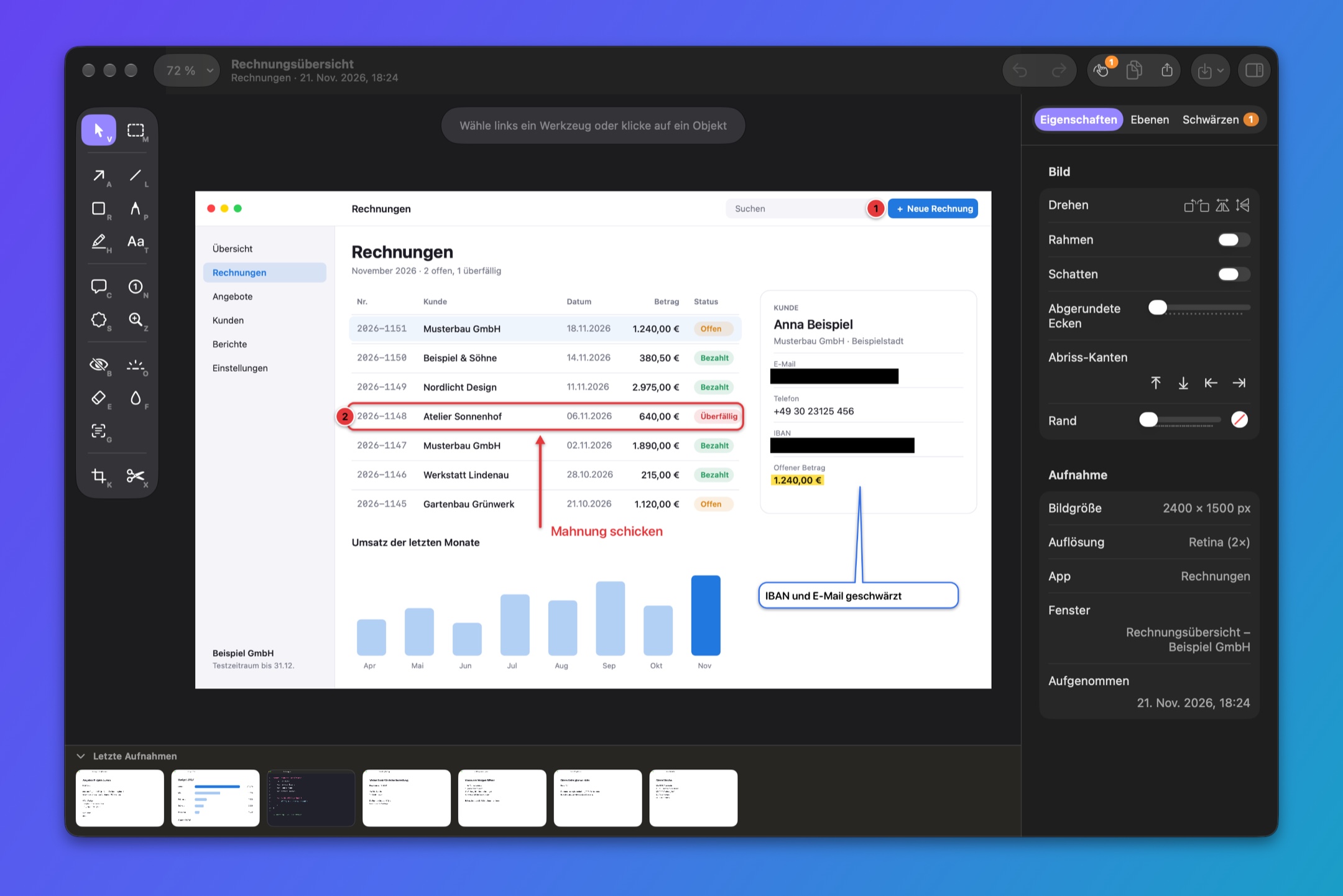
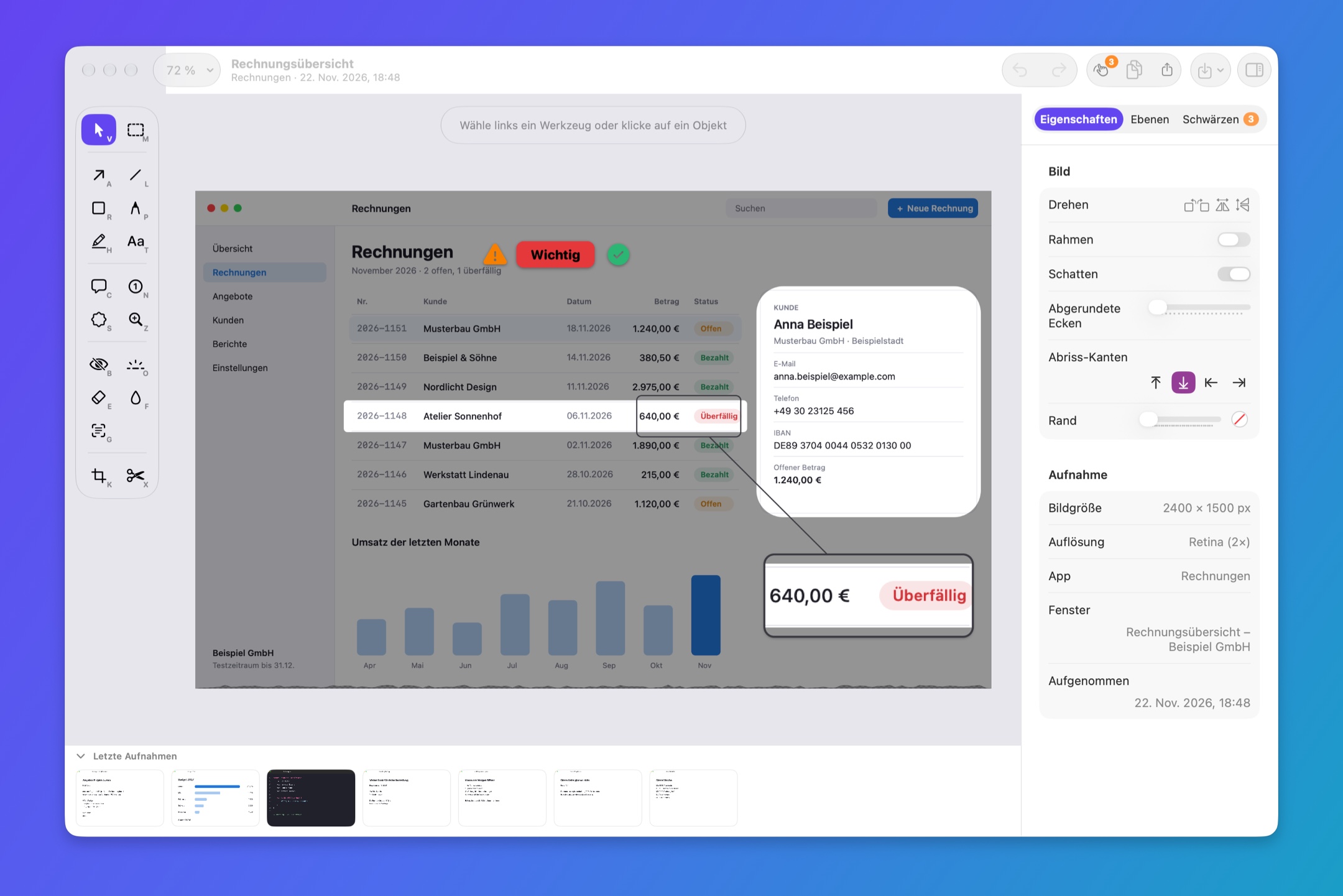
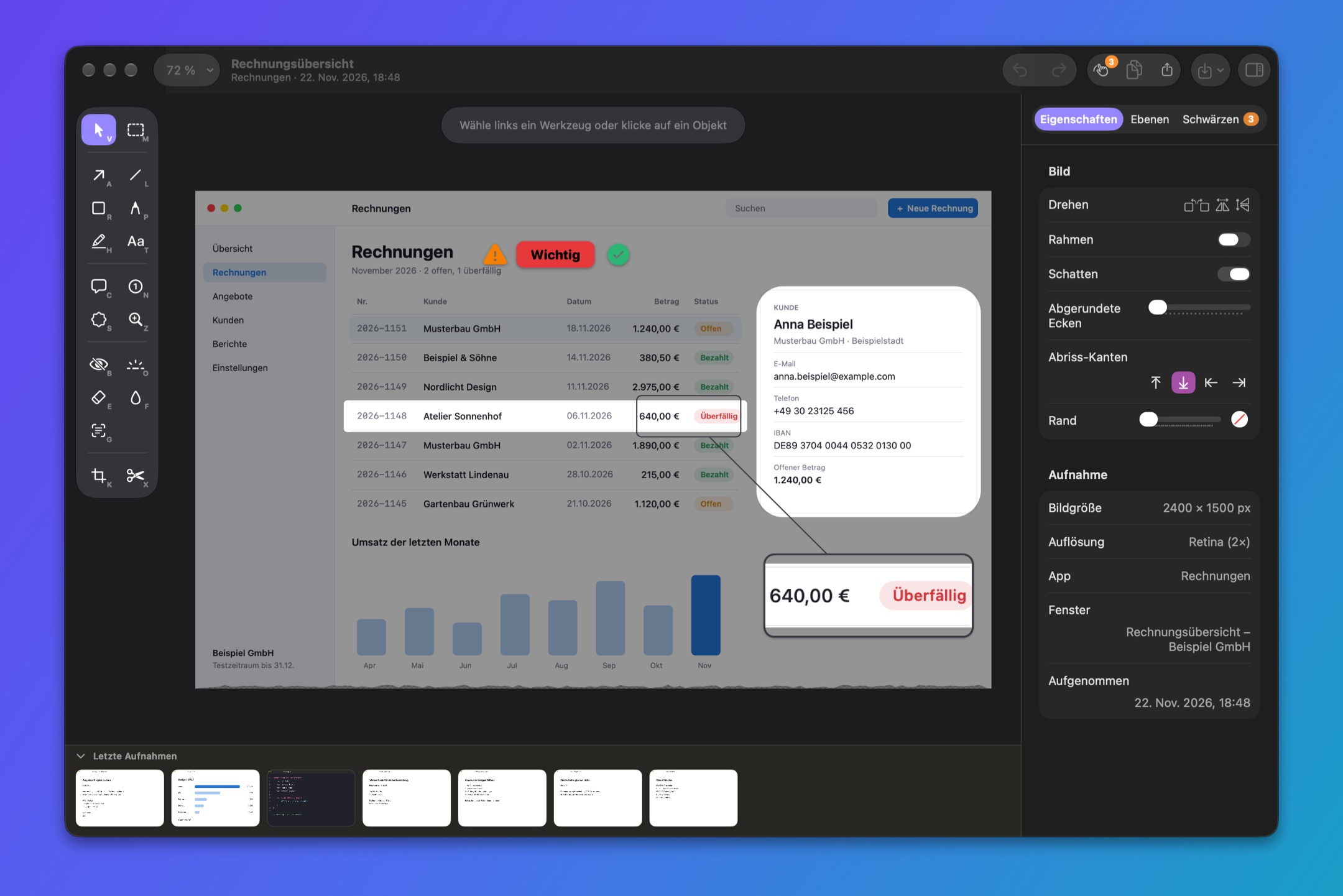
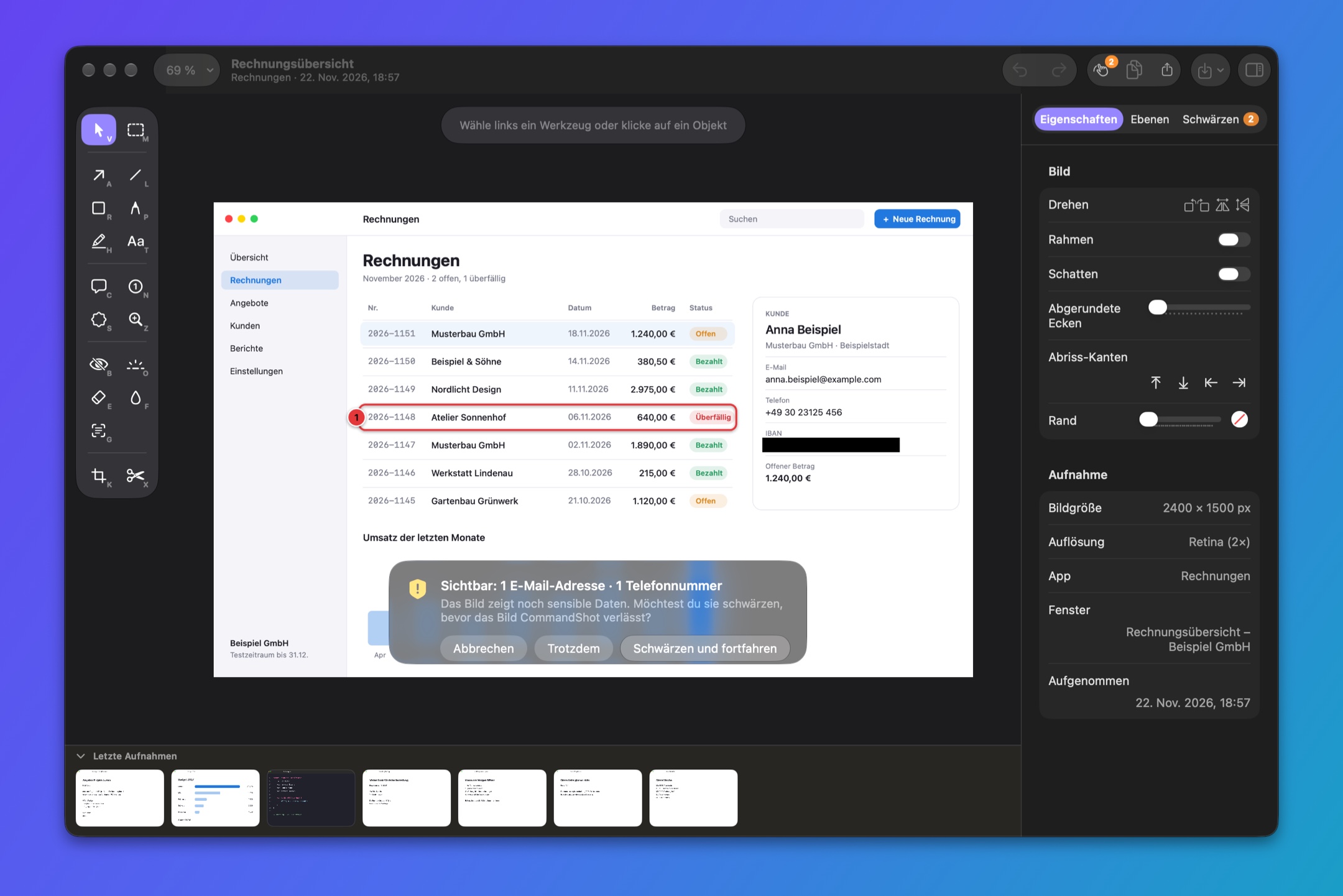
Die fünfte Testversion: Die Leiste „Letzte Aufnahmen“ kann löschen und wechselt ohne Stocken, und die Werkzeuge zeigen, welches du triffst.
Neu
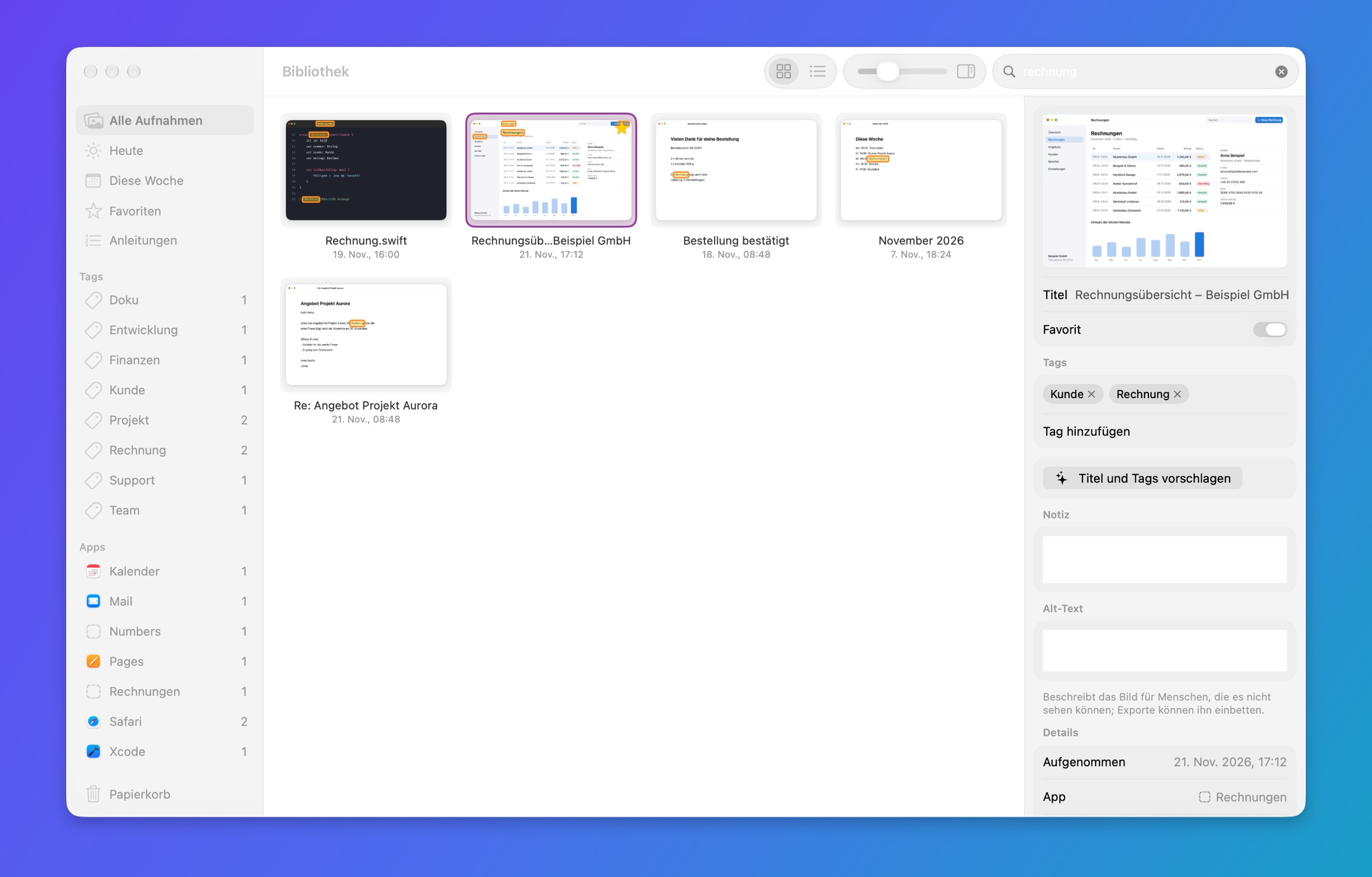
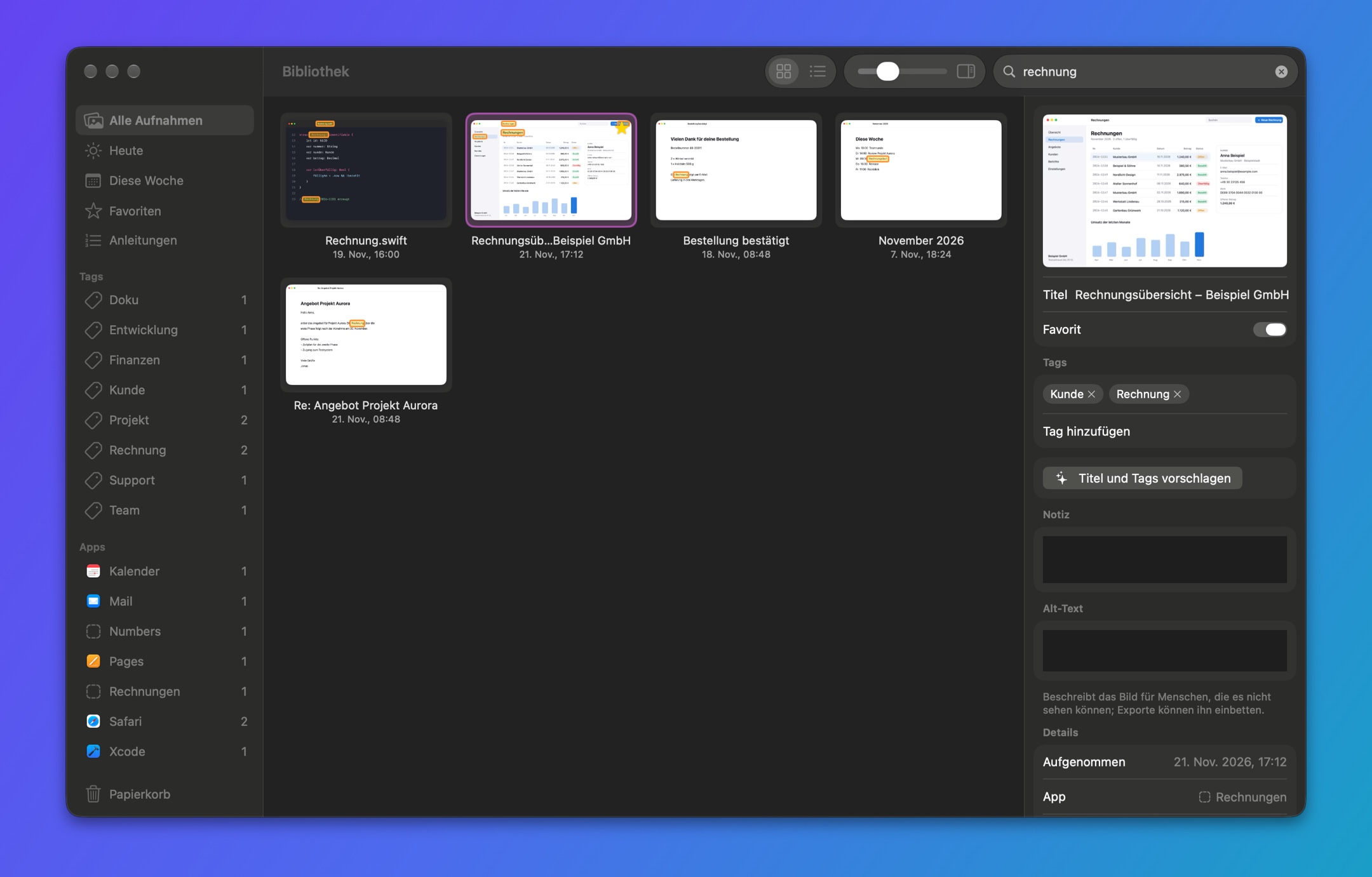
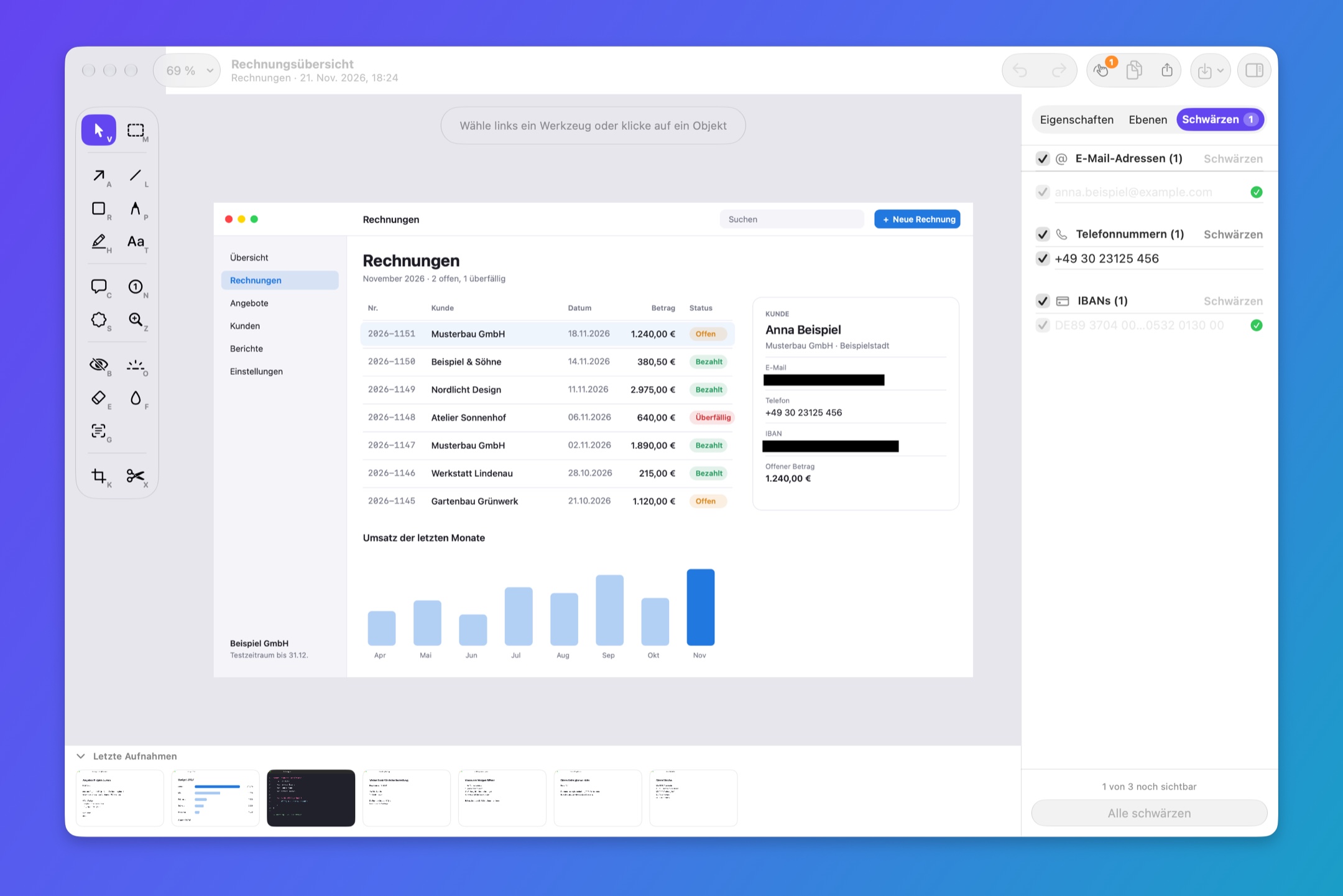
- Aufnahmen in der Leiste „Letzte Aufnahmen“ löschen: Unter dem Zeiger zeigt ein Vorschaubild einen Papierkorb-Knopf, und ein Rechtsklick bietet „In den Papierkorb“. Die Aufnahme kommt in den Papierkorb der Bibliothek, bleibt dort 30 Tage und lässt sich zurückholen. War es die Aufnahme im Editor, erscheint die benachbarte.
- Die Werkzeuge links im Editor heben hervor, worauf der Zeiger steht – du siehst, welches Werkzeug ein Klick wählt.
Geändert
- Die Leiste „Letzte Aufnahmen“ zeigt nur noch Aufnahmen. Anleitungen findest du im Menüleisten-Menü unter „Anleitungen“ und in der Bibliothek.
- Die Diagnose (Einstellungen › Allgemein › „Diagnose exportieren …“) hält jetzt fest, wenn der Editor länger als eine Sekunde nicht reagiert hat. Erlebst du so einen Hänger, schick die Diagnose bitte mit.
Behoben
- Beim Durchklicken der Leiste „Letzte Aufnahmen“ stockte der Editor bei jedem Wechsel, und für jede angeklickte Aufnahme lief im Hintergrund eine Texterkennung bis zum Ende. Jetzt beginnt die Suche nach sensiblen Daten erst, wenn eine Aufnahme einen Moment im Fenster ist, und endet, sobald du weiterklickst.
- Der Zieh-Griff und „Teilen“ oben im Editorfenster taten nichts mehr, sobald eine andere Aufnahme ins Fenster gekommen war.
- Ein Klick auf eine Anleitung in der Leiste „Letzte Aufnahmen“ endete in der Meldung „Die Aufnahme konnte nicht geöffnet werden“.
Was nicht rund läuft, bitte an kontakt.cs@die-gutbrods.de.
The fifth test version: the “Recent Captures” bar can delete and switches without stuttering, and the tools show which one you are about to pick.
New
- Delete captures in the “Recent Captures” bar: with the pointer on a thumbnail, a trash button appears on it, and a right-click offers “Move to Trash”. The capture goes to the library's trash, stays there for 30 days and can be put back. If it was the capture in the editor, its neighbour appears.
- The tools on the left of the editor highlight what the pointer is on – you see which tool a click will choose.
Changed
- The “Recent Captures” bar lists captures only. Guides are in the menu bar menu under “Guides” and in the library.
- The diagnostics (Settings › General › “Export Diagnostics…”) now note when the editor did not respond for more than a second. If you run into such a hang, please send the diagnostics along.
Fixed
- Clicking through the “Recent Captures” bar made the editor stutter at every change, and for every capture clicked a text recognition ran to its end in the background. The search for sensitive data now starts once a capture has been in the window for a moment, and ends as soon as you click on.
- The drag handle and “Share” at the top of the editor window did nothing any more once another capture had taken the window.
- A click on a guide in the “Recent Captures” bar ended in the message “The capture could not be opened”.
If something does not work well, please write to kontakt.cs@die-gutbrods.de.