Markdown to PDF or HTML – Professional
MarkForge is the powerful macOS application for converting Markdown files into professionally formatted PDF documents. Perfect for developers, technical writers, students, and anyone who creates high-quality documentation.

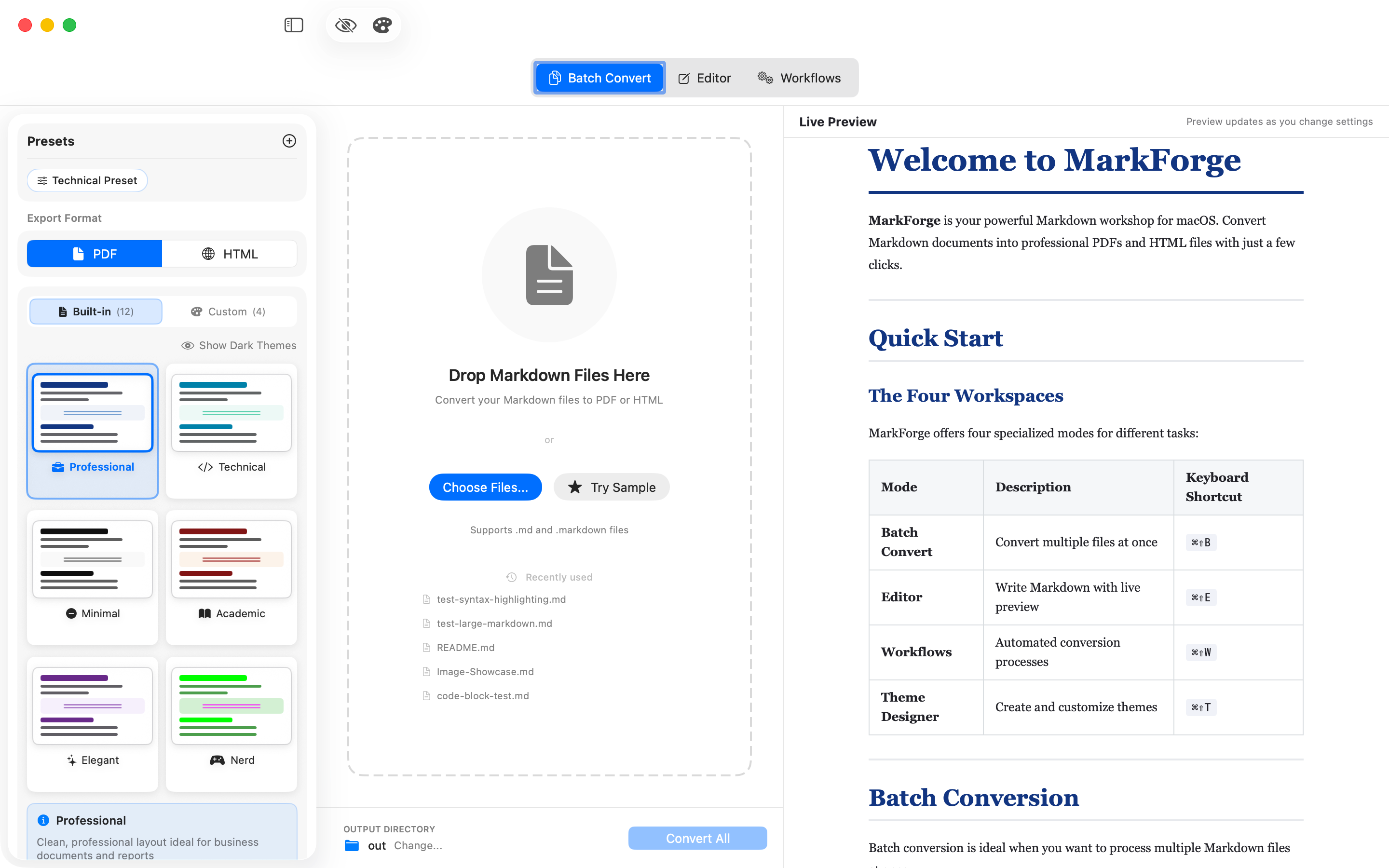
Professional Markdown Conversion
Batch processing, live preview, 12 built-in templates, unlimited custom themes and fully automated workflows
Theme Designer
Create your own custom themes with the new Theme Designer.
Custom Themes
Design your PDFs with fully customizable themes - colors, fonts, spacing and more.
Theme Presets
Start with pre-built presets and customize them to your needs.
Export & Import
Share your themes or use them across projects.
Validation
Automatic validation of your theme settings for error-free results.
Automated Workflows
Fully automated Markdown conversion in the background.
Worker System
Create workers that monitor directories and automatically convert Markdown files to PDF or HTML.
Flexible Scheduling
Configure intervals or specific times for automatic processing of your documents.
Email & SFTP
Automatically send converted files via email (SMTP) or upload them to an SFTP server.
Dashboard & Logging
Keep track of everything with the dashboard and detailed logs of all conversions.
Key Features
Batch Conversion
Convert multiple Markdown files simultaneously with one click. Save hours when creating documentation.
Live Preview
See changes in real-time as you write. The integrated editor shows immediately how your PDF or HTML will look.
Professional Templates
Choose from 12 predefined templates: Professional, Technical, Minimal, Academic, Elegant and Nerd - each in light and dark variants.
Syntax Highlighting
Automatic color coding for 20+ programming languages: Swift, Python, JavaScript, TypeScript, Java, Go, Rust, and more.
Integrated Editor
Full-featured Markdown editor with formatting toolbar. Edit your documents directly in the app.
Privacy First
All files are processed exclusively locally on your Mac. No cloud connections, no data collection.
Screenshots
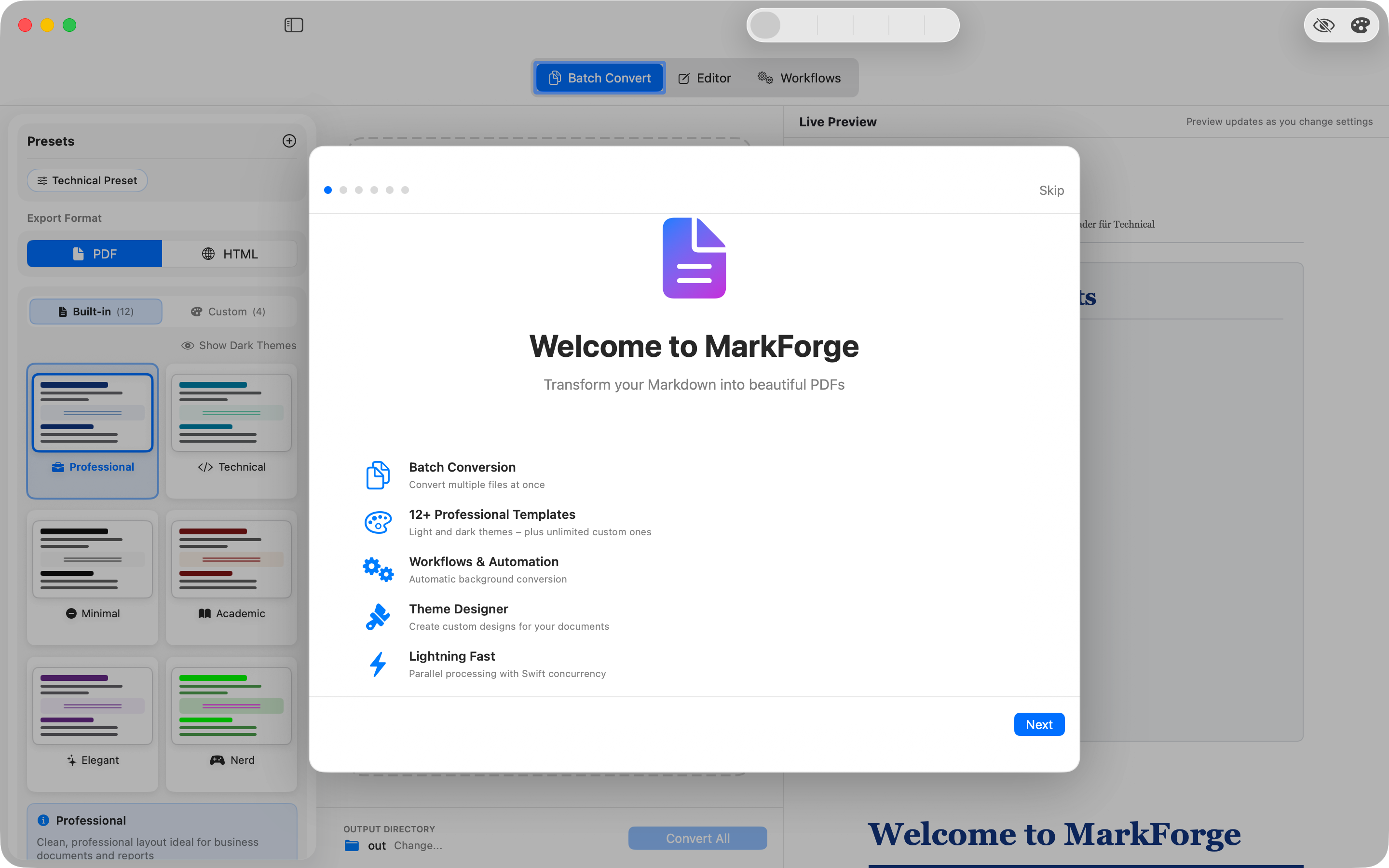
Quick Start
The welcome screen guides you through all MarkForge features
Batch Conversion & Export
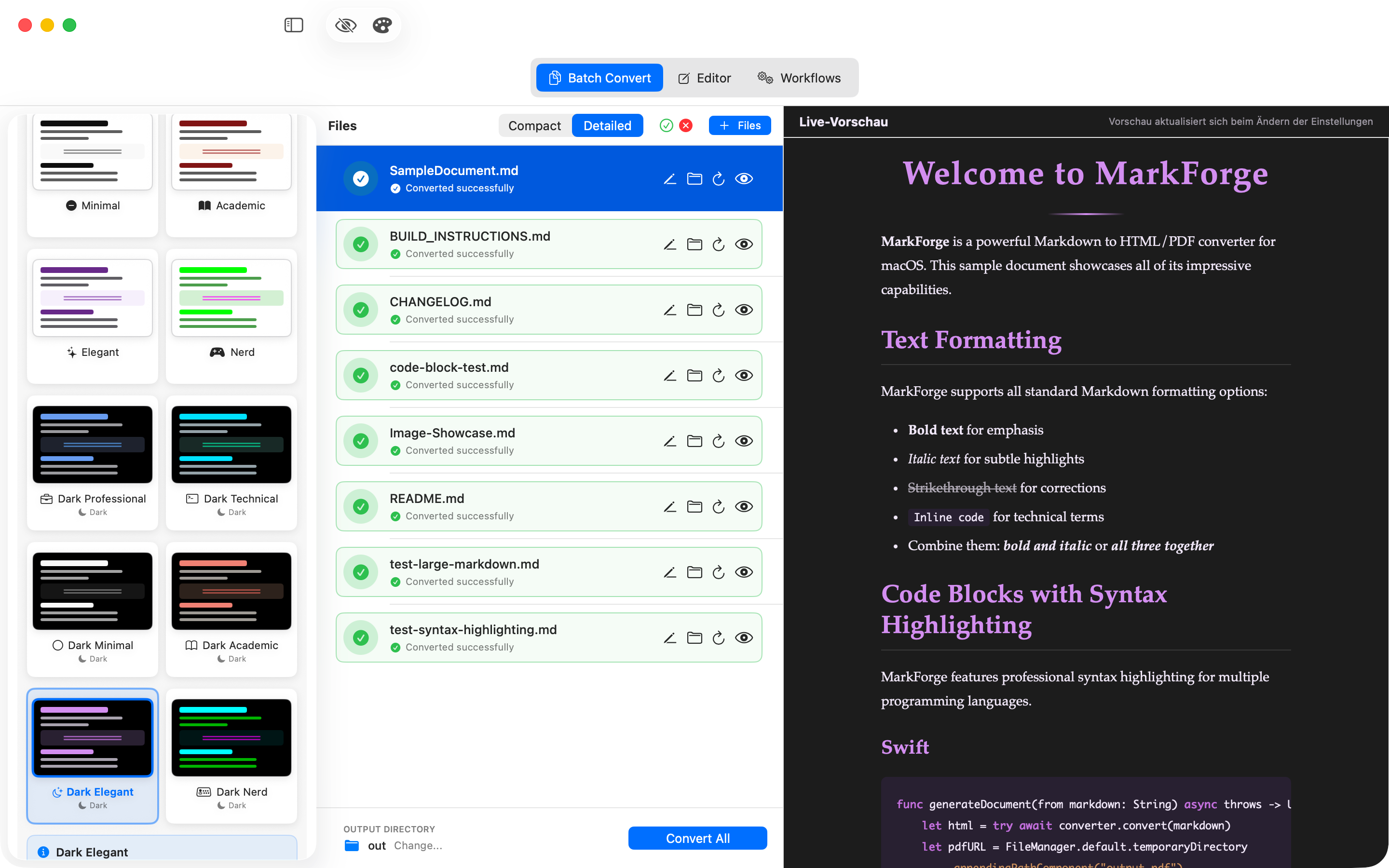
Preview before conversion
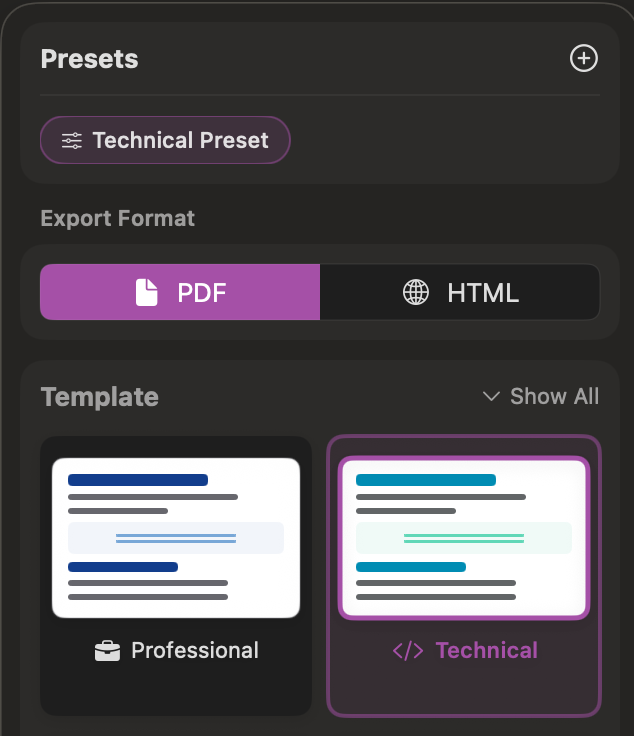
Conversion Presets
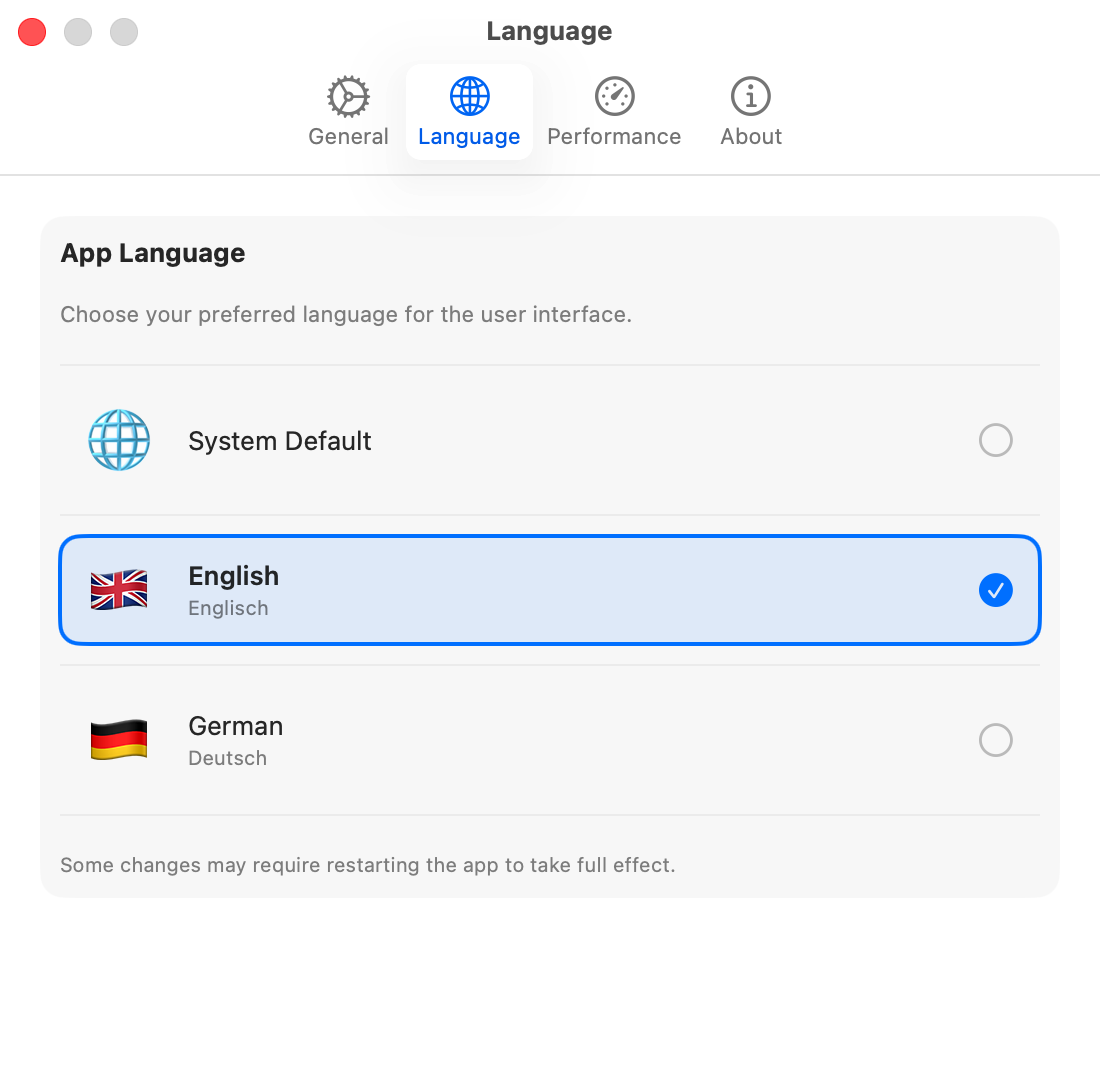
Multilingual Interface
Editor Features
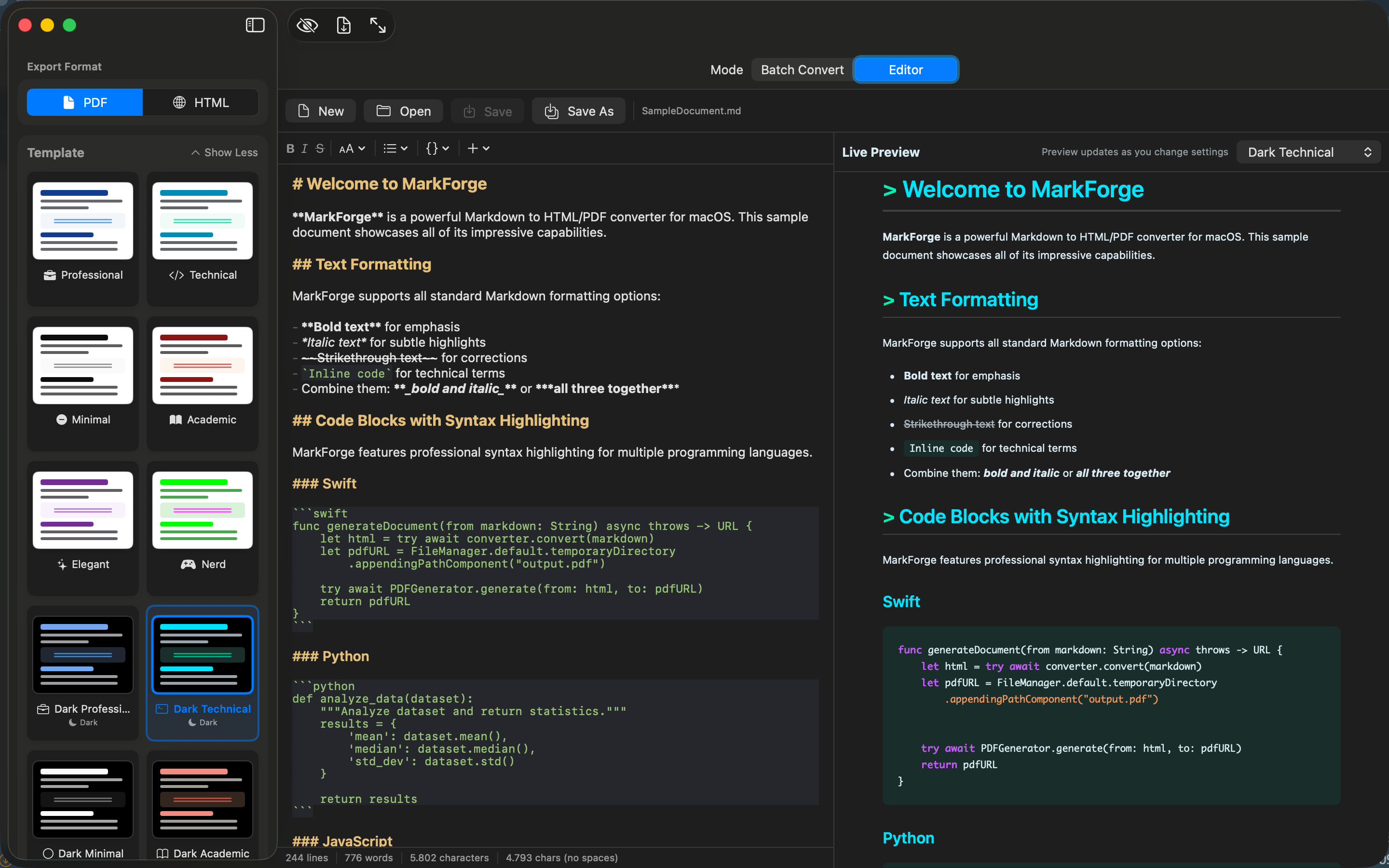
Editor with Syntax Highlighting
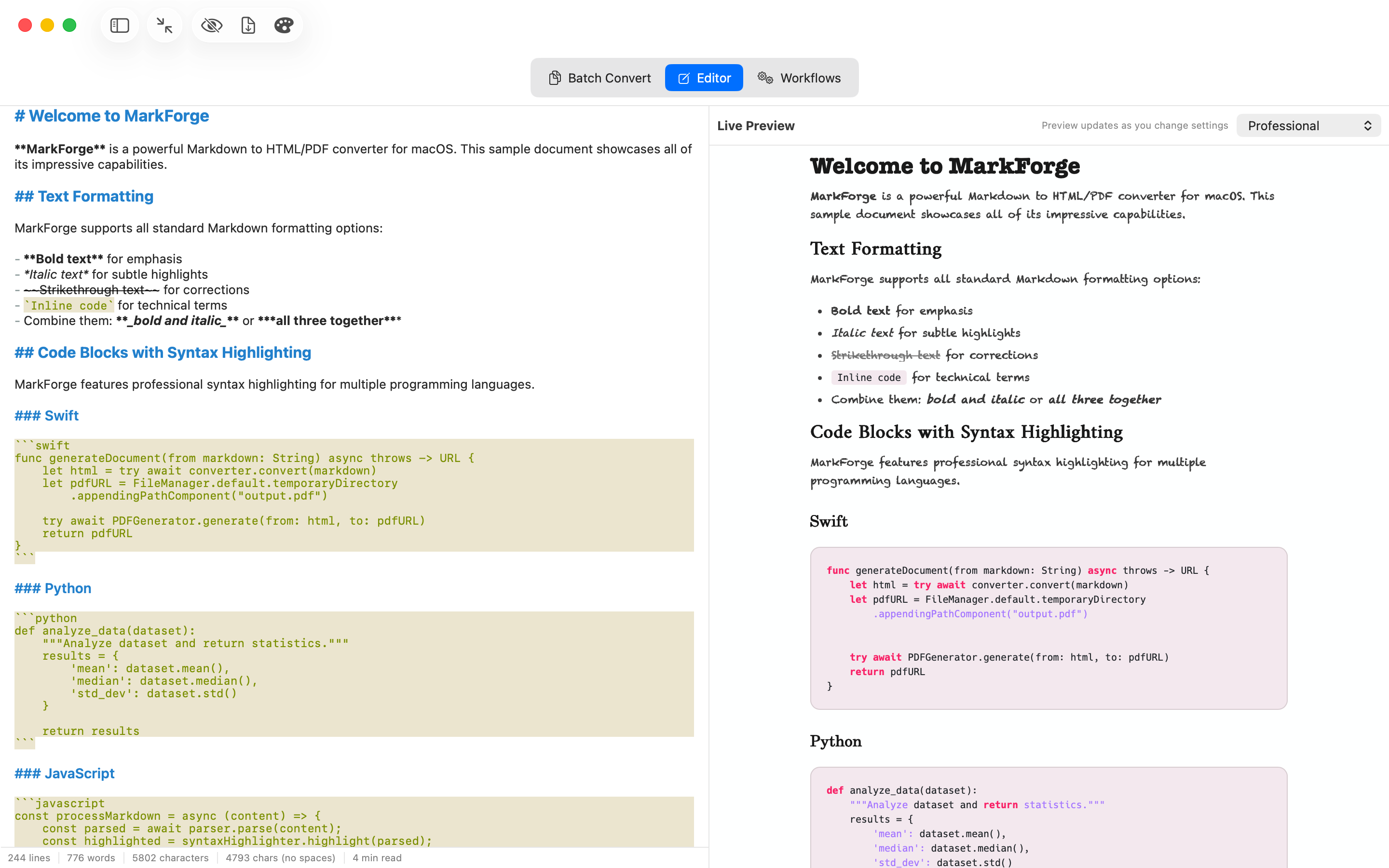
Distraction-Free Mode
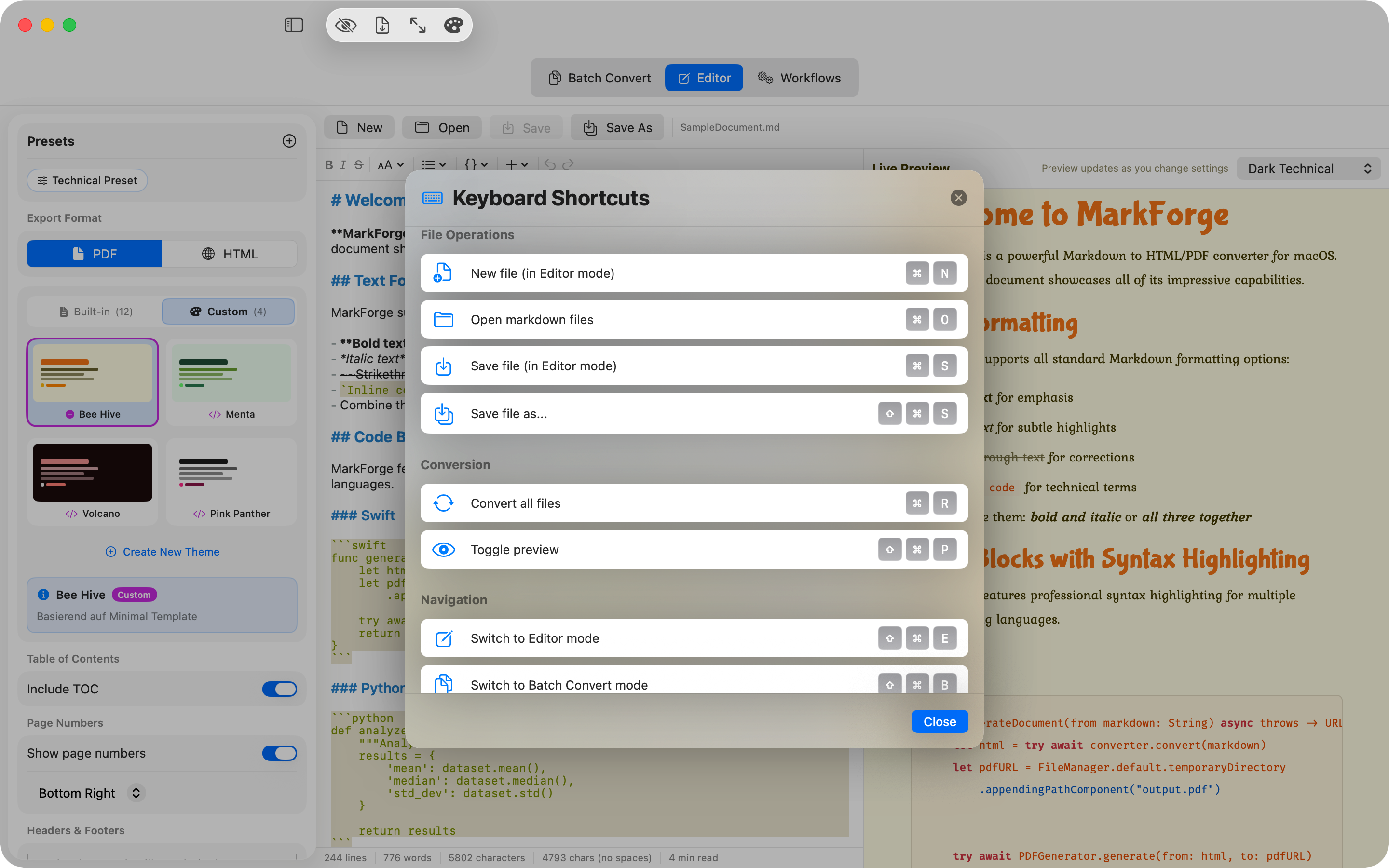
Overview of Keyboard Shortcuts
PDF Output & Layout
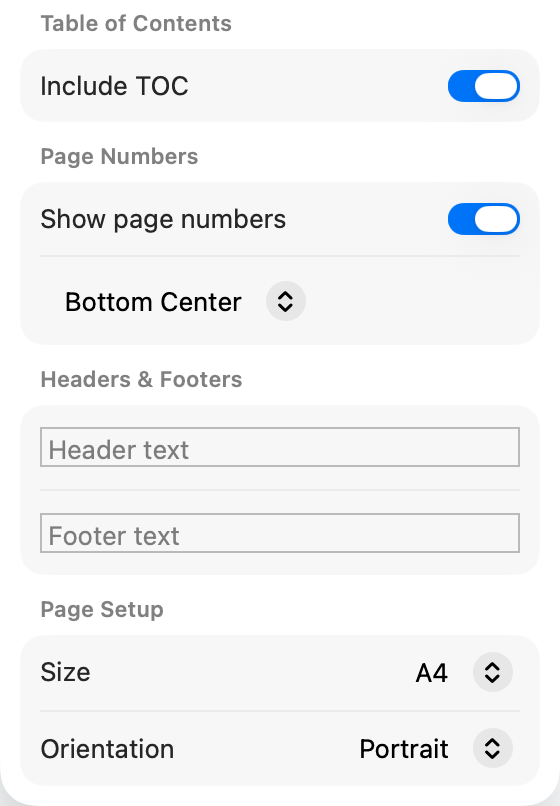
Header and Footer
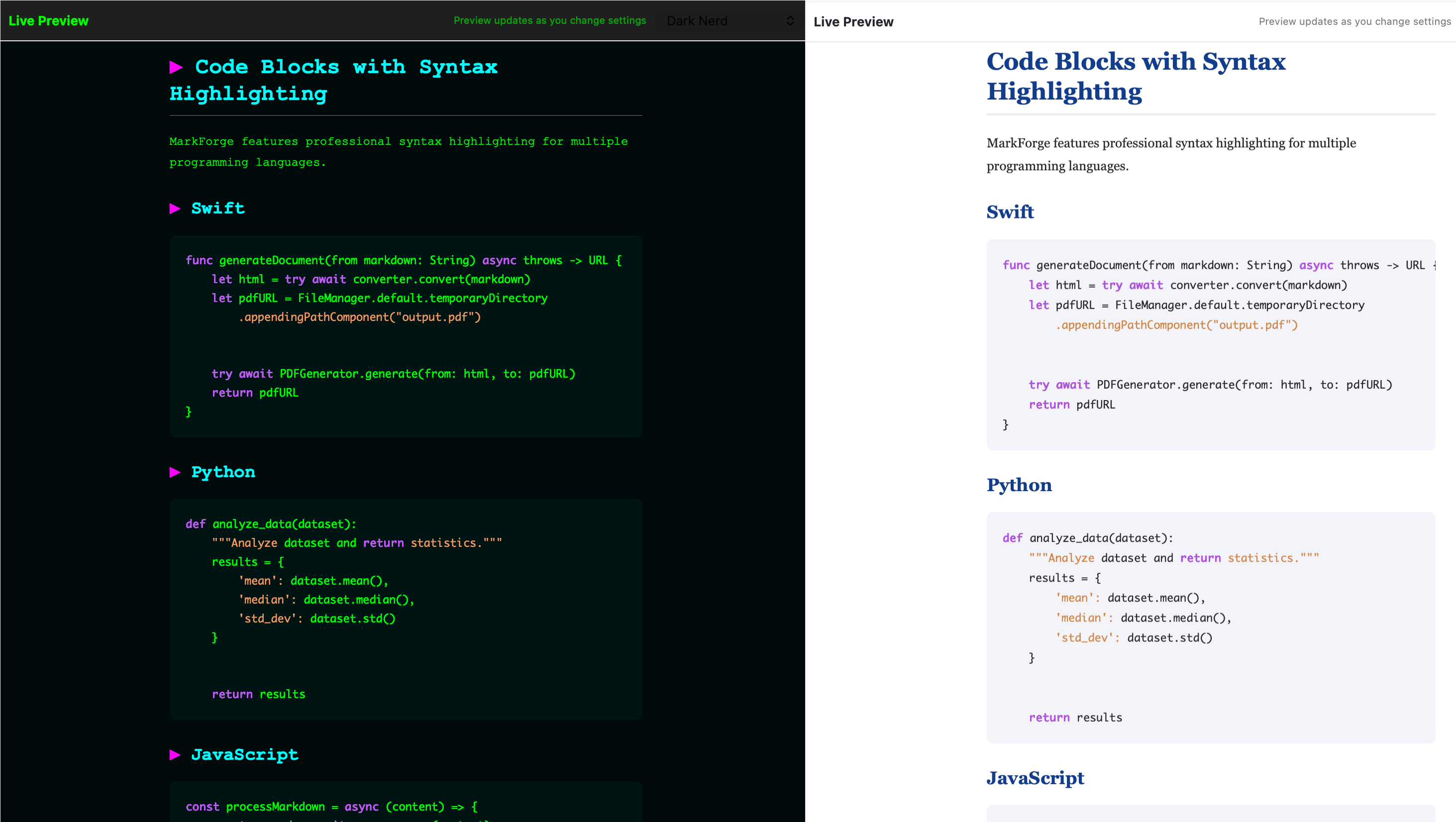
Light and Dark Variants
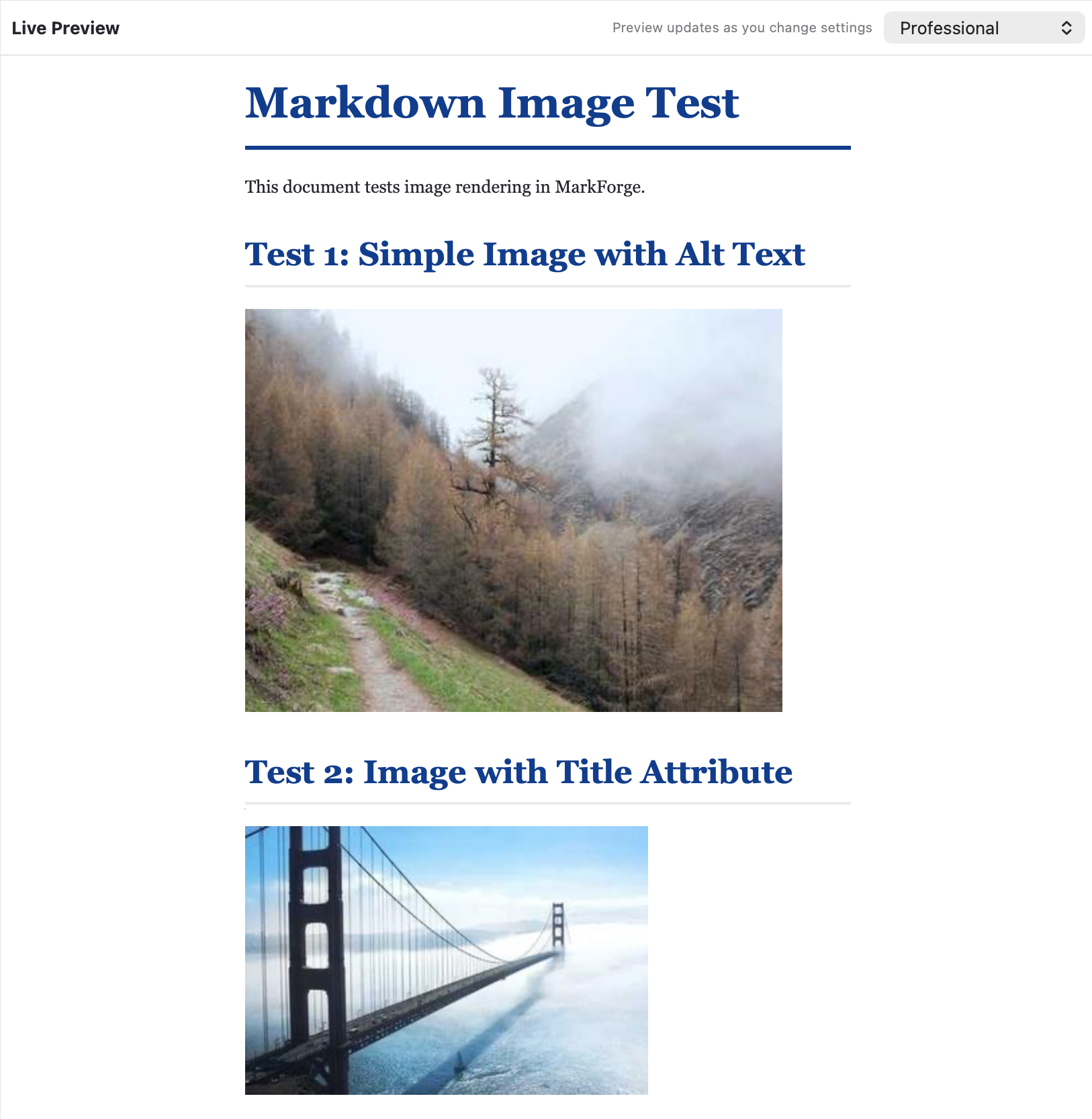
Images in Documents
Templates & Styling
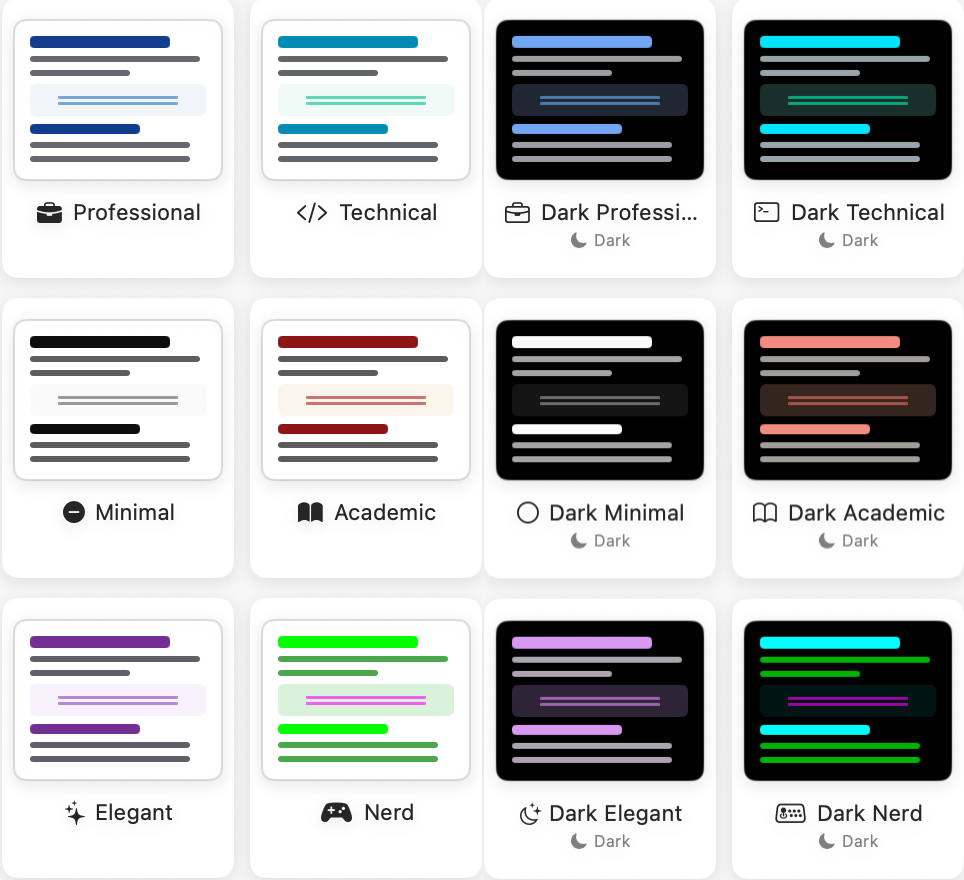
12 Professional PDF Templates
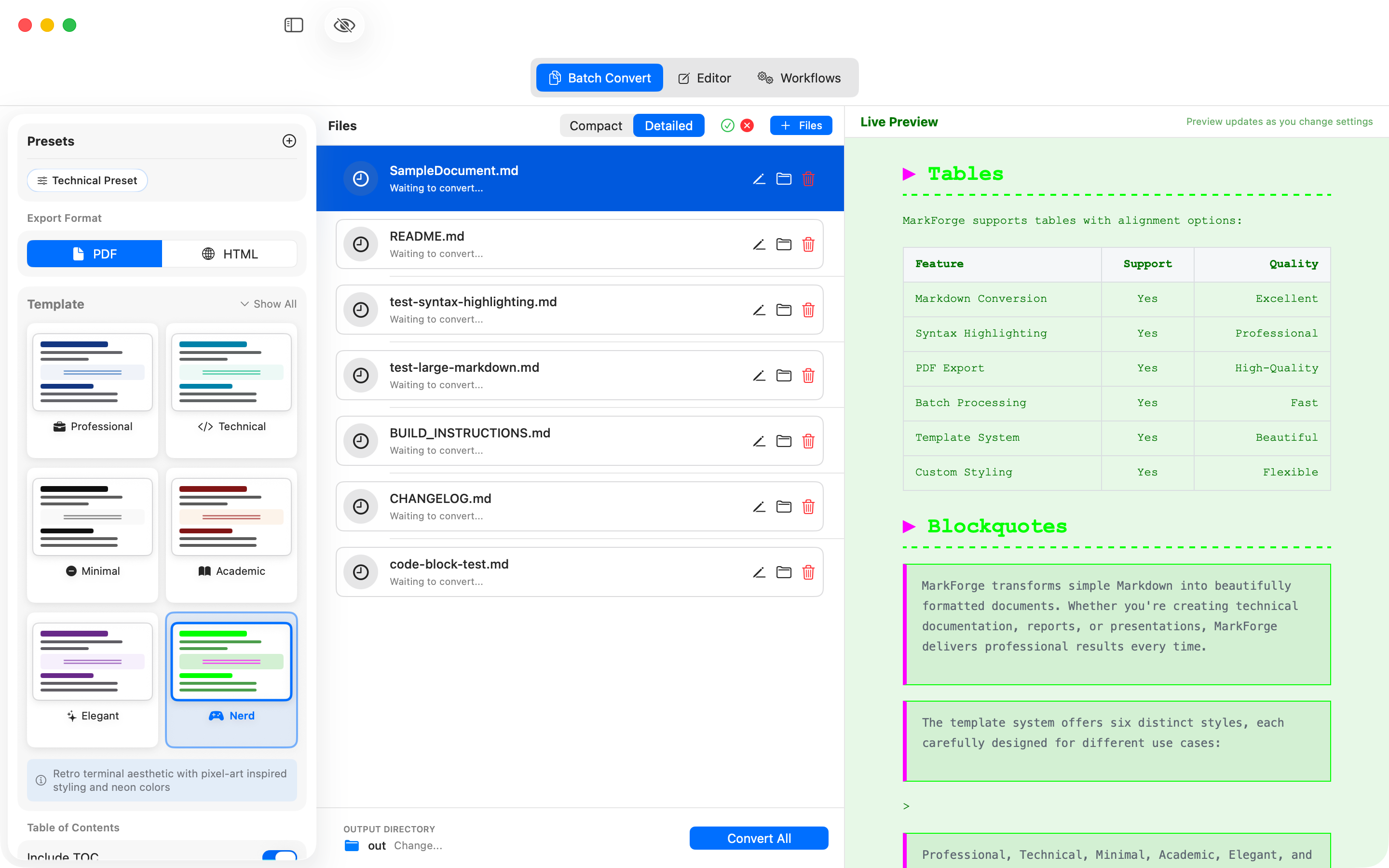
Nerd Theme with Table Support
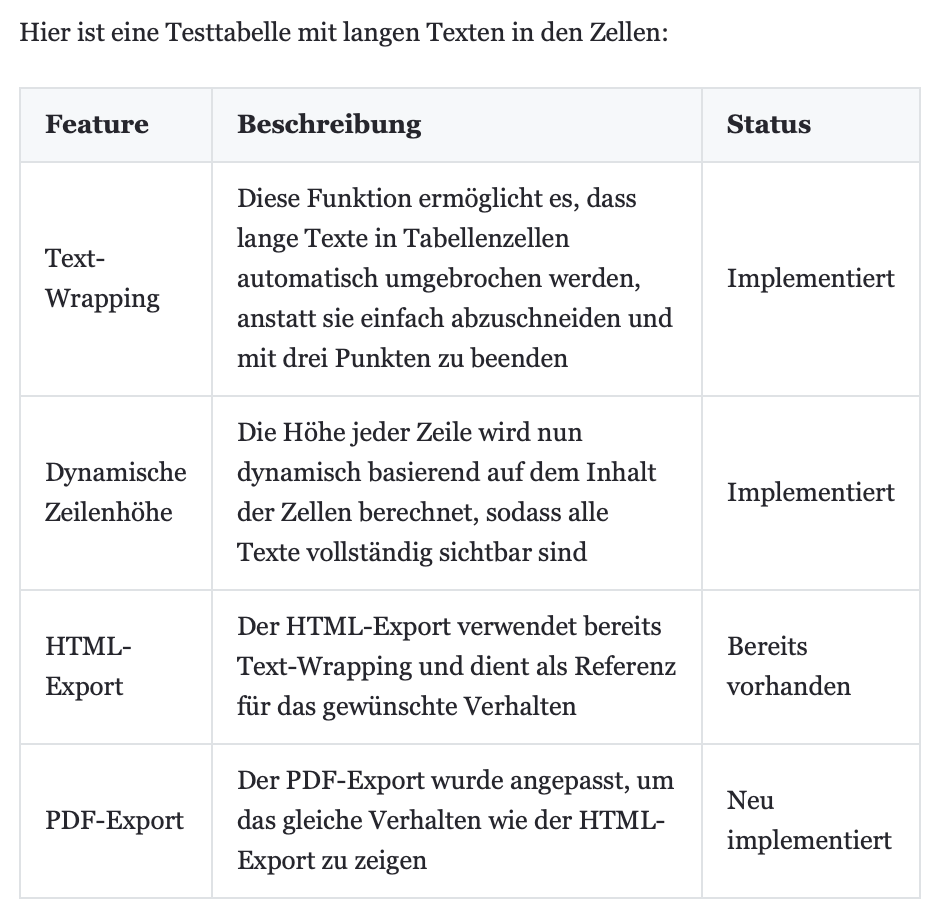
Markdown Tables
Code Features
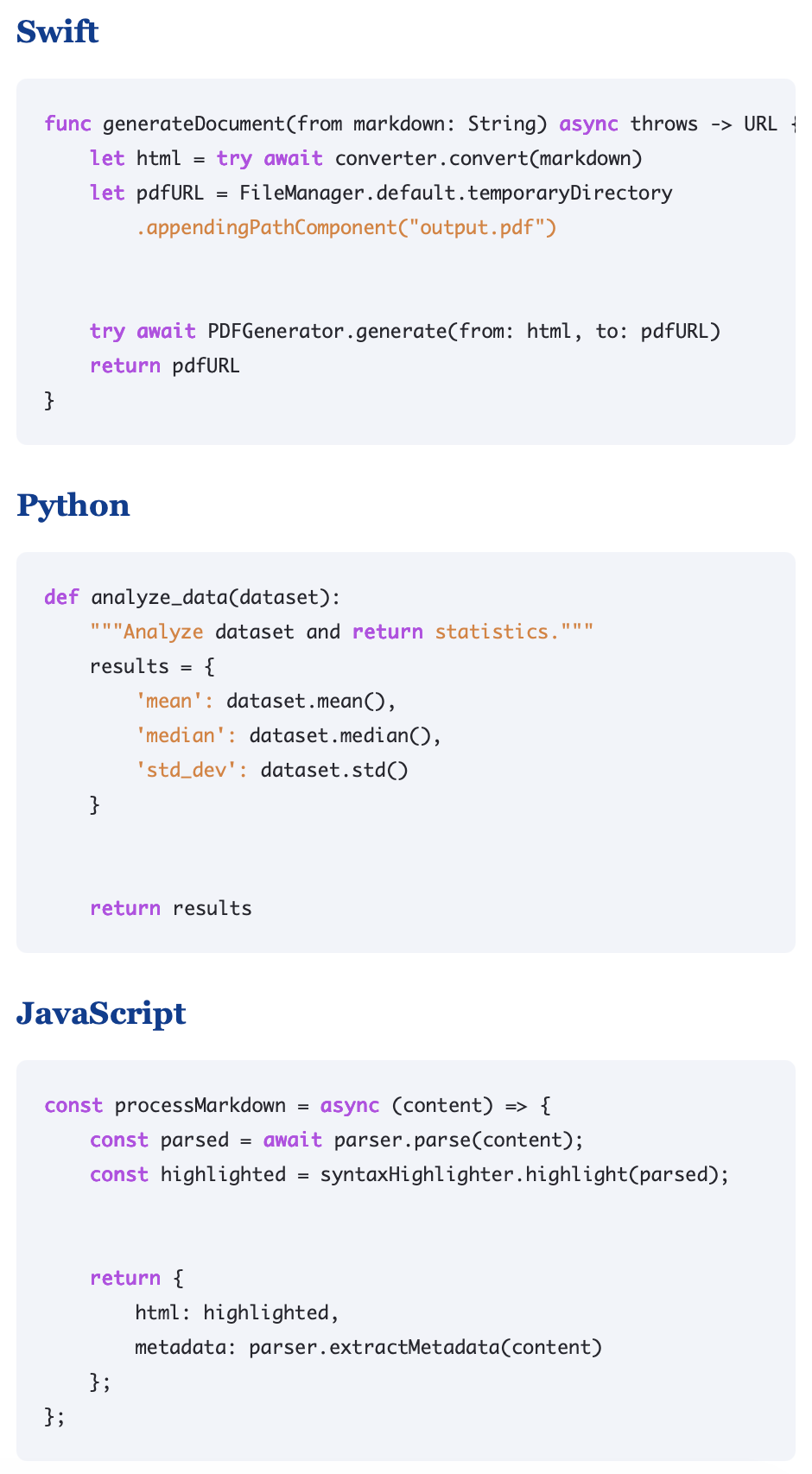
Syntax Highlighting for Code Blocks
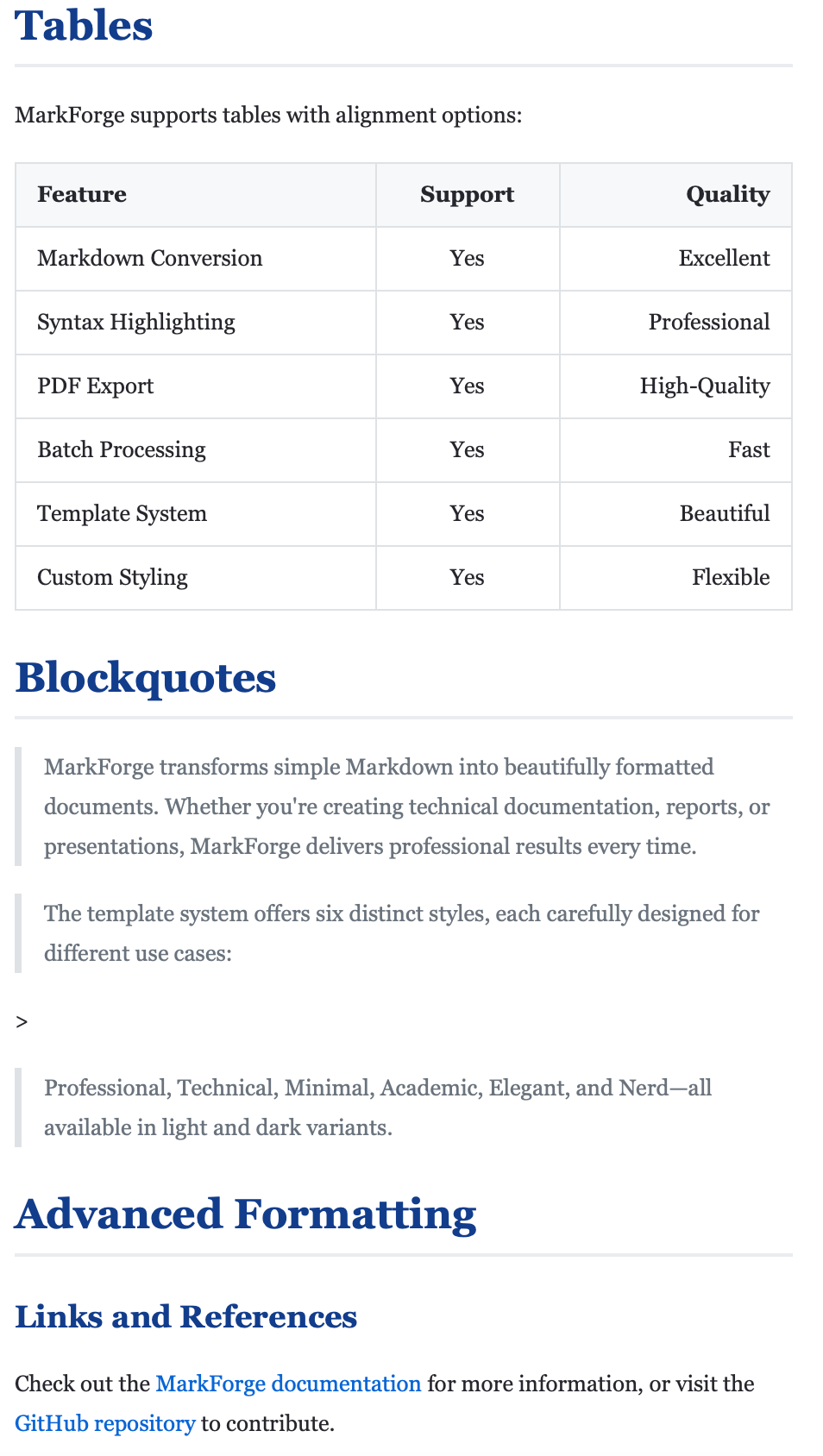
All Markdown Elements
Dark Theme
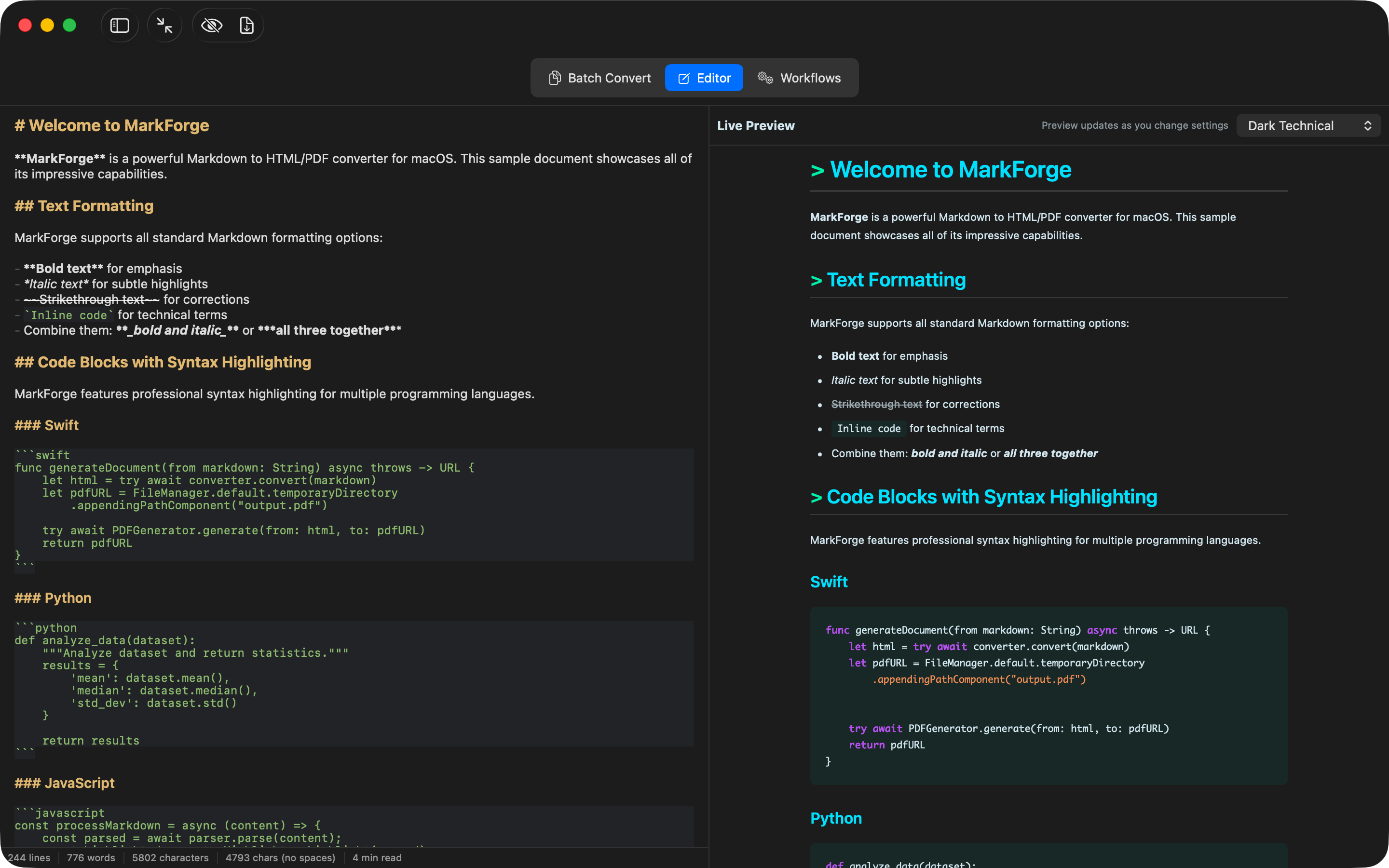
Distraction-Free in Dark Mode
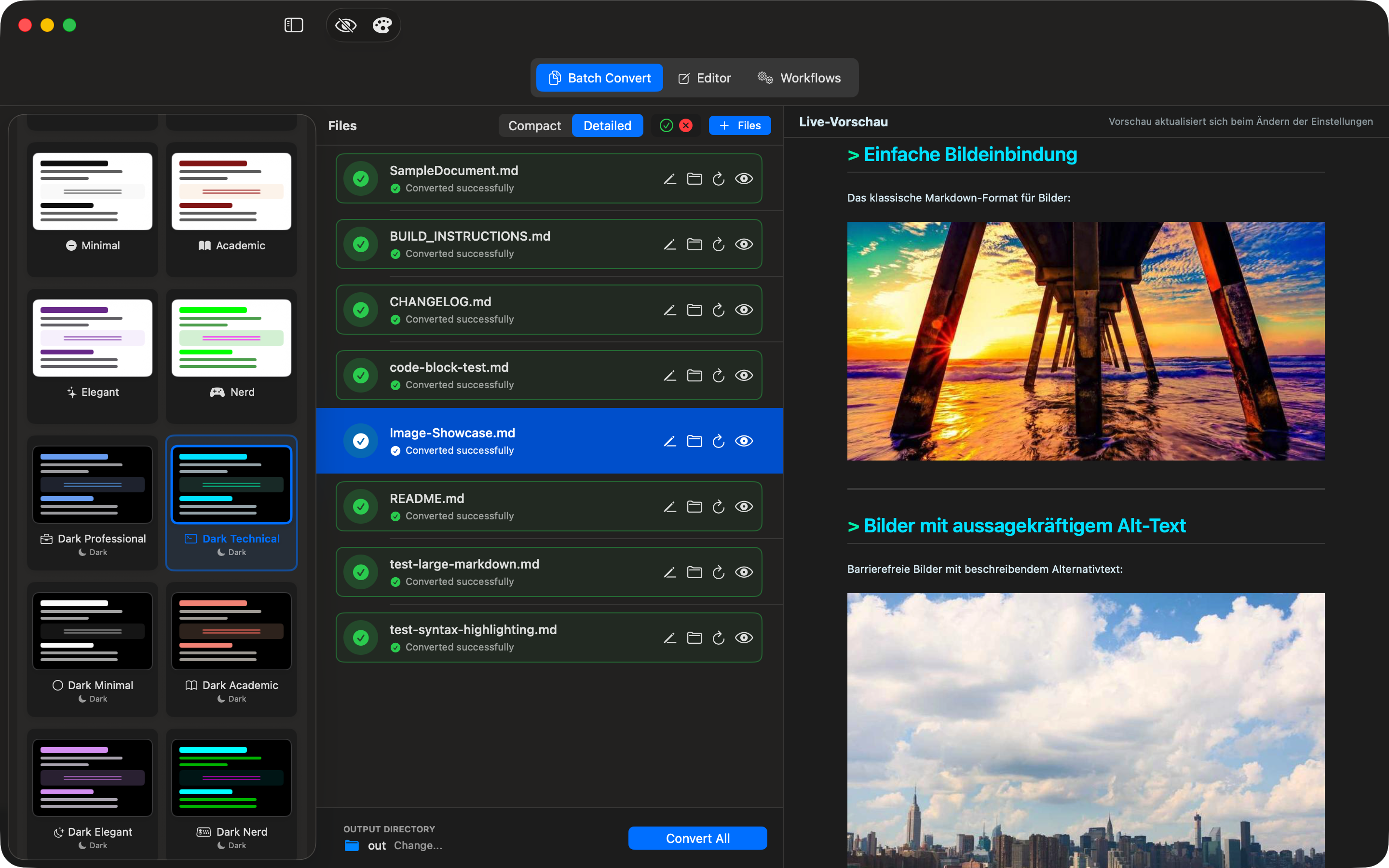
Dark Theme with Image Support
Theme Designer New in 1.3.0
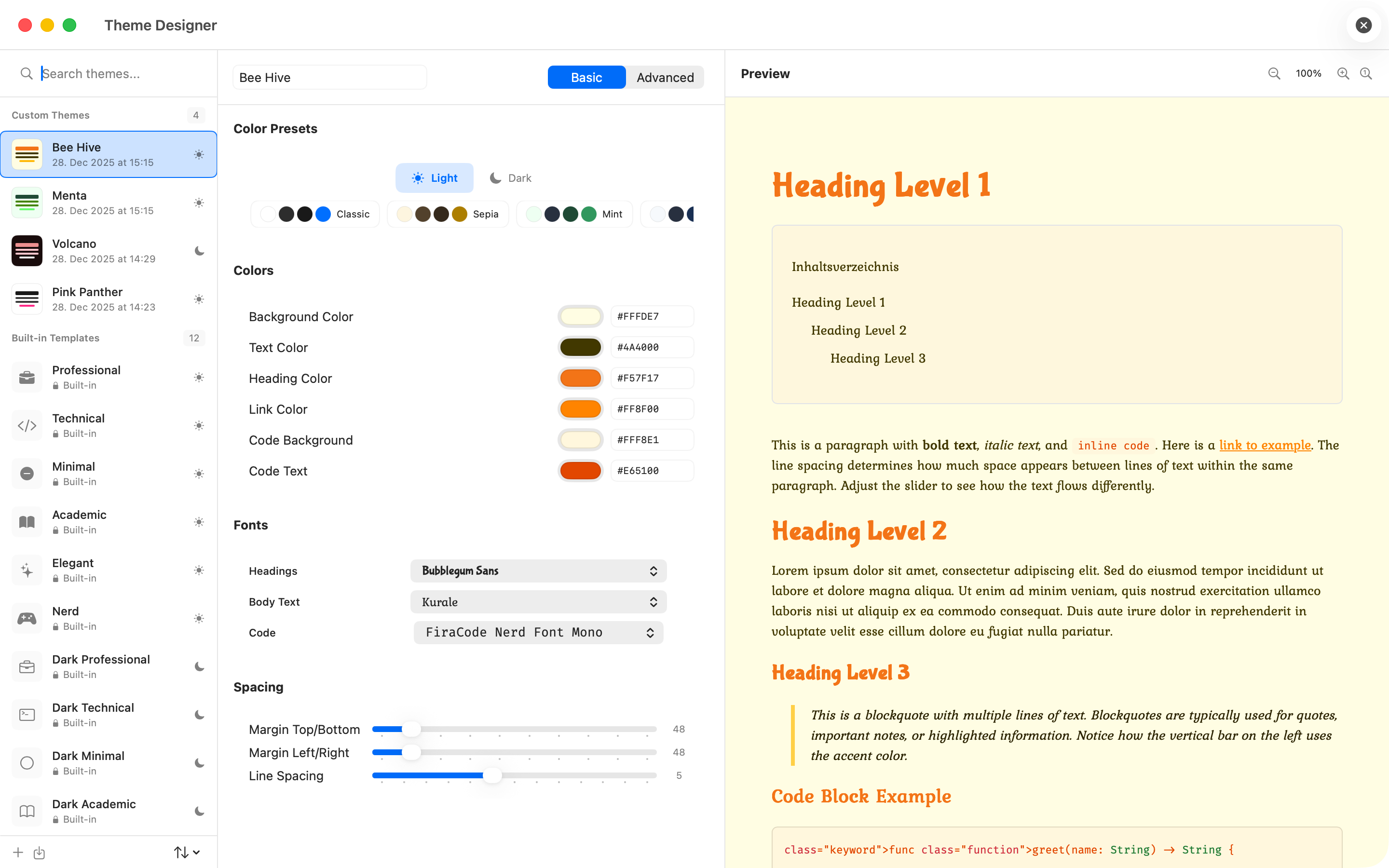
Custom Themes
Create your own PDF themes with custom colors, fonts and layouts
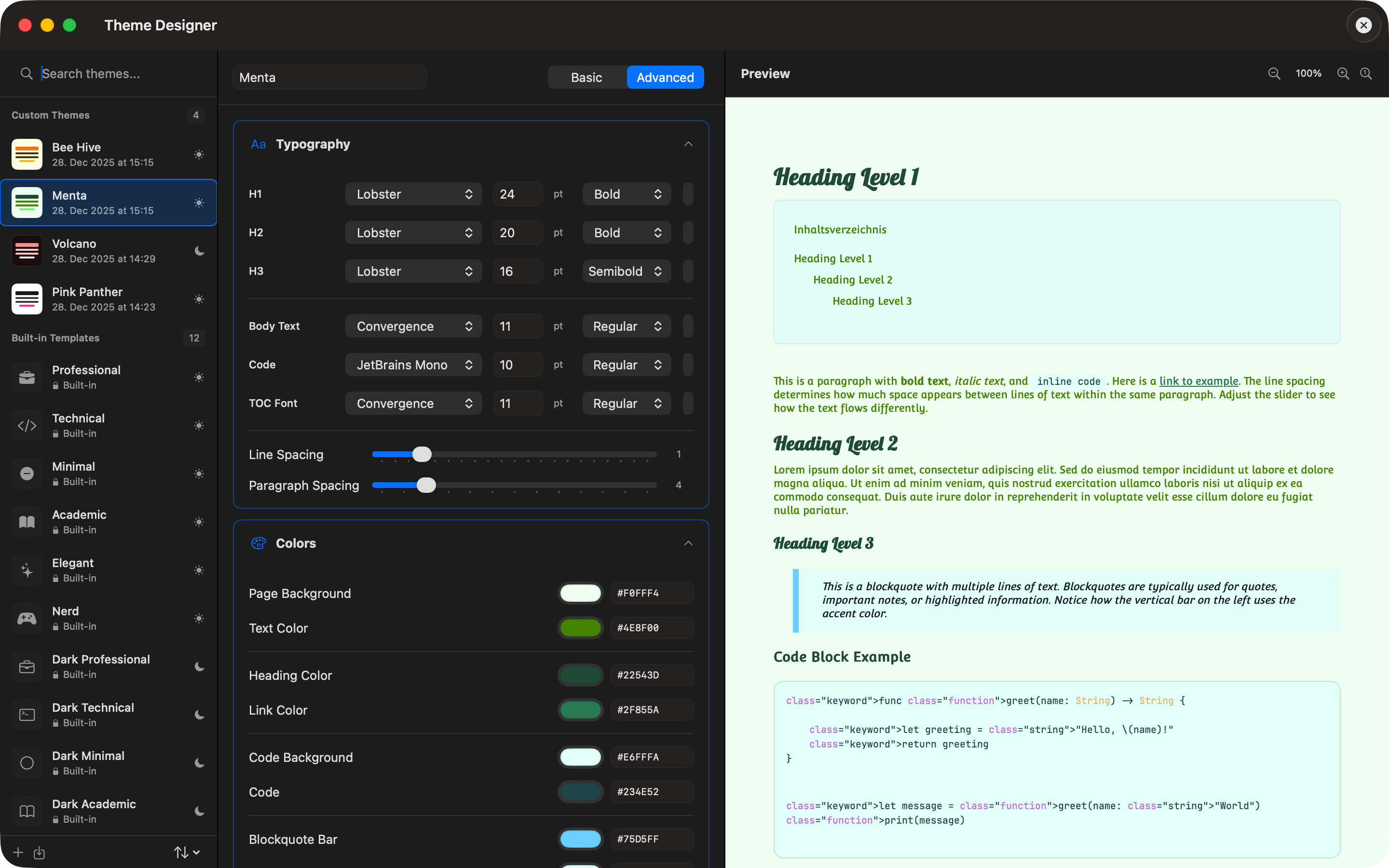
Advanced Theme Options
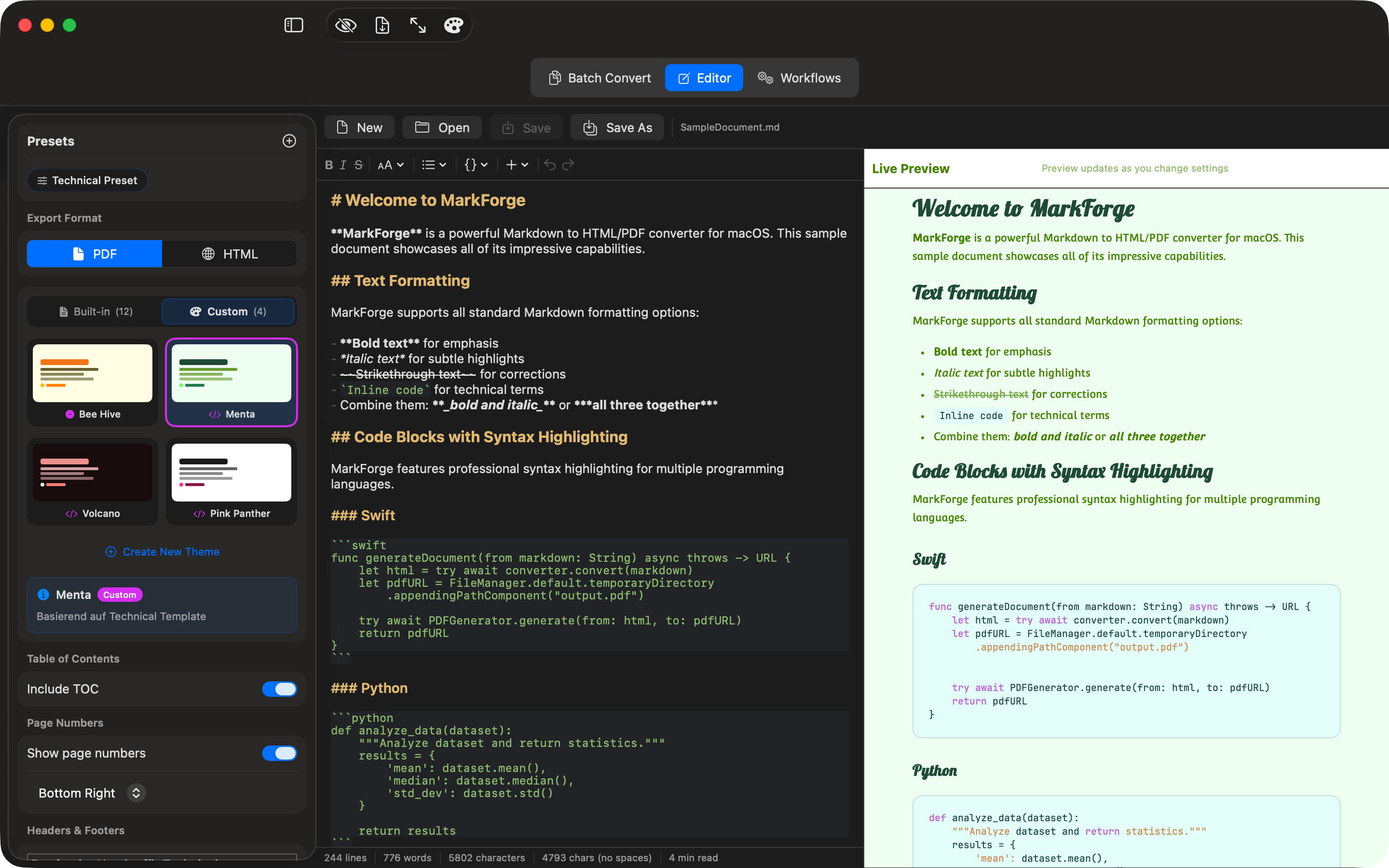
Custom Theme in Editor
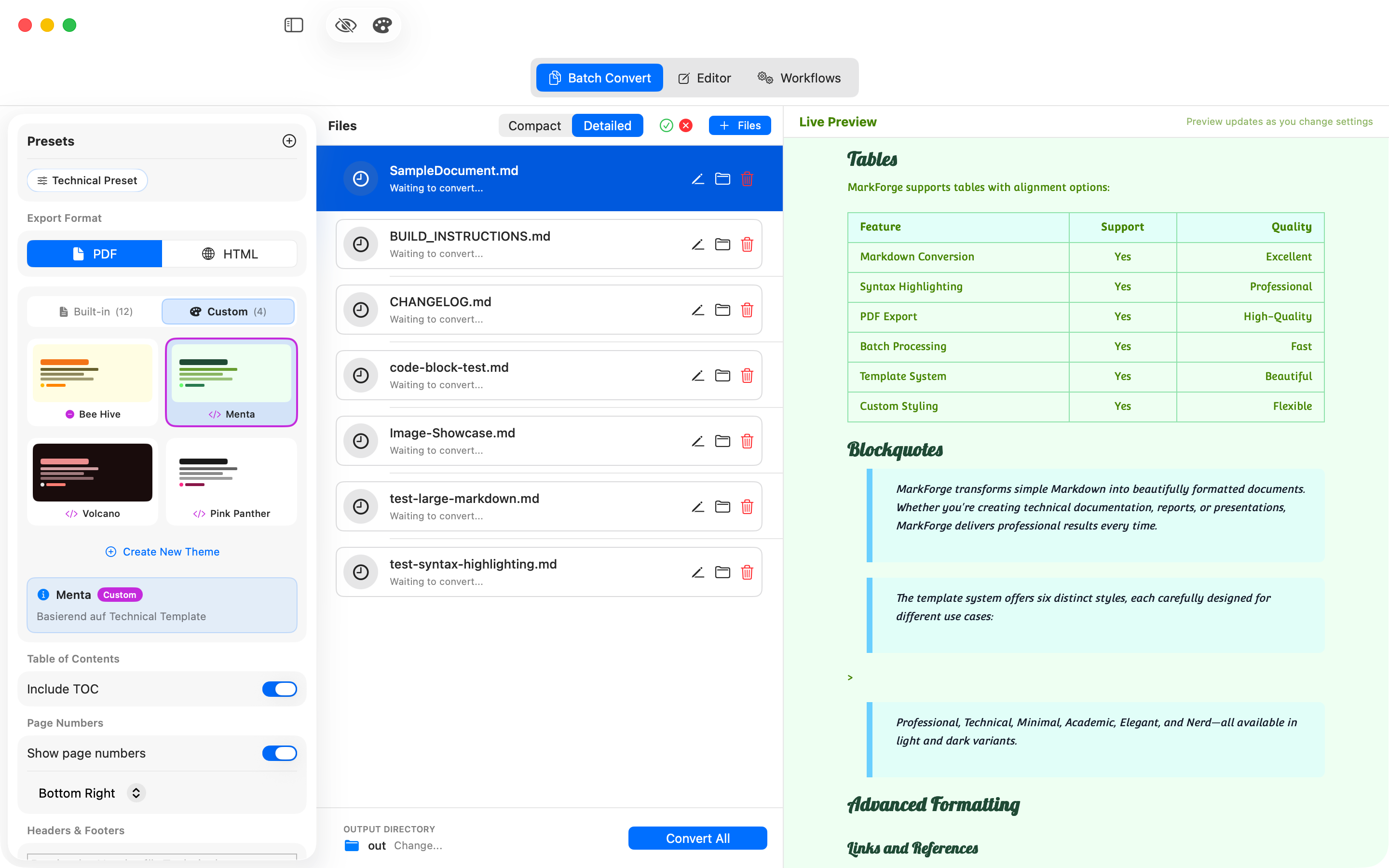
Custom Theme with Tables
Automation & Workflows New in 1.2.0
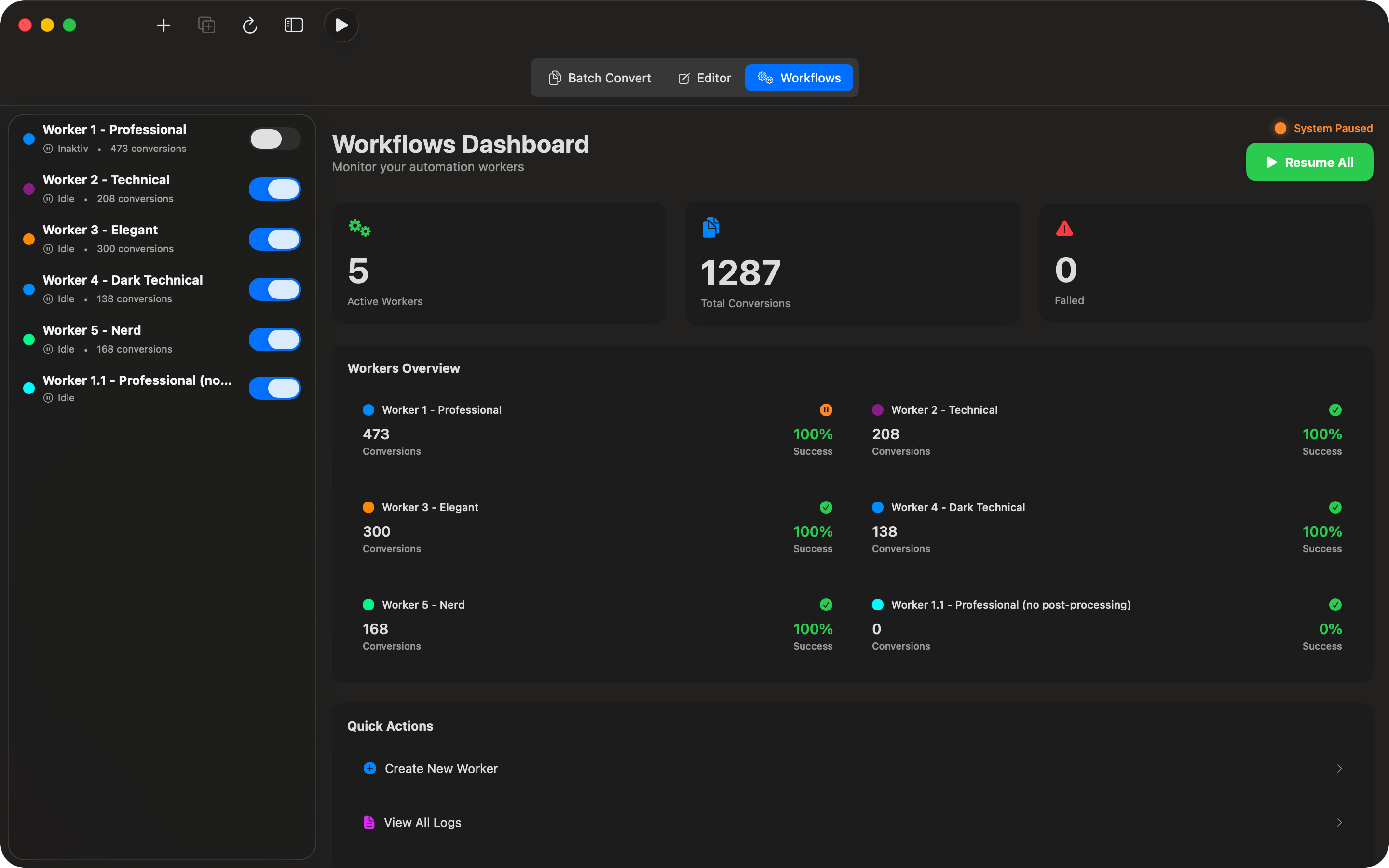
Automated Dashboard
Manage all workers and keep track of statistics
Worker Configuration
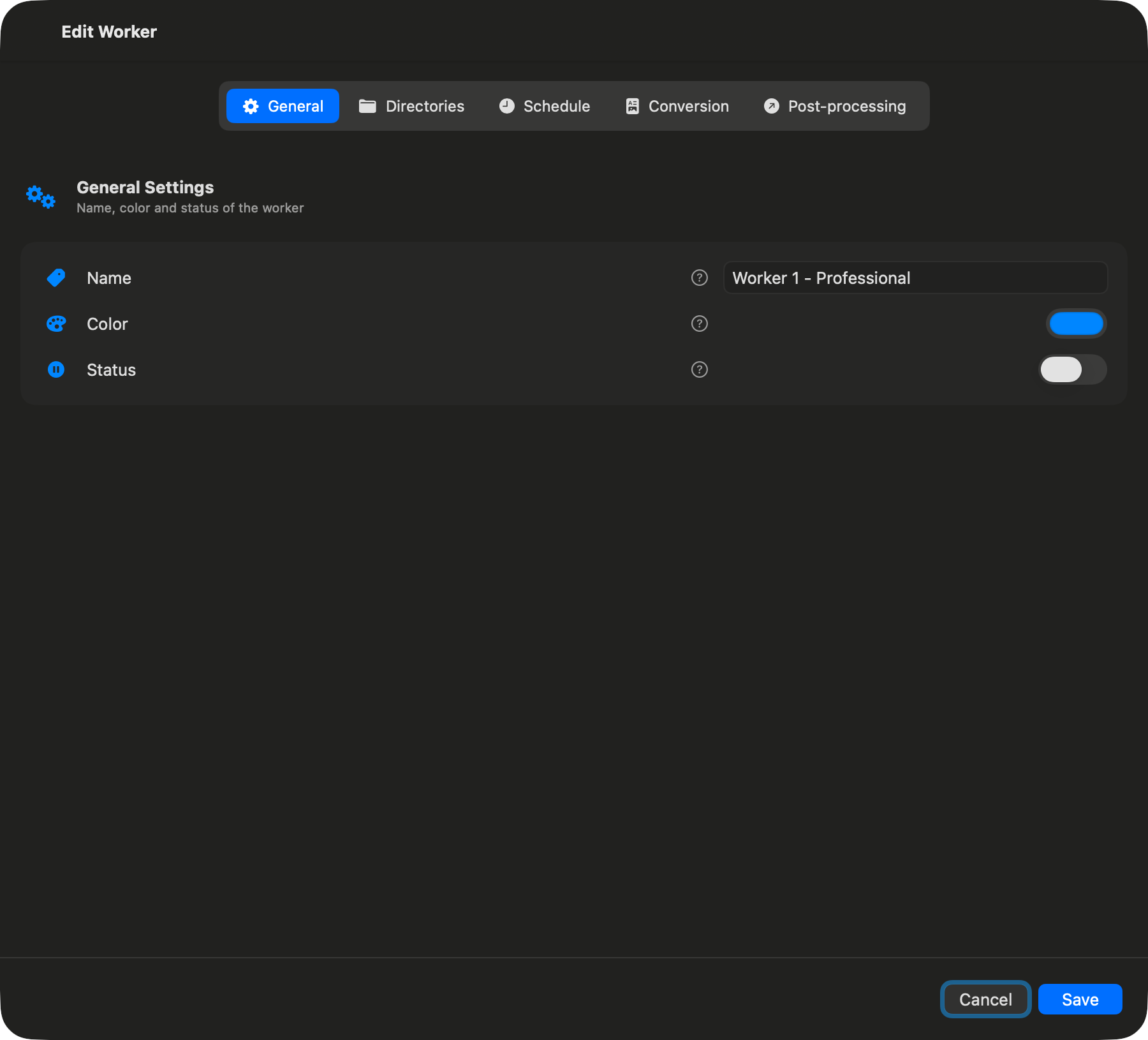
General Settings
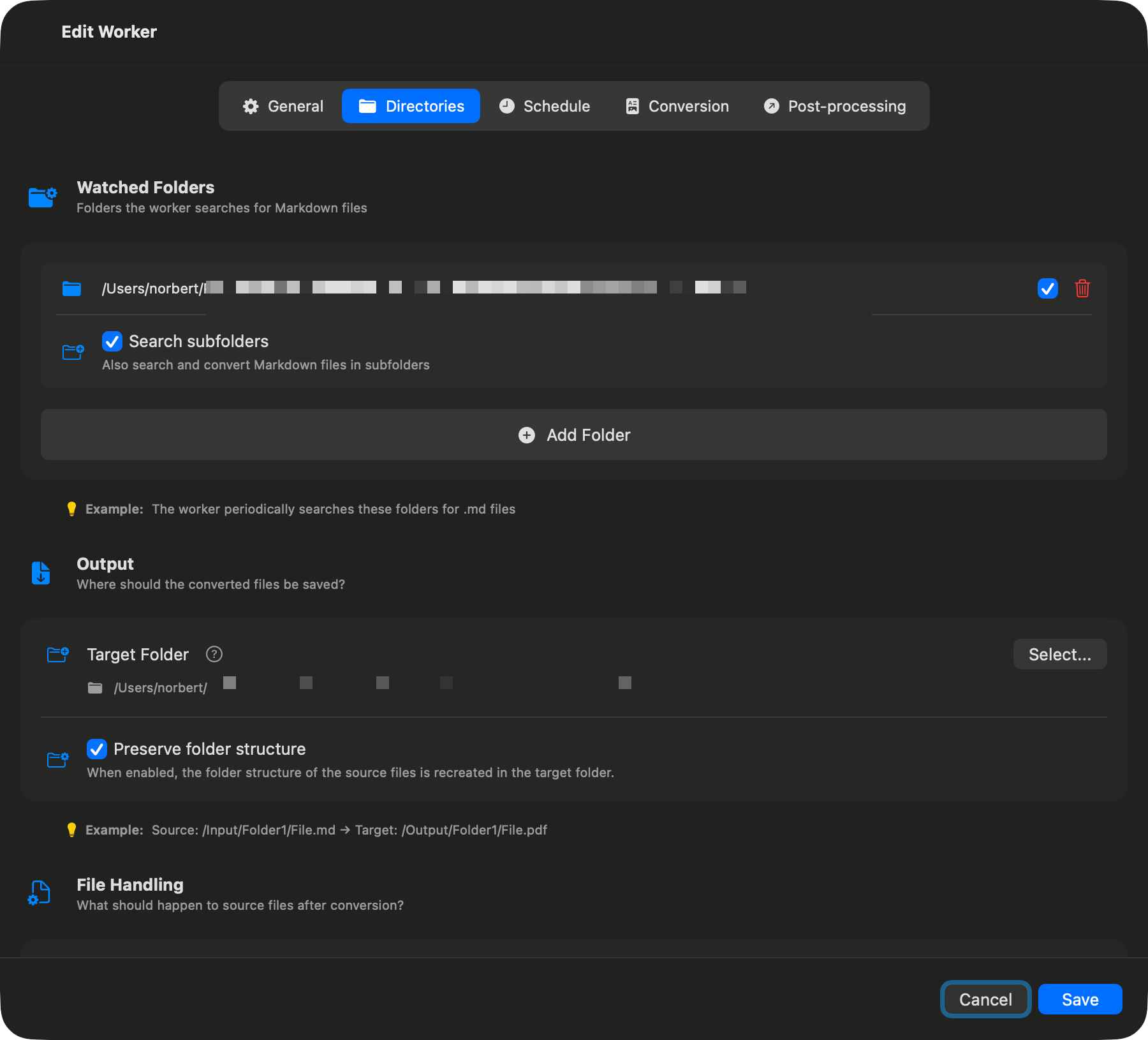
Directory Settings
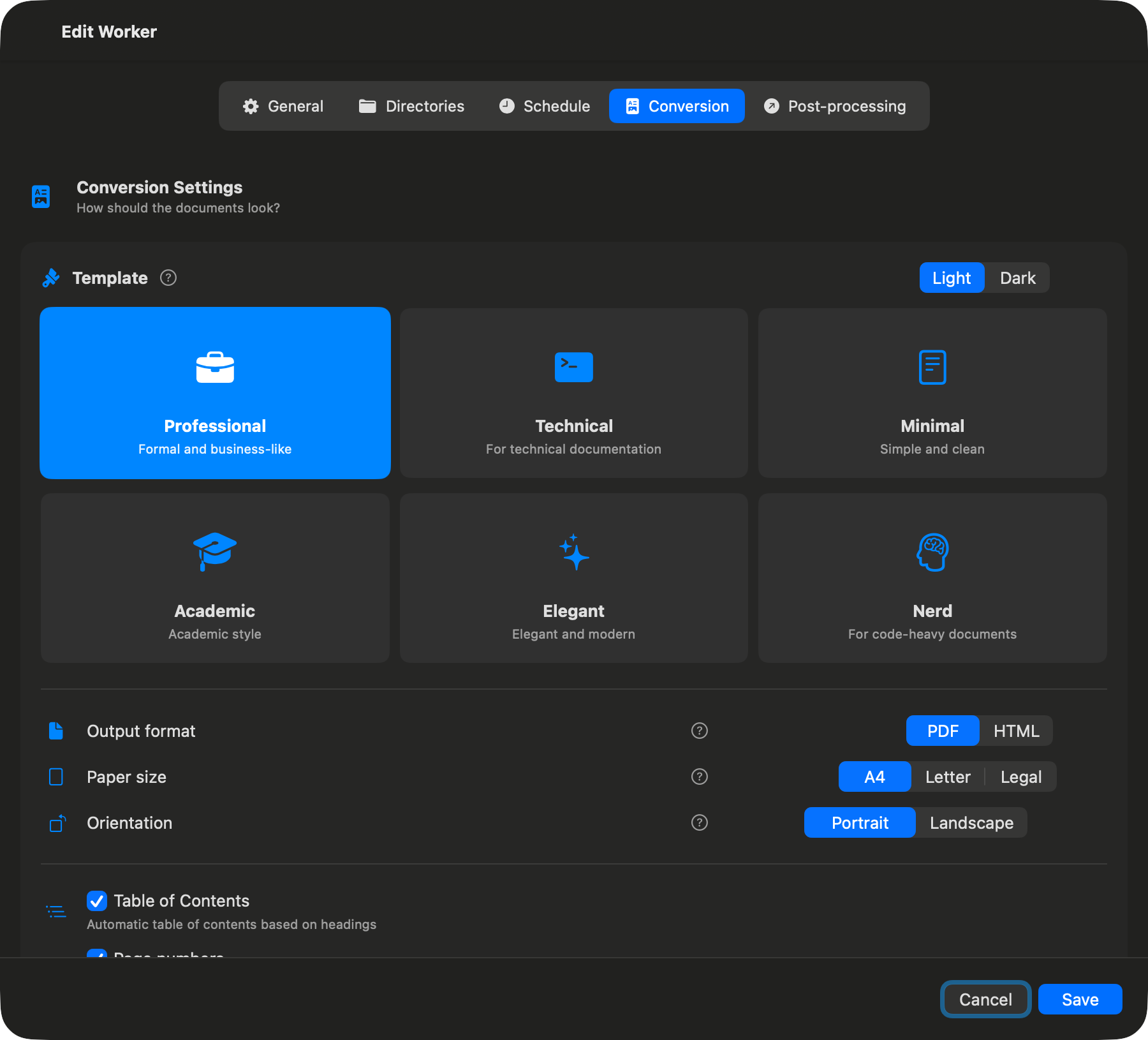
Conversion Settings
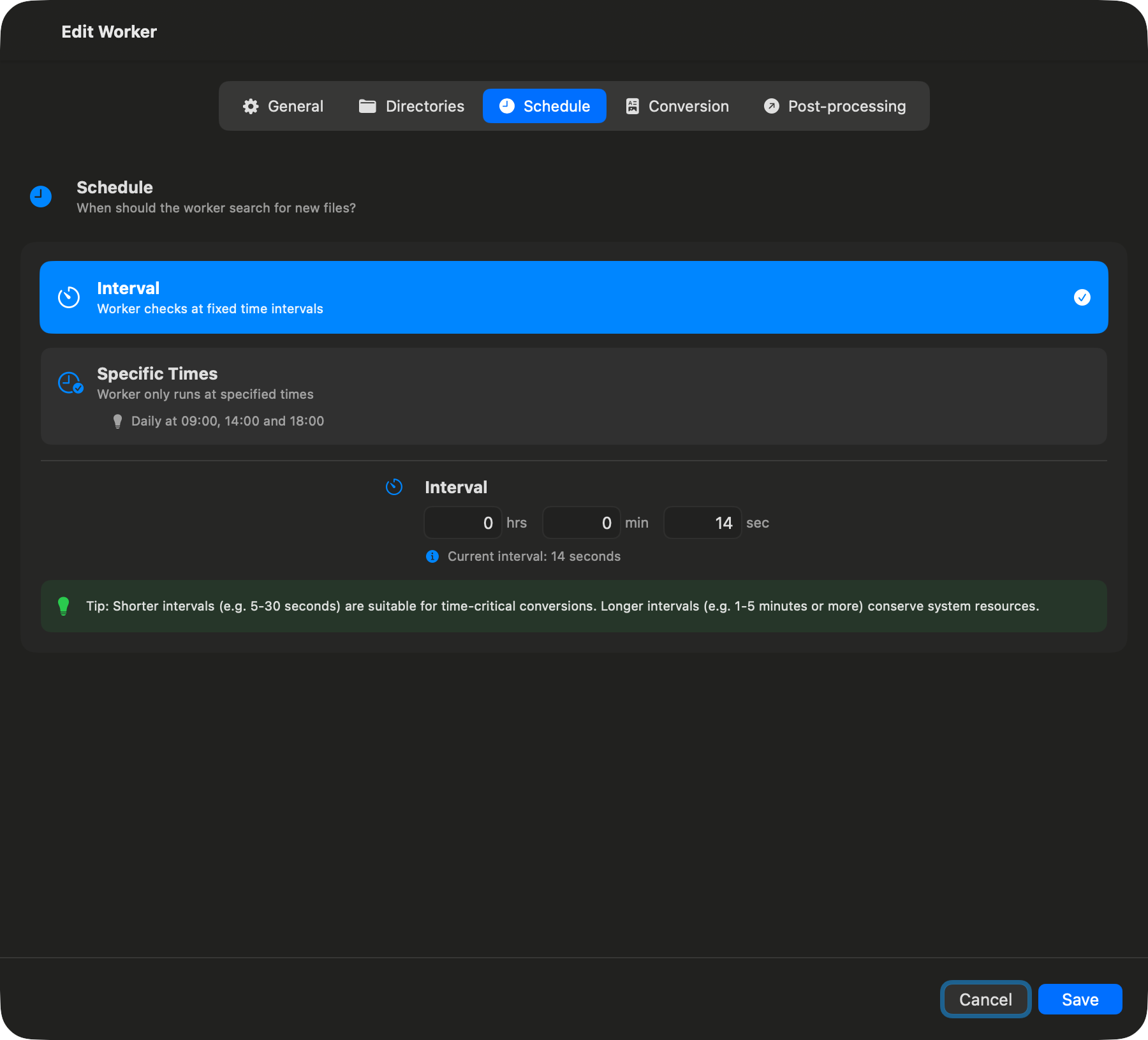
Scheduling Settings
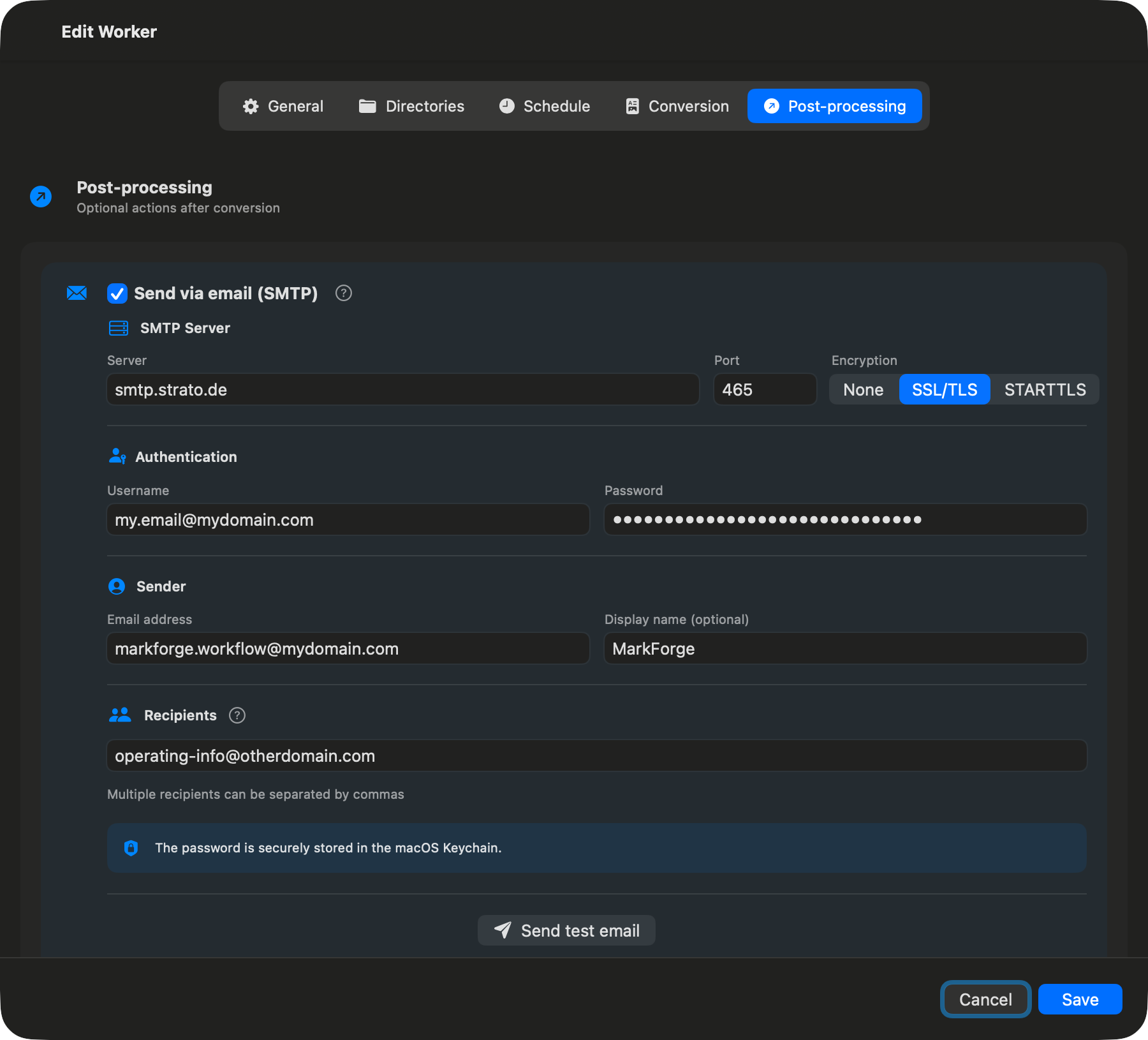
Email Post-Processing
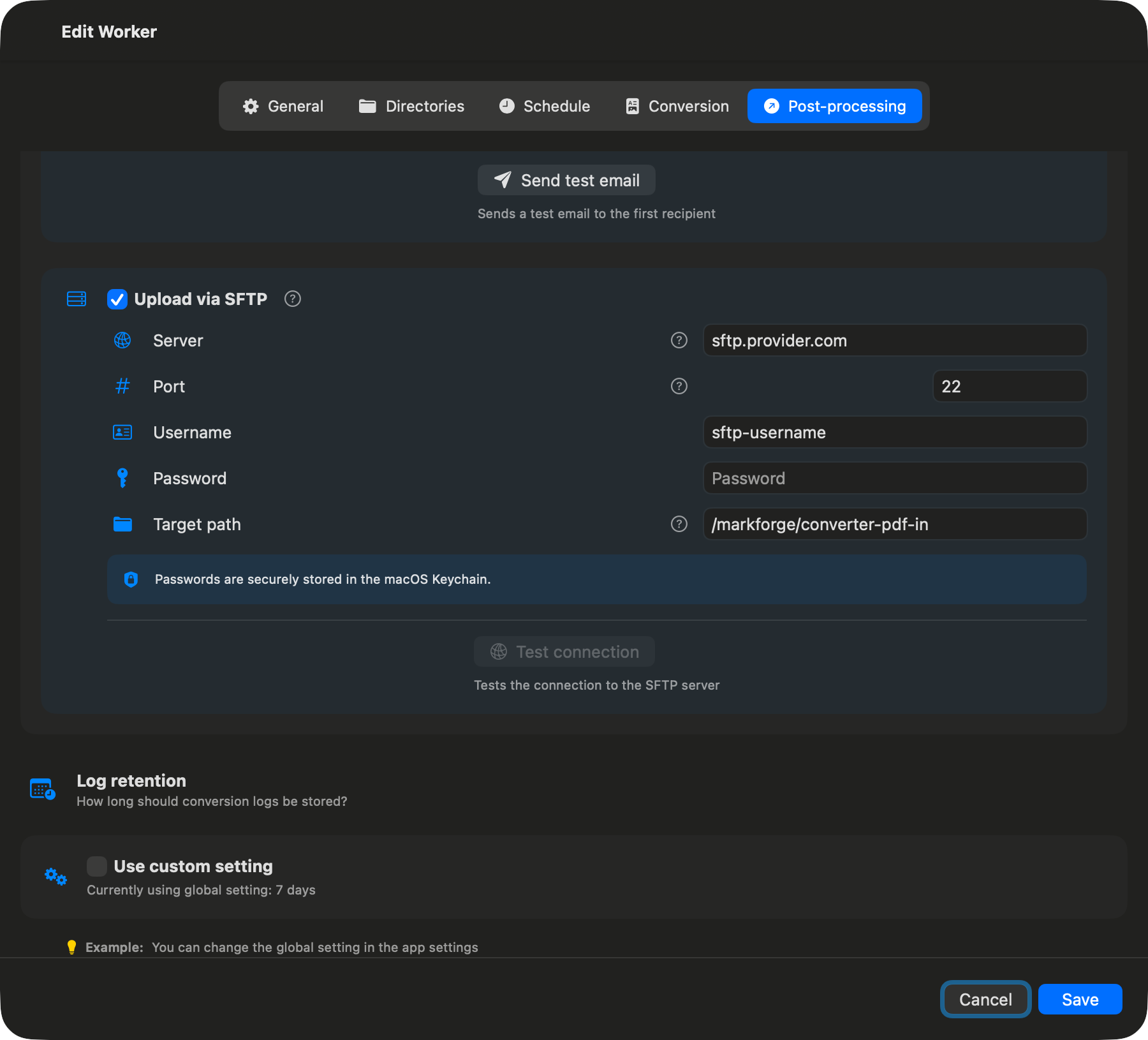
SFTP Post-Processing
Statistics & Logging
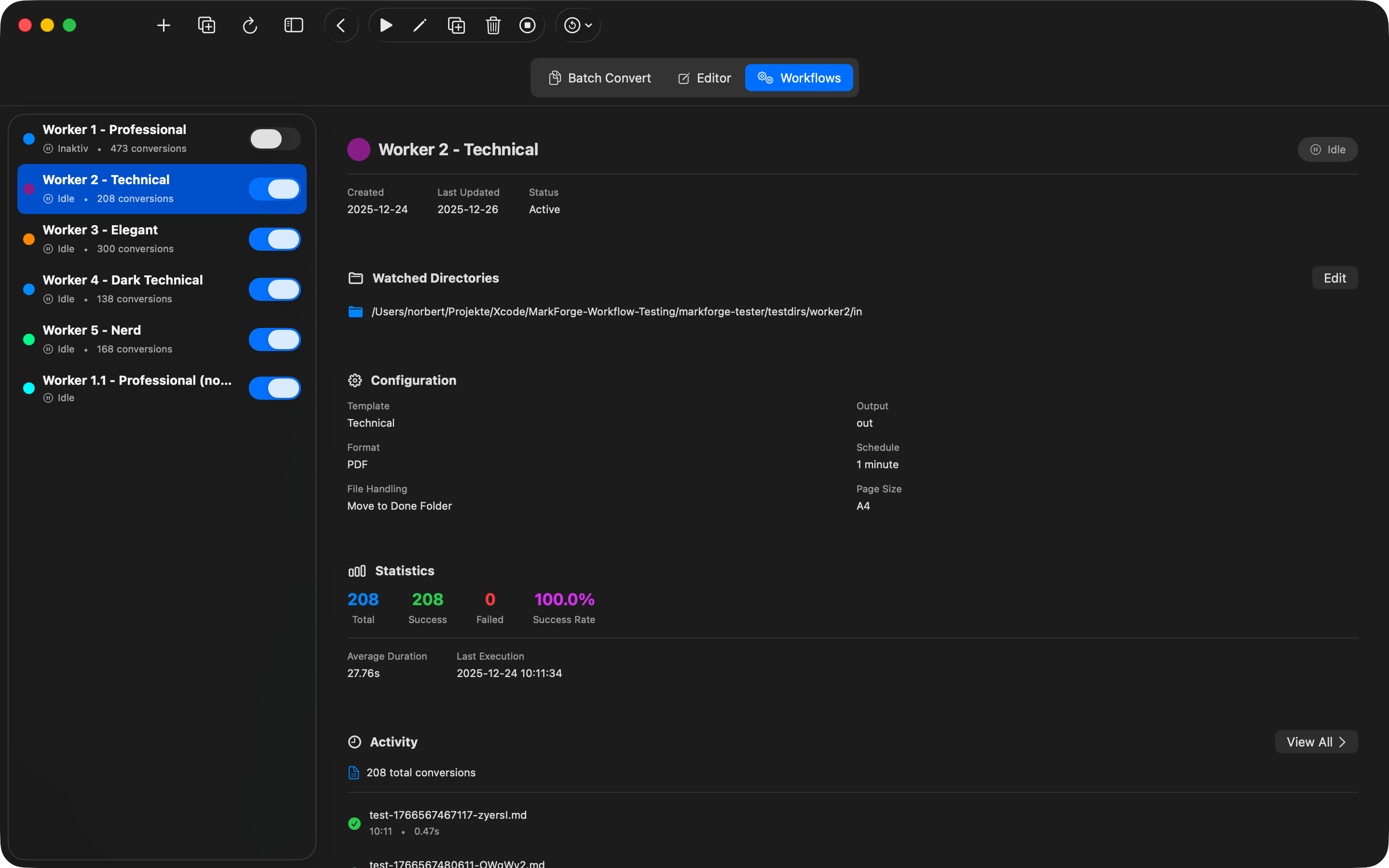
Worker Statistics
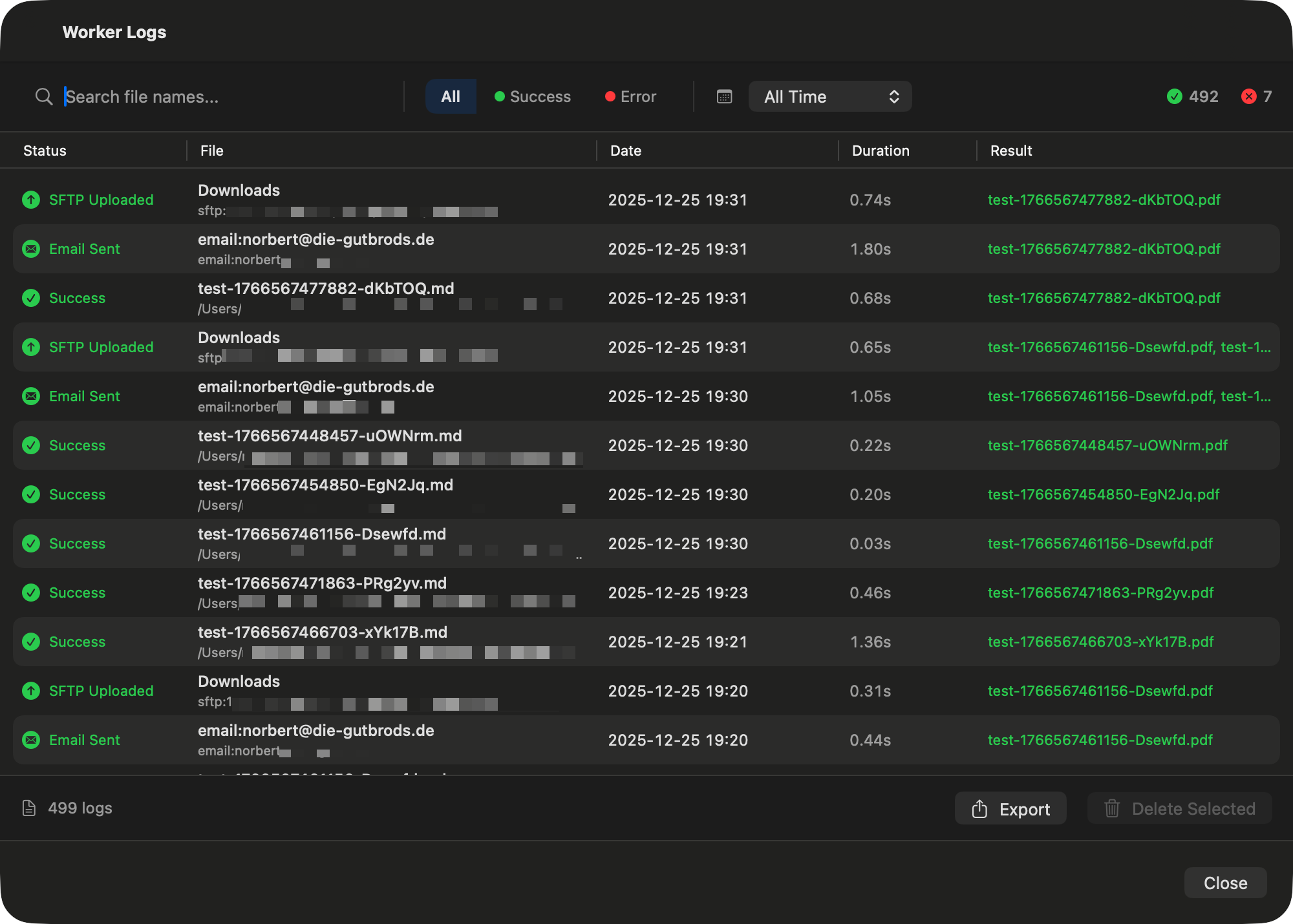
Logging & Protocols
Why MarkForge?
Native macOS App
Full system integration, optimized for macOS 15+. Runs natively on Apple Silicon and Intel.
No Internet Connection Required
All conversions happen locally. Your documents never leave your Mac.
Instant Conversion
No uploads, no waiting. Convert your files in seconds.
Professional Results
Create high-quality PDFs without complex configuration. Simple operation, powerful features.